

How to Reset an RV Smart Lock Safely
Before You Reset: The Essential Pre-Troubleshooting Checklist
Whether you've forgotten your password, the keypad is acting up, or you just bought a pre-owned RV, you're likely thinking about how to reset your RV smart lock. While hitting reset seems like a quick fix, it can sometimes lock you out completely if not done correctly. This guide provides a safe, structured approach that works for most brands.
Before you commit to a full factory reset, it's crucial to run through a few simple checks. More often than not, what appears to be a major smart lock problem is actually a minor issue in disguise. This checklist will save you time and prevent unnecessary headaches on the road.
Is It Just the Batteries? The First Rule of RV Lock Troubleshooting
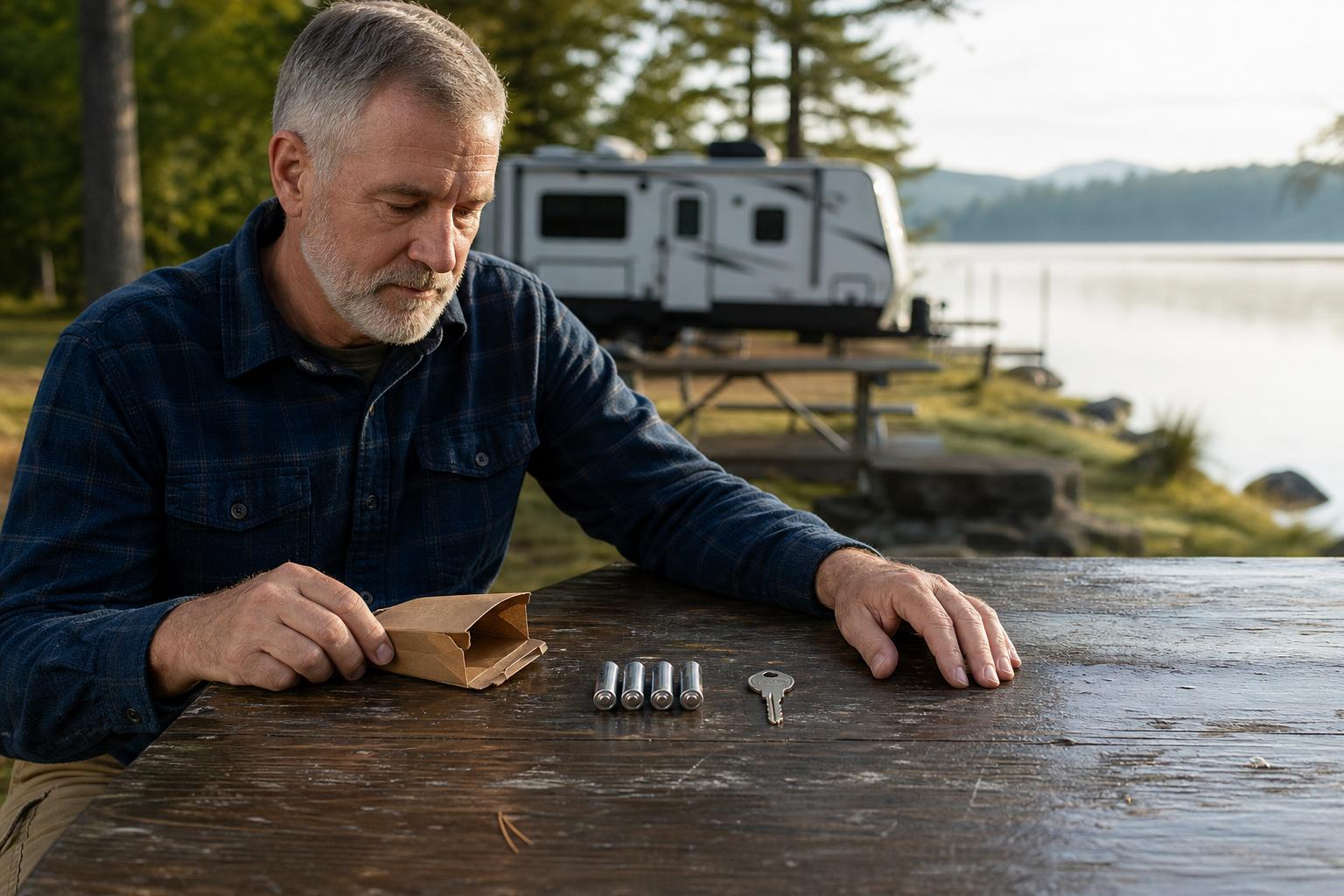
The number one cause of strange smart lock behavior is low battery power. Before you do anything else, replace the batteries with a fresh set of high-quality alkaline batteries. According to multiple lock manufacturers, low power can cause erratic behavior, such as unresponsiveness or intermittent functionality.
A user on Reddit's r/GoRVing community strongly advises changing the batteries as soon as the lock starts beeping or showing a low-power indicator. Waiting too long can lead to a complete lockout at the worst possible time. Once you've replaced them, test the lock several times to see if the issue is resolved.
Secure Your Failsafe: Why Your Physical Key Is Your Best Friend
Here's a piece of advice every RVer should live by: always keep a physical key in an accessible place outside of your RV. Think of it as your ultimate backup plan. Imagine being stranded at a remote campsite with a dead smart lock and your spare key locked inside—it's a situation you want to avoid at all costs.
Your mechanical key is your guaranteed entry pass, no matter what's happening with the electronics. Keep one in your tow vehicle's glove box, a magnetic lockbox attached to the RV frame, or with a trusted friend. Never start a reset procedure without knowing exactly where your physical key is.
Identifying Your Lock's Reset Type
RV smart locks generally use one of three main methods for a factory reset. Identifying which type you have will prepare you for the specific steps required. A quick look at your lock's interior component or its user manual will usually provide the answer.
The most common types are a physical reset button, a power cycle procedure (removing batteries), or a master code-based reset. Each has its own process, and knowing which one your lock uses is the first step toward a successful reset.
Comparing Common Methods for How to Reset an RV Smart Lock
Different brands approach resets in different ways, each with its own set of advantages and disadvantages. Understanding these methods helps you know what to expect. We've broken down the three primary reset types into a simple decision matrix to help you quickly identify what you might be dealing with.
Reset Method Decision Matrix
| Reset Method | How It Works | Common Brands Mentioning This | Pros | Cons |
|---|---|---|---|---|
| Physical Reset Button | A small, often recessed button on the interior part of the lock is pressed for a set time to restore factory settings. | RVLock (especially models older than 2023) | Direct, unambiguous, and doesn't require complex codes. | Requires physical access to the lock's interior; button can be hard to reach. |
| Power Cycle (Battery Removal) | Removing the batteries for a short period (10-20 seconds) clears the temporary memory and can reset the lock to its factory default. | Bauer NE Models | Simple, no special tools needed. | May not work on all models; some require an additional button press sequence after power is restored. |
| Master Code Procedure | Requires a unique, factory-set Master Code to authorize a reset. Without it, the user code cannot be changed. | Lippert (LCI) | Highly secure, prevents unauthorized resets. | If Master Code is lost, requires contacting customer support, which can be time-consuming. |
A Walkthrough of Common Reset Procedures
Now that you've identified your lock's potential reset type, let's walk through what these procedures typically look like. The following examples are based on common methods used by popular brands. Always consult your specific user manual first, but these steps will give you a clear idea of the process.
Executing a Reset via a Physical Button
This method is common on many RVLock models, particularly those made before 2023. You'll need a small, pointed object like a paperclip or a SIM card tool. With the RV door open, locate the small "Code Reset" button on the interior assembly of the lock.
Press and hold the button for about ten seconds until you hear a distinct beep. This sound confirms that the lock has reverted to its factory settings. The default factory code for many keypads is "1234," which you can now use to operate the lock and set a new personal code.
Performing a Power Cycle Reset
Many Bauer NE locks can be reset by simply cutting the power. To do this, open the door and remove the batteries from the interior housing. It's important to wait for at least 10 to 20 seconds, according to Bauer Products, to ensure the internal memory fully clears.
After waiting, reinstall the batteries. For some models, this is all that's needed to restore the factory preset code of "3715". Other versions might require you to touch the "1|2" and "3|4" buttons for a few seconds after reinstalling the batteries to activate the factory code.
Navigating a Master Code Reset
This is the most secure, but also the most complex, reset method, commonly used by Lippert Components (LCI). You cannot perform a reset without a factory-assigned Master Code. If you've lost this code, you'll need to contact customer support.
The process involves providing a 9-digit serial number from the keypad to the manufacturer. They will then provide you with the Master Code. Following a specific sequence of button presses involving this code will reset your user code back to the default, often "1234." As Lippert's documentation advises, it's incredibly important to save the Master Code for any future resets.
The SAWHERO R8 Approach: Simplicity and Security by Design
After seeing the hoops some locks make you jump through, it's clear that a simple, intuitive reset process is a major advantage. The SAWHERO R8 was designed with a user-first philosophy, aiming to make essential tasks like security resets straightforward, without compromising on safety.
A Reset Process Designed for the User
The goal behind the SAWHERO R8 Smart RV Lock is to eliminate the need to hunt for paperclips or call customer service for a simple reset. While the exact steps are always best confirmed in the official manual, the design focuses on intuitive operation, either through a clearly accessible interior button or guided steps within the Smart Life App.
We believe you shouldn't need to be a technician to manage your own security. For the most accurate, model-specific instructions, we always recommend checking for an up-to-date guide at our Help Center. This ensures you have the latest information directly from the source.
Security That Persists Beyond a Reset

But what about security during and after a reset? Here's a scenario: you're a solo traveler parked at a secluded spot for the night and need to reset your lock. With most smart locks, once the electronics are reset, your security is temporarily back to a basic factory code.
The SAWHERO R8 features a crucial differentiator: a third, internal-only mechanical deadbolt. Even if the electronic system is reset or disabled, you can engage this physical lock from the inside. This provides an unbreachable layer of security that no purely electronic lock can match, offering peace of mind that you remain in complete control, no matter what.
After the Reset: Your New Security Protocol
Successfully resetting your lock is only half the battle. Now you need to re-secure your RV and ensure everything is working perfectly. Skipping these final steps can leave your RV vulnerable with a generic factory code.
Programming and Testing Your New Code
Your first and most urgent task is to change the default factory code (like "1234" or "3715") to a new, unique, and strong password that only you know. Once you've programmed your new code, don't close the door yet!
With the door still open, test the new code multiple times to ensure it reliably locks and unlocks the deadbolt. You should also test your physical key again to confirm that mechanical operation is unaffected. Only after you are 100% confident it works correctly should you close and lock the door.
Updating Your Records and Shared Access
Once your new code is set and tested, write it down and store it in a secure location, like a password manager or a safe place at home—not inside the RV. If family members or friends also have access, make sure to inform them of the new code immediately.
If you previously used temporary or one-time codes for guests or maintenance, they will have been wiped during the reset. You'll need to go back into your lock's app or programming menu and set them up again as needed.
Frequently Asked Questions About RV Smart Lock Resets
What is the default factory code for most RV smart locks?
A very common default code is "1234," used by brands like RVLock and Lippert. However, this isn't universal. For example, some Bauer models use "3715" as the factory preset. The only way to be certain is to check the documentation that came with your specific lock.
What should I do if my RV smart lock reset fails?
If a reset doesn't work on the first try, don't panic. Start by re-checking the simple things: are the batteries brand new and installed correctly? Are you following the steps exactly as described in the manual? If you've tried several times without success, it's time to contact the manufacturer's customer support for assistance.
How often should I change batteries to prevent lock problems?
The best practice is to replace them as soon as you hear the low-battery warning beep or see an indicator in the app. To be proactive, many full-time RVers recommend replacing the batteries every 6 to 12 months with high-quality alkaline cells, depending on how frequently you use the lock.
I bought a used RV. Should I reset the smart lock?
Absolutely. This should be one of the first things you do. You have no way of knowing who the previous owner gave codes to. Resetting the lock to factory defaults and setting your own new code is a critical security step to ensure you are the only one with access.
I lost the Master Code for my lock. Am I permanently locked out?
You're not permanently locked out, but you may have a hassle ahead. You'll need to contact the lock's manufacturer and provide proof of ownership, which usually includes the lock's serial number. They can then retrieve the Master Code for you, but the process can take time.
Can I reset my RV smart lock remotely using an app?
This capability depends entirely on the lock's features. Many basic keyless entry systems do not have this function. More advanced models, like some that connect to the Smart Life App, may offer management features like setting new codes. Learn more about SAWHERO's smart features to see what a modern RV lock can do.
Ready to upgrade to an RV lock that combines an intuitive design with uncompromising security? The SAWHERO R8's push-down handle and third internal lock provide a better, safer experience on the road. Check out the SAWHERO R8 Smart RV Lock today and simplify your journey.


