

First Steps: Checking the Obvious (and Often Overlooked) Fixes
When your RV lock remote stops working, it's easy to assume the worst. But more often than not, the solution is surprisingly simple. Before diving into complex reprogramming, let's cover the foundational checks that solve the majority of issues right away.
Many RV owners, in their frustration, skip these basic steps. Taking a minute to check these two things can save you a lot of time and get you back to enjoying your trip without the headache of a stubborn lock.
Inspecting the Batteries in Both the Remote and the Lock
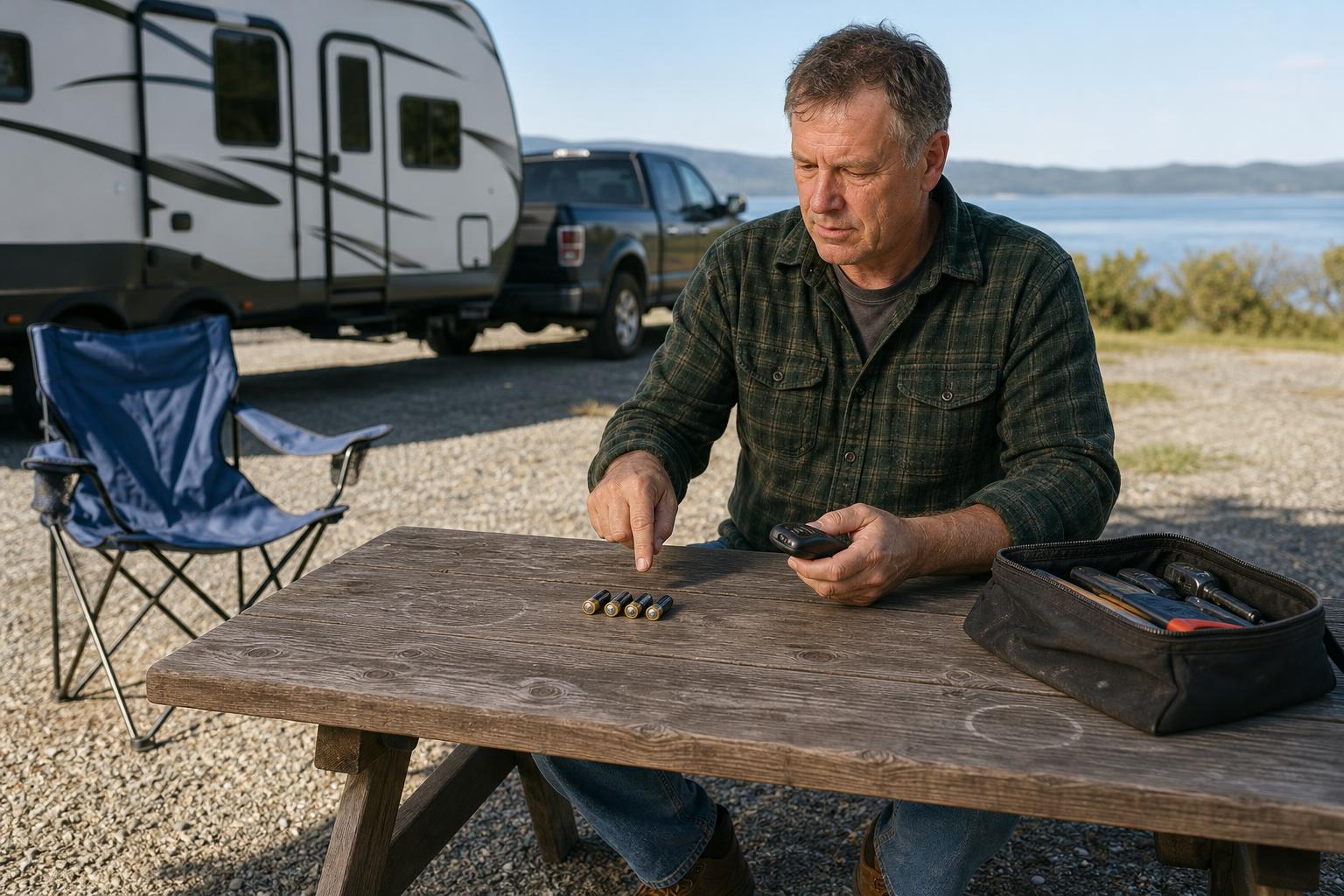
Power is the foundation of your keyless entry system, and a weak or dead battery is the most common culprit. It's a two-part check: you need to inspect batteries in the remote fob and the main lock unit. If you suspect the main unit's power is the problem, our guide on what to do when your RV smart lock battery died offers more detailed steps.
Don't just assume the batteries are good. According to Bauer Products, it's best to use high-quality batteries like Energizer for reliable performance. Many experienced RVers recommend replacing the main lock's AA batteries annually as a preventive measure to avoid getting locked out unexpectedly.
Finding the Hidden "Fob ON/OFF" Switch
Here's a fix that surprises many RV owners. As discussed by users in the r/GoRVing community, many keyless entry locks have a small physical switch on the interior part of the lock. This switch explicitly enables or disables the remote fob functionality. It’s easy to bump it accidentally while loading gear or cleaning.
Before you go any further, open your RV door and carefully examine the interior side of the lock assembly. Look for a small toggle or slide switch, often labeled "FOB ON/OFF" or something similar. Ensure this switch is firmly in the "ON" position. You might be just one flick of a switch away from a working remote.
Re-Syncing Your Remote: How to Fix an RV Lock That's Not Working
If fresh batteries and the 'ON' switch didn't solve the problem, your remote has likely lost its connection to the lock. This loss of sync can happen for various reasons, but thankfully, re-pairing them is usually a straightforward process. This is the next logical step in your RV lock troubleshooting journey.
The Correct Re-Pairing Process (It’s a Quick Press!)
The key to successfully re-syncing your remote is understanding that it's a quick action, not a long one. Most RV lock systems are designed for a simple, fast pairing process. While the exact button name may vary, the general procedure is universal.
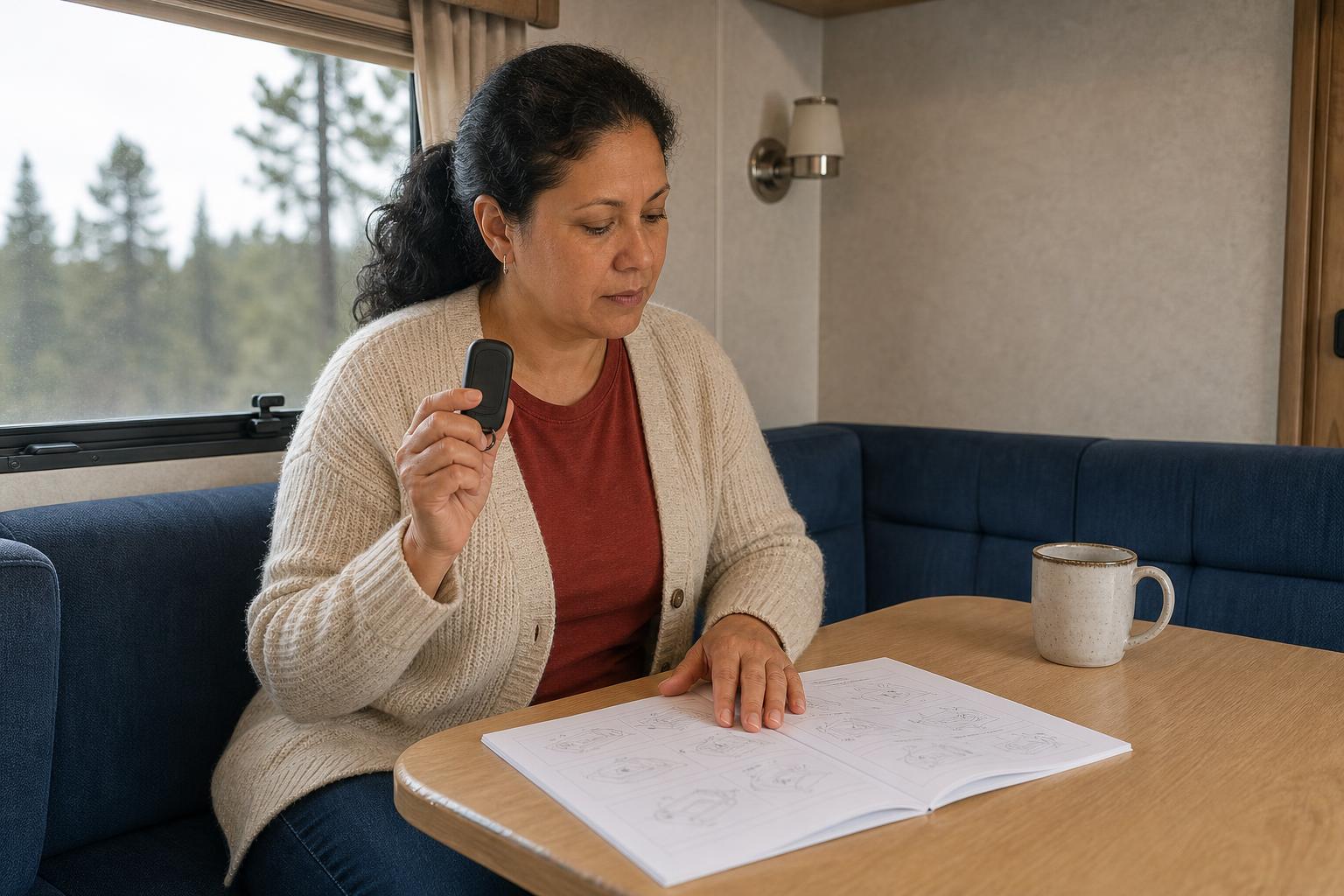
First, locate the "Learn" or "FOB LEARN" button on the interior part of your door lock. With the door open, give this button a quick press and release it immediately. The lock should make a sound, like a beep, to indicate it's now in pairing mode. Immediately after, press the 'Lock' button on your remote fob. You should hear another confirmation beep from the lock, signaling a successful pairing.
Critical Warning: Why You Shouldn't Long-Press the Learn Button
This is crucial. Resist the urge to press and hold the "Learn" button. According to RVLock's official guidance, holding this button down for several seconds doesn't just start pairing mode; it erases the memory of all previously synced remotes. If you make this mistake, you'll have to re-pair every single remote you own, not just the one that wasn't working.
A General Guide for Different Lock Brands
While we used "FOB LEARN" as an example, your lock might label it differently. The principle remains the same across brands like Bauer, Global Link, and Latch.it. You need to activate a learning mode on the lock and then send a signal from the remote. Always check your user manual for the specific term your manufacturer uses.
A Quick Troubleshooting Matrix for Popular RV Lock Brands
Not all RV locks are created equal, and sometimes the solution is specific to the brand mounted on your door. If the general fixes haven't worked, this brand-specific guide can help you pinpoint the right next step. We've compiled common issues and key solutions for the most popular names in the RV space.
| Brand | Common Remote Issue | First Action | Re-Sync Key Step | Pro Tip |
|---|---|---|---|---|
| RVLock | Remote suddenly stops working | Check for a blue light on the remote when a button is pressed to confirm power. | Quick press the "FOB LEARN" button on the lock's interior; do not hold it down. | You can pair up to 10 remotes. Holding the "LEARN" button erases all of them. |
| Bauer | Keyless entry is unresponsive | Replace the main lock's four AA batteries; Energizer brand is recommended by the manufacturer. | Disconnect the lock's wiring for a few moments to perform a full system restart if needed. | If a new code fails, remove batteries for at least 10 seconds before trying again. |
| Latch.it | Fob won't operate the lock | Check the fob battery first, as it's the most common point of failure. | Follow the standard "learn mode" procedure as outlined in your user manual. | Fobs are typically dedicated to a single door, unlike some RVLock models that can control two. |
| Global Link | Remote needs programming | Check the remote's battery, then consider a factory reset if syncing fails repeatedly. | Use the factory default code to enter programming mode before attempting to pair a remote. | Always refer to your specific model's instructions, as steps can vary (e.g., Ultra E series). |
When It’s More Than Just the Remote: Advanced Troubleshooting
You've replaced the batteries, checked the switch, and tried re-syncing, but your remote still isn't working. It's possible the problem isn't with the remote at all, but with the lock unit itself. Here are a few advanced steps to consider before calling it quits.
Dealing with Unresponsive Keypads or Mechanical Jams
Sometimes, an issue with the physical lock can prevent the electronic components from working correctly. If your keypad is also unresponsive, it could be a sign of a deeper electronic issue or even just wear and tear. Some older keypads suffer from faded numbers, an issue that brands like RVLock have addressed with newer silicone touchpads.
Don't overlook the mechanical parts. If the deadbolt or latch is stiff or jamming, the motor might not be strong enough to operate it, making it seem like an electronic failure. A quick spray of a suitable lubricant on the moving parts can sometimes resolve the issue entirely by reducing physical resistance.
When to Perform a Factory Reset
A factory reset should be your last resort. This action wipes the lock's memory, including all programmed codes and paired fobs, returning it to its out-of-the-box state. You should only consider this if you've exhausted all other options, or if you've recently replaced internal components like a circuit board.
The process for a factory reset varies significantly between brands and models, so consulting your owner's manual is absolutely essential. If you're unsure or can't find the manual, reaching out to the manufacturer's support team is a wise move. For general guidance and more resources, you can always check out our Help Center.
Frequently Asked Questions About RV Lock Remotes
You're not alone in your troubleshooting quest. Many RVers run into the same questions and roadblocks. Here are quick answers to some of the most common queries about RV lock remotes.
How do I know what kind of battery my RV remote needs?
The easiest way is to open the remote's battery compartment. The battery type is usually printed directly on the battery itself. For example, legacy RVLock remotes often use a 27A 12V battery, while their newer fobs use a CR2032 coin-cell battery.
What is the typical range of an RV lock remote?
Most standard RV lock remotes have a reliable range of up to 100 feet in an open area. However, this can be affected by interference from other electronic devices, metal RV siding, and the battery strength in your remote.
How many remotes can I pair to one RV lock?
This depends on the brand. For instance, a single RVLock handle can be programmed to work with up to 10 different remotes, which is great for families or sharing access with fellow travelers.
Can I program one remote to open two different doors?
Some brands offer this functionality. RVLock, for example, has remotes that can be programmed to operate two separate doors, like your main entry and a cargo bay lock. However, other brands like Latch.it typically provide remotes that are dedicated to a single door.
Why did my remote stop working right after I changed the main lock batteries?
This is a classic sign of a lost sync. When you remove power from the main lock unit, it can sometimes cause it to lose its memory of paired remotes. Simply follow the re-syncing process to re-establish the connection.
What should I do if my remote, keypad, and key all fail?
This is a rare but serious situation that some RV owners have faced. It usually points to a catastrophic mechanical failure inside the lock. In this scenario, your only options may be to contact a locksmith or, as a last resort, forcibly remove the lock to gain entry.
Still Stuck? It Might Be Time for an Upgrade
You've worked your way through the entire troubleshooting checklist: Power, Switch, Sync, and Advanced Issues. If your RV lock remote is not working after all these steps, or if it's a recurring problem, it might be a sign that your lock's technology is outdated or failing.
Constant issues with batteries, syncing, and unresponsive keypads are often symptoms of an older design. Instead of repeating the cycle of frustration, it might be time to consider a modern solution that eliminates these common pain points from the start.
The SAWHERO R8 Smart RV Lock is designed to provide a more reliable and user-friendly experience. It features a natural push-down handle, clear low-battery warnings, and multiple backup entry methods, including a mechanical key and Type-C emergency power. These features ensure you're never left stranded by a dead battery or a lost remote connection.
Ready to leave lock frustrations in the past? Explore a smarter way to secure your RV by visiting our homepage to learn more.


