

Essential First Checks for a Non-Responsive RV Lock
There's nothing more frustrating than arriving at your campsite, ready to relax, only to find your RV lock Bluetooth not connecting. Before you dive into complex fixes, let's cover the simple things that cause the majority of these headaches. These quick checks can often resolve the issue without complex troubleshooting.
Assessing Basic Power and Battery Health
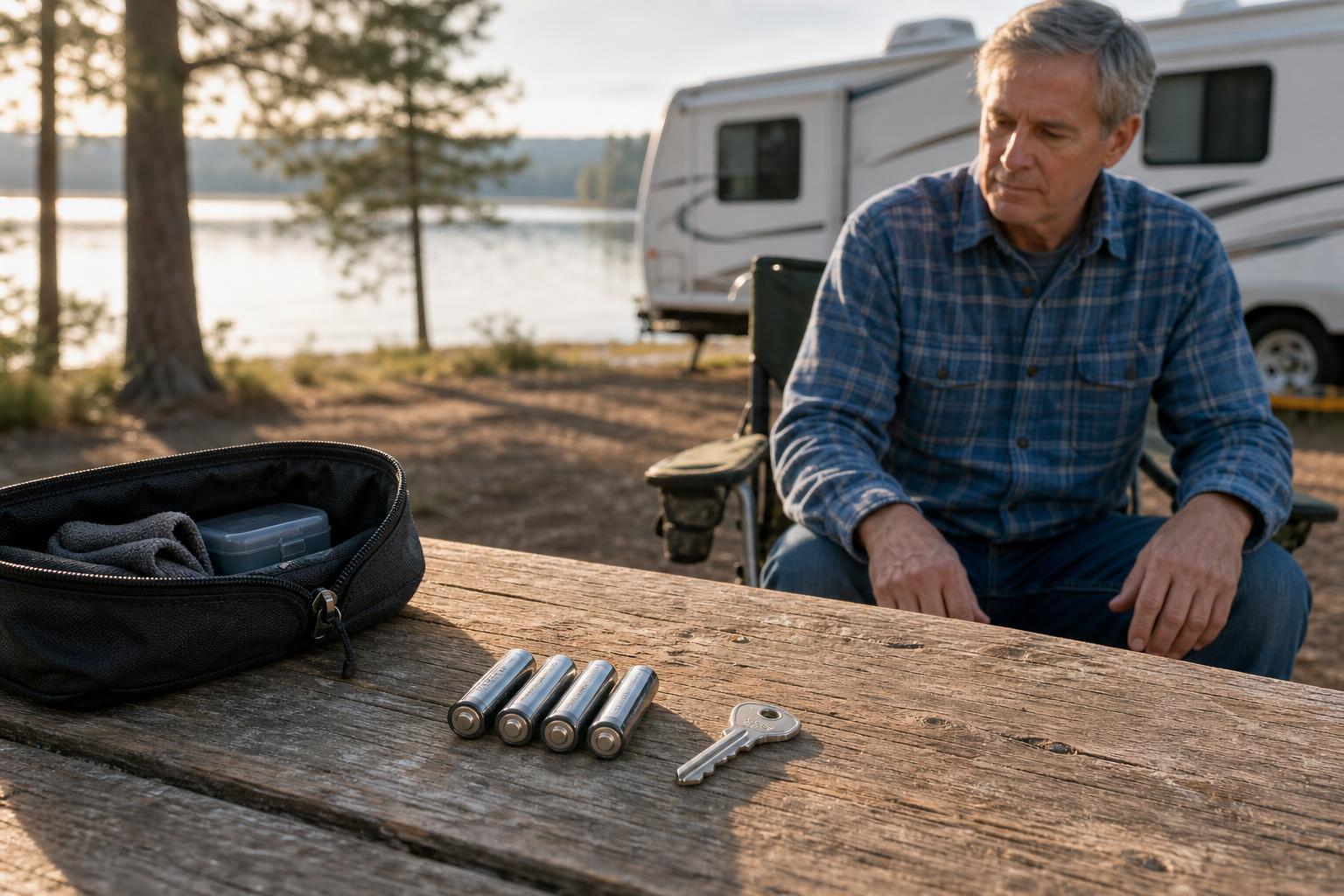
Your lock's batteries are the number one suspect when Bluetooth fails. A low battery might not have enough power to maintain a stable connection, even if the keypad lights up. Some systems, like Lippert's OneControl, may show an amber light to warn you, but you should check your specific manual for low-power indicators.
Always start by replacing the batteries with a fresh set from a reputable brand. According to Bauer's official support documentation, using Energizer or Energizer Lithium AA batteries is recommended, as generic brands can sometimes impair performance. While you're at it, inspect the battery compartment for any corrosion from old leaks, as this can disrupt the power flow. For more details on this common problem, see our guide on what to do when your RV smart lock battery has died.
Performing a Quick Power Cycle Reset
Look, the old IT advice of "turn it off and on again" works for a reason. A power cycle can clear temporary glitches in the lock's software. The method varies by brand, but the principle is the same: cut the power, wait a moment, and then restore it.
For a model like the RVLock BT Pro+, this can be as simple as unplugging its module and plugging it back in. If you have a Lippert system, some users find success with a full 12V system reset, which involves turning off all RV power for about ten minutes to clear any errors in the Bluetooth module.
Solving Common Bluetooth Pairing and App Permission Puzzles
If fresh batteries didn't solve the issue, the problem likely lies in the software connection between your phone and the lock. Pairing sequences and app permissions are common stumbling blocks for RV owners. Getting these settings right is crucial for a stable connection. To understand more about why RVs often use this technology, explore the differences between a Bluetooth vs. WiFi RV door lock.
Following the Correct Brand-Specific Pairing Sequence
Every brand has its own unique "handshake" for pairing. For example, the RVLock BT Pro requires you to press a "learn" button for exactly three seconds. According to their documentation, holding it for too long can accidentally erase all your connected devices.
Meanwhile, a Bauer NE lock might require you to enter a 4-digit code and then hold a specific button combination to enter pairing mode. Always consult your lock's manual to ensure you're following the precise steps, as getting them wrong will prevent a successful connection.
Navigating the "One Device at a Time" Rule
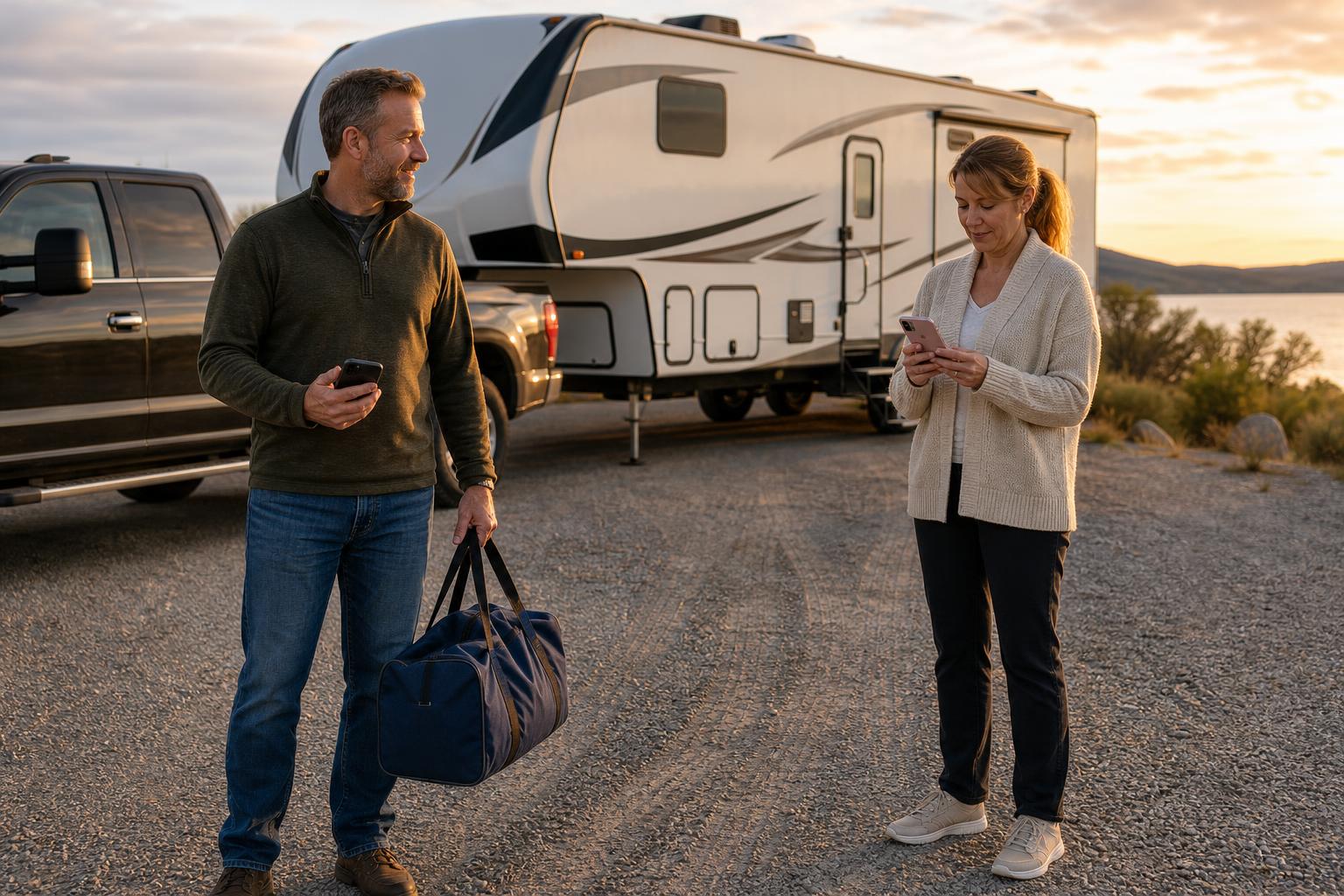
Here’s a real-world scenario many RVing families encounter. You’ve just pulled into the campsite after a long drive, and your partner is trying to get the kids inside while you handle the utility hookups. They try to unlock the door with their phone, but it frustratingly won't connect.
The culprit? Your phone, still in your pocket, is maintaining the active Bluetooth connection. Many locks, as RVLock specifies for its BT Pro module, only allow one phone to be connected at a time. The solution is simple: turn off the Bluetooth on your phone for a moment. This frees up the connection, allowing your partner's phone to pair instantly.
Granting Essential App Permissions on Your Phone
Your phone's operating system has security features that require you to grant specific permissions to apps. For an RV lock app to work correctly on Android, you often need to enable both "Location Services" and permission for "Nearby Devices." This doesn't mean the app is tracking your location; it's a technical requirement for the phone's Bluetooth to scan for and find your lock.
If you're still having trouble, go into your phone's settings, find the lock's app, and double-check that all requested permissions have been granted. It's an easy step to miss during the initial setup.
Comparing RV Lock Bluetooth Troubleshooting by Brand
Not all smart locks are created equal, and the solution for a Lippert lock might not work for a Bauer. To save you time, we've broken down the key differences in troubleshooting for the most popular brands on the market. Find your brand below to see common issues and their recommended fixes.
Decision Matrix: Key Differences in Troubleshooting
| Feature / Issue | Lippert OneControl | Bauer NE / EM | RVLock Keyless |
|---|---|---|---|
| App Name | Lippert OneControl | Bauer Connect | RVLock Keyless |
| Common Complaint | Lock shows "unavailable" | Pairing fails with specific OS | Second phone won't connect |
| Recommended Fix | Delete & re-pair in app; check controller board | Watch official troubleshoot videos; check OS compatibility (iOS 10+, Android 7+) | Disable first phone's Bluetooth |
| Unique Feature | May offer in-app battery status | Newer models use Bluetooth 5.4 | "Learn" button for pairing |
| Reset Method | Full 12V system power-down | Enter code + hold button combo | Unplug/replug the module |
When It’s Not the Lock: External Factors Affecting Your Connection
Sometimes, the lock and your phone are working perfectly, but external factors are getting in the way. Before you assume your lock is faulty, consider the environment around your RV. Signal range and physical interference can play a significant role in Bluetooth performance.
Evaluating Bluetooth Range and Signal Interference
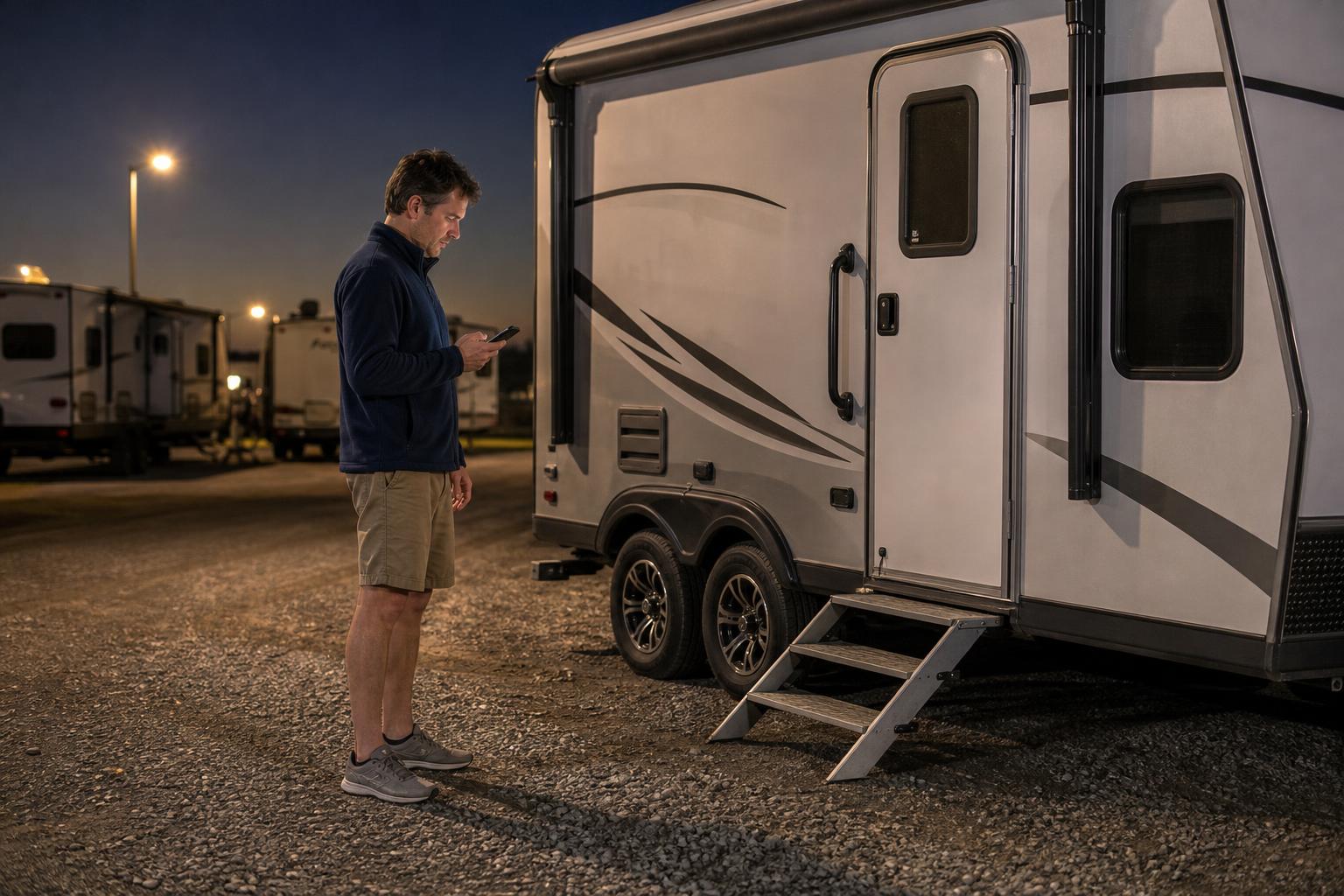
Every lock has a maximum effective range. Most Lippert and Bauer locks work reliably up to 60 feet, while some like the Global Link RV lock claim a range of up to 120 feet. If you're at the edge of that range, the signal can become unstable.
Imagine pulling into a crowded RV park late at night. The lock isn't responding. Before you panic, consider the environment. With dozens of other RVs broadcasting Wi-Fi and Bluetooth signals, interference could be the real culprit. Try walking closer to the door or asking your family to pause their wireless devices for a moment.
Considering the Impact of Road Vibrations
Life on the road means constant movement and vibration, which can take a toll on electronics. As RV owners on forums like iRV2.com frequently discuss, these vibrations can cause minor issues over time that you wouldn't face with a home smart lock. This is a unique challenge for RVers.
After a long journey on a particularly bumpy road, your reliable smart lock suddenly acts up. The issue might be as simple as a battery that has slightly shifted in its compartment. Opening it up and re-seating the batteries can often bring it back to life. For more tips on maintenance, check out our Help Center.
Your Last Resort: When and How to Get More Help
You've tried everything—new batteries, power cycles, re-pairing, and checking permissions—but the lock still won't connect. At this point, it may be time to consult the experts or fall back on your backup plan. Knowing when to stop troubleshooting yourself is key to avoiding further frustration.
Consulting Manufacturer Manuals and Support
If you're still stuck, your lock's manufacturer is your best resource. Brands like Lippert, Bauer, and RVLock have detailed support sections on their websites with the latest manuals, video guides, and customer service contacts. They can help diagnose less common hardware or software issues.
The Importance of a Physical Key Backup
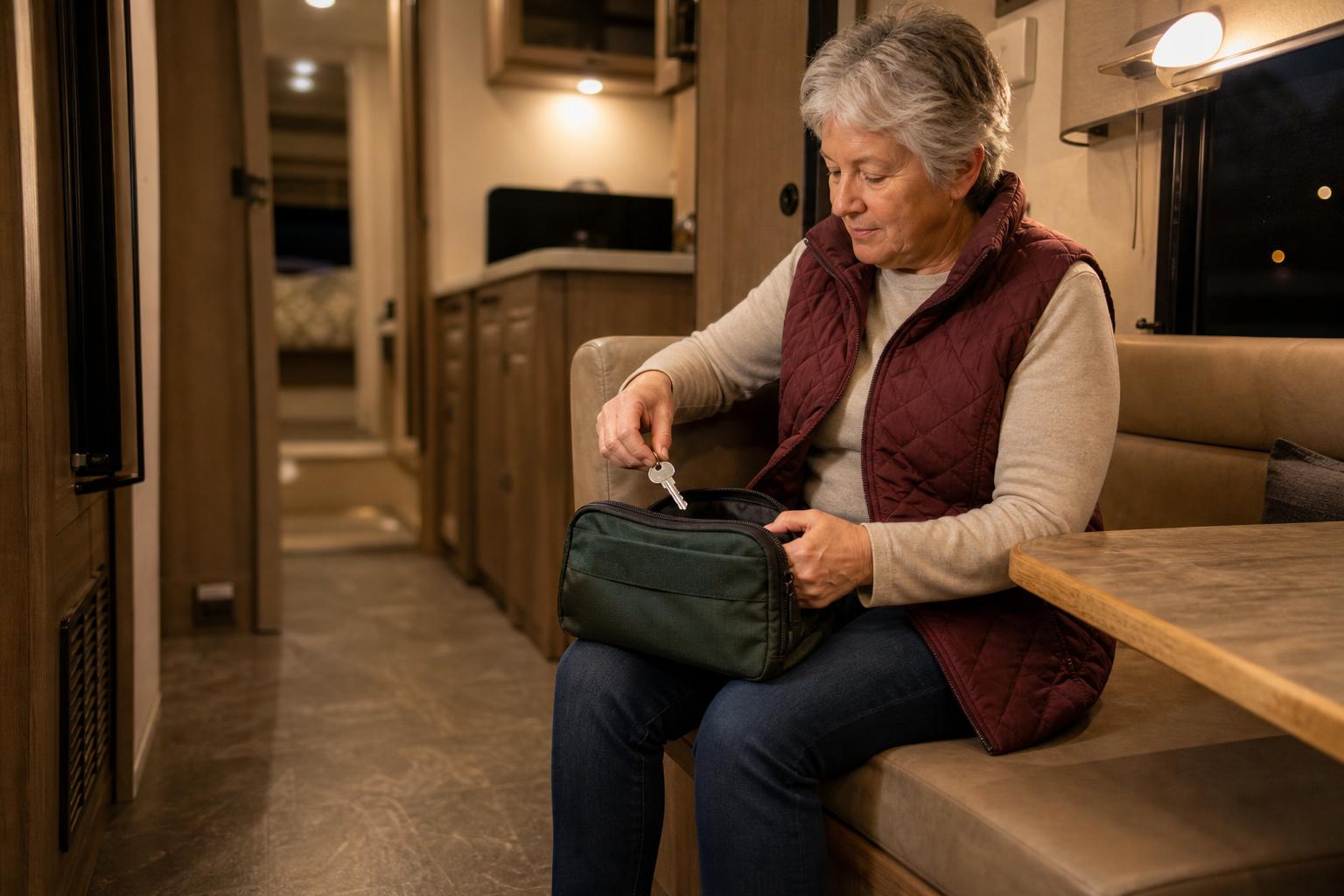
Let's be real: technology can fail. This is why you should always have a non-electronic way to get into your RV. Hide a physical key somewhere safe and accessible outside your rig, like in a magnetic lockbox attached to the frame. It’s the ultimate failsafe for any smart lock problem.
FAQ: Answering Your Top RV Lock Bluetooth Questions
How far should my RV Bluetooth lock work?
It varies by brand. Most locks from Lippert and Bauer have an effective range of about 60 feet. Others, like Global Link, can reach up to 120 feet under ideal conditions. Keep in mind that your RV's walls and other wireless interference can reduce this range.
Why does my RV lock app need my location to work?
On Android phones, the ability to scan for "nearby devices" via Bluetooth is grouped under the Location Services permission. The app isn't tracking where you are, but it needs this system-level permission to find and connect to your lock.
Can I connect two phones to my RV lock at the same time?
Typically, no. Most RV locks, including those from RVLock, only allow one active Bluetooth connection at a time. To connect a second phone, the first phone must either have its Bluetooth turned off or be out of the lock's range.
What happens if the lock's batteries die while I'm outside?
This is exactly why having a physical key hidden outside your RV is essential. However, some modern locks are adding another layer of security. The SAWHERO R8 Smart RV Lock, for instance, includes a Type-C port for emergency power, letting you temporarily power the lock with a power bank to get inside.
Will road vibrations damage my electronic RV lock?
It's possible over the long term. While these locks are designed for the RV lifestyle, constant and severe vibrations can sometimes loosen internal battery connections. It’s a good practice to check them occasionally as part of your regular RV maintenance routine.
Do I need to update my RV lock's app?
Yes, absolutely. App updates are important as they often include critical bug fixes and improvements to Bluetooth connectivity. For the most reliable performance, always make sure you are using the latest version of the app from your phone's app store.
Keeping Your Connection Strong for a Hassle-Free Journey
Troubleshooting a faulty Bluetooth connection doesn't have to ruin your trip. By starting with the basics like batteries, checking app permissions, and understanding your specific brand's rules, you can solve most issues yourself. A reliable keyless entry system is about more than just convenience; it's about peace of mind on the road.
If you're tired of connectivity headaches, it might be time for an upgrade. A lock designed for reliability and ease of use, like the SAWHERO R8 with its intuitive push-down handle, can make all the difference. Explore reliable and user-friendly options on the SAWHERO homepage to ensure your next adventure starts smoothly.


