

"That Beeping Sound": Decoding Your RV Lock's Low-Battery Cries for Help
You've just returned from a perfect day of hiking, ready to relax in your RV. As you approach the door, you're greeted by a series of unusual beeps or a weakly flashing keypad. It's an unsettling moment, but this isn't a sign of a malfunction; it's your smart lock's cry for help.
This is a critical RV lock low battery warning, an early signal designed to prevent you from getting stranded. These alerts are your lock's way of saying it's running on fumes and needs fresh batteries soon. Ignoring these subtle prompts can turn a minor inconvenience into a major headache.
Think of it as the gas light in your truck—you wouldn't ignore it and risk getting stuck on the highway. Failing to act on these warnings is the number one reason RVers find themselves locked out, a frustrating experience that can quickly ruin a vacation.
Brand-Specific Low-Battery Warnings: What to Look (and Listen) For
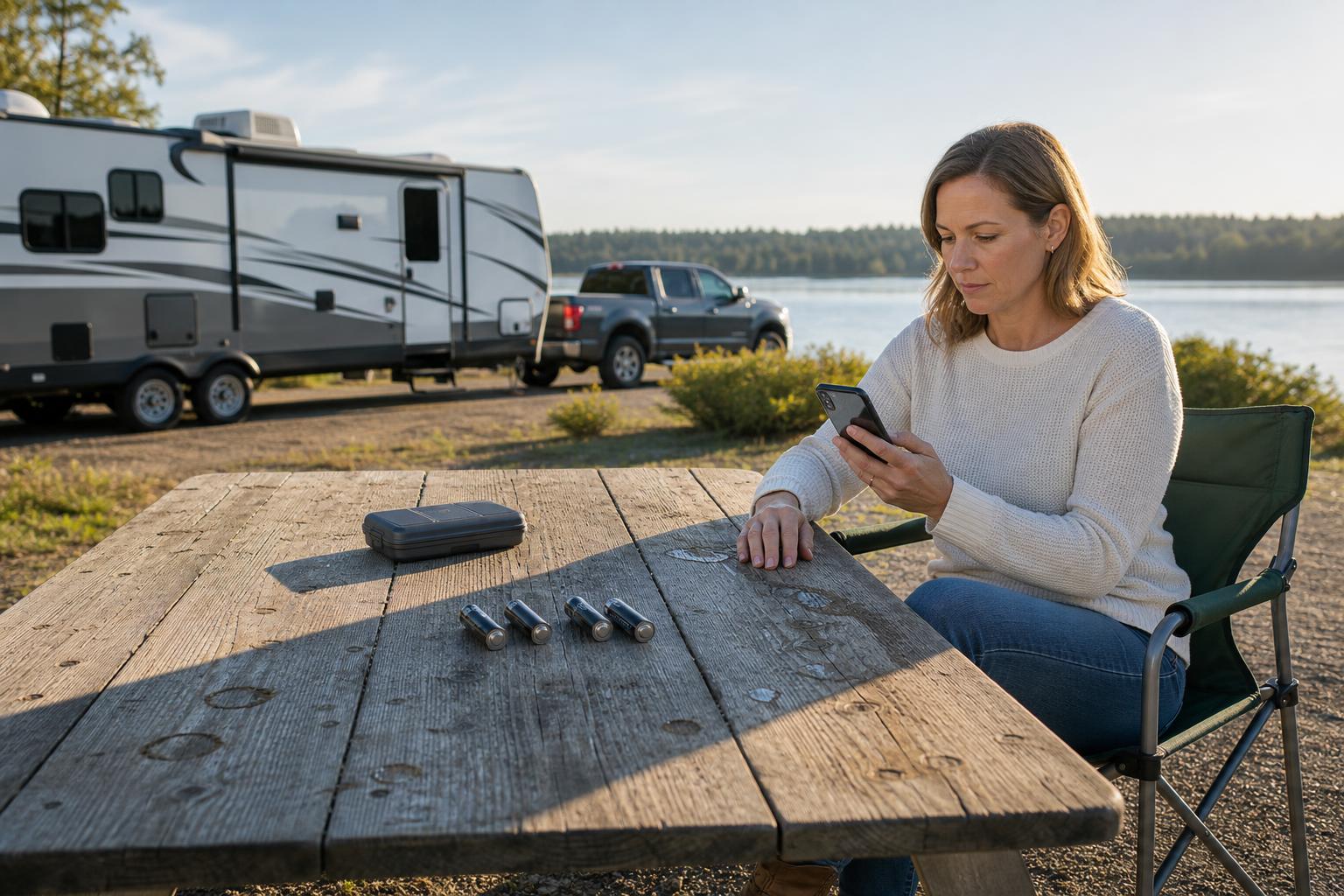
Not all RV locks speak the same language when their batteries are low. Understanding the specific signals of your lock's brand is key to avoiding a lockout. Here’s a breakdown of what to expect from some of the most popular models on the market.
RVLock: From Fast Beeps to Verbal Prompts
RVLock models have different ways of communicating, depending on their age. Older models typically emit several fast beeps during locking or unlocking to signal low power. According to RVLock, if you hear any unusual chimes, it's a good idea to check the batteries.
Newer models, especially those from 2023 onward, are more direct. They often provide a clear verbal "low battery" prompt accompanied by flashing lights. A universal sign across all models is the "power for lights, not motor" issue, where the keypad lights up but the lock doesn't have enough juice to retract the deadbolt.
Bauer Locks: Amber Lights and App Notifications
Bauer's NE lock uses a clear visual cue: its touch indicator light turns amber. This is paired with an audible alert of one long beep after the standard locking sounds. It’s a distinct signal that's hard to miss.
Even better, the companion app allows you to monitor battery levels directly. Bauer states that once the low battery warning appears, the lock should still have enough power for about 10 more cycles, giving you a generous window to swap out the batteries before you're in trouble.
General Signs Across Other Keyless RV Locks
Many other brands, including Latch.it, share common low-battery symptoms. These include a keypad that dims or flashes erratically, a noticeable delay in response after entering your code, or strange mechanical noises. Some smart systems will also push a low-battery notification directly to your phone.
A classic example comes from a Reddit user with a Latch.it lock who found themselves stranded in bad weather. Their keypad would light up, but the deadbolt wouldn't budge. As other users in the discussion confirmed, this is a textbook case of a battery that can power a simple LED but lacks the strength for the power-hungry motor.
Decision Matrix: Your RV Lock's Low-Battery Warning & Emergency Options
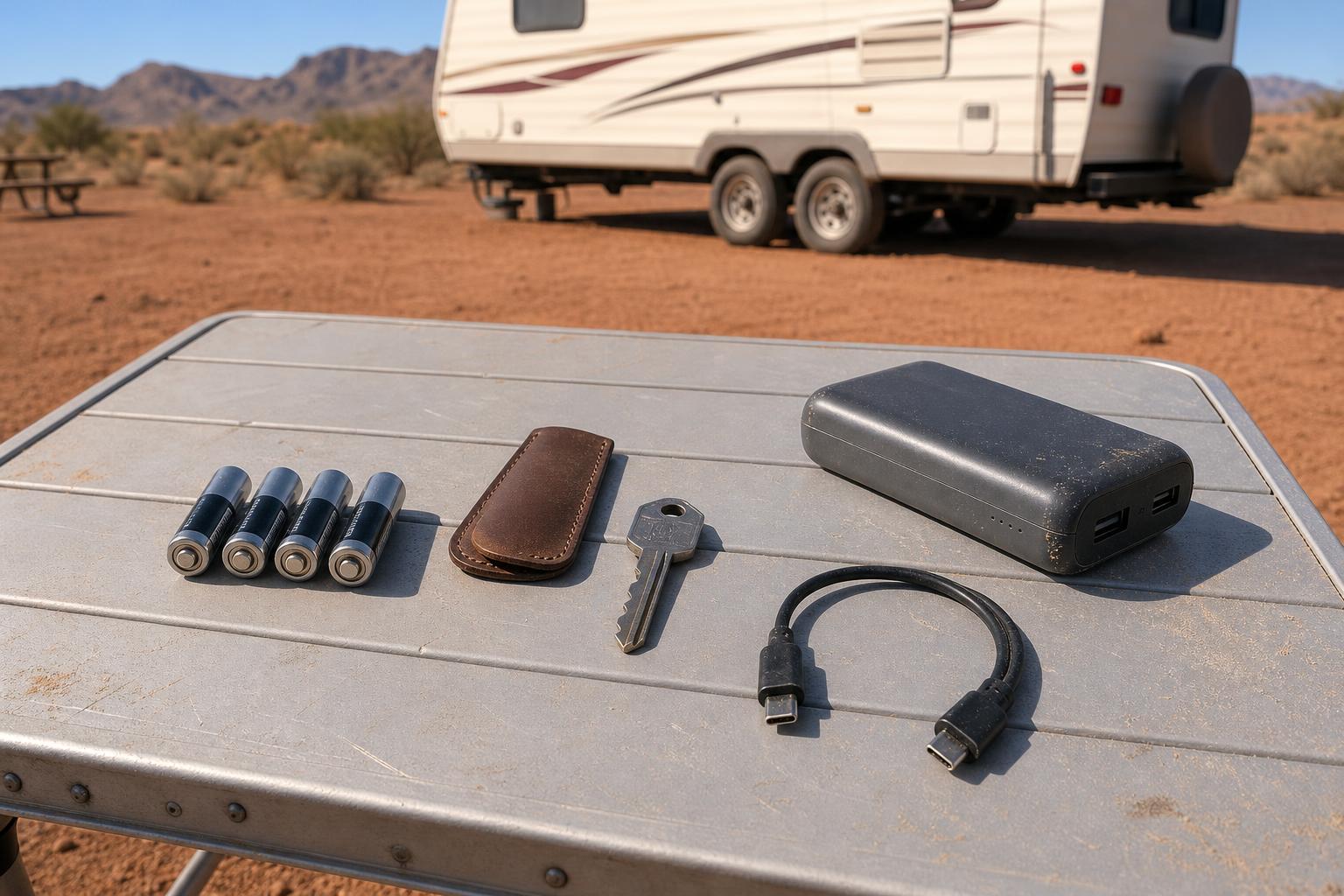
Trying to remember every brand's specific warning and backup plan can be confusing. This quick-reference table breaks down the key differences to help you know what to expect from your lock and what your options are when the power gets low.
| Feature | RVLock (Newer Models) | Bauer NE | Latch.it / General | SAWHERO R8 |
|---|---|---|---|---|
| Primary Warning | Verbal "low battery" prompt | Amber indicator light | Dimming/flashing keypad | App notification & beeps |
| Audible Warning | Yes, voice prompt & chimes | Yes, one long beep | Yes, unusual noises/beeps | Yes, distinct beeps |
| App Notification | Model dependent | Yes | Sometimes | Yes (via Smart Life app) |
| "Power for Light, Not Motor" Issue | Common sign | Less common (has 10-cycle buffer) | Very common user complaint | Low-power indicator prevents this |
| Backup Key Access | ✅ Yes | ✅ Yes | ✅ Yes | ✅ Yes (Strongly Recommended) |
| Emergency Power Port | Model dependent | ❌ No | Rare | ✅ Yes (Type-C Port) |
| 9V Battery Terminal | ❌ No | ❌ No | Some older models | ❌ No (Uses modern Type-C) |
Locked Out? Your Emergency Guide for a Dead RV Lock Battery
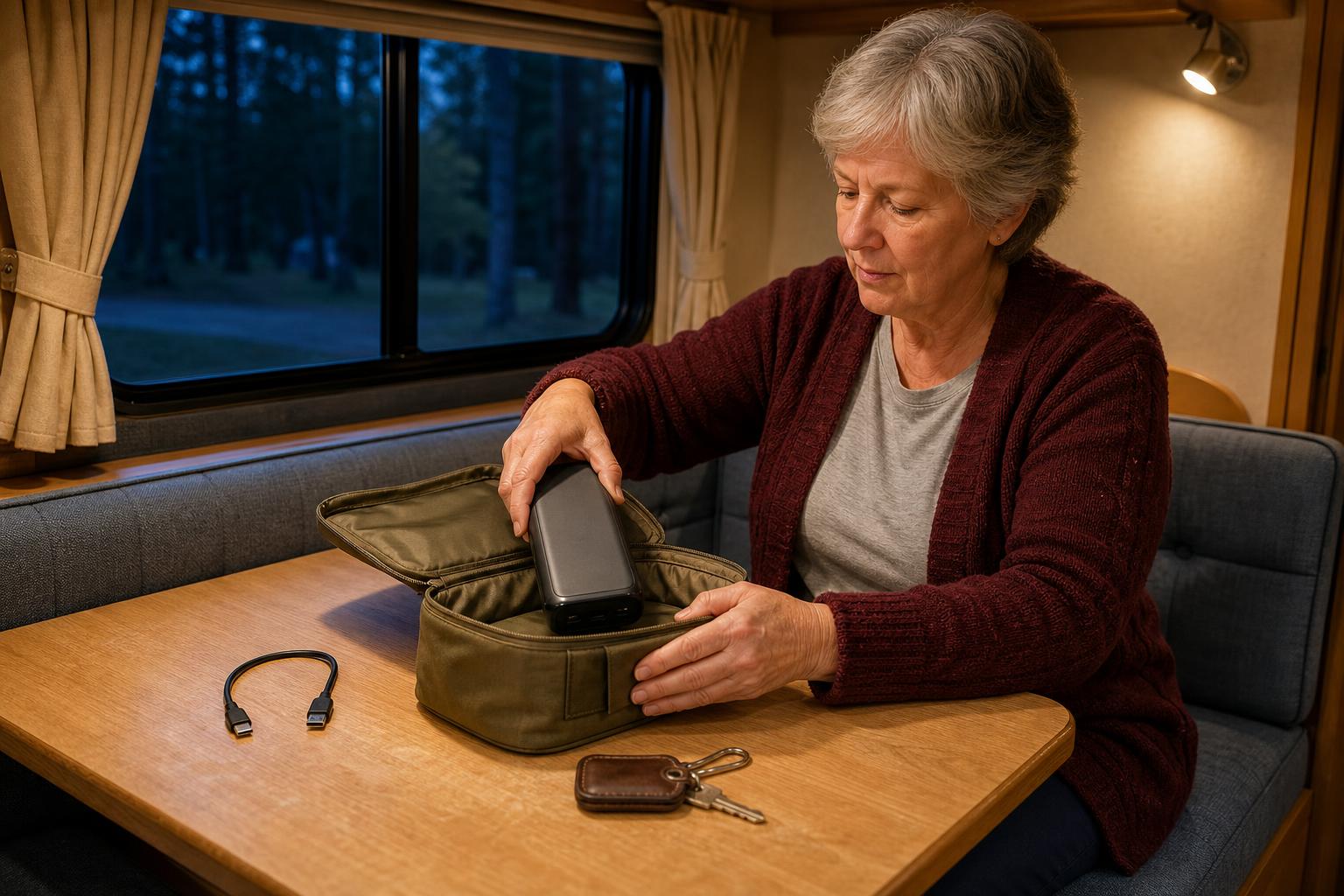
Despite all the warnings, it happens. You’re standing outside your RV with a completely dead smart lock. Don’t panic. We have a full guide on what to do when your RV smart lock battery died, but here's a quick summary of the manufacturers' built-in backup plans for this exact scenario.
The First Line of Defense: Your Mechanical Backup Key
The mechanical key is your ultimate fail-safe. Every electronic RV lock, no matter how advanced, includes a physical key that can bypass all electronics. It's the most reliable way to get back inside, guaranteed.
Here's the deal: this key is useless if it's locked inside the RV. Make it a habit to store a spare key somewhere safe and accessible outside your rig. Think about a magnetic lockbox attached to the chassis, inside your tow vehicle's glove compartment, or with a trusted traveling companion. Learn more about smart RV security at the official SAWHERO website.
Using External Power: USB Ports and 9V Batteries
If your key is out of reach, your next best option is an emergency power-up. Many modern locks, like the SAWHERO R8, feature a Type-C or Micro-USB port, usually located on the bottom of the exterior keypad. Simply connect a portable power bank to this port.
This provides enough temporary electricity to wake up the keypad, allowing you to enter your code and unlock the door. Some older models use a different method: two small contacts for a 9-volt battery. Pressing a 9V battery against these terminals achieves the same result, giving the lock a temporary jolt of life.
When All Else Fails: Last Resort Options
If you don't have your key and can't use an external power source, your options become more limited and potentially destructive. Before taking drastic measures, do a quick check for any unlocked storage bays or windows you might be able to use for entry.
If there's no other way in, your final call is to a professional locksmith. While they can get you in, it may come at a high cost. A locksmith may have to drill the lock core, a process that will destroy the lock and require you to purchase a replacement. This should always be your absolute last resort.
Proactive Maintenance: How to Prevent a Dead Battery Lockout
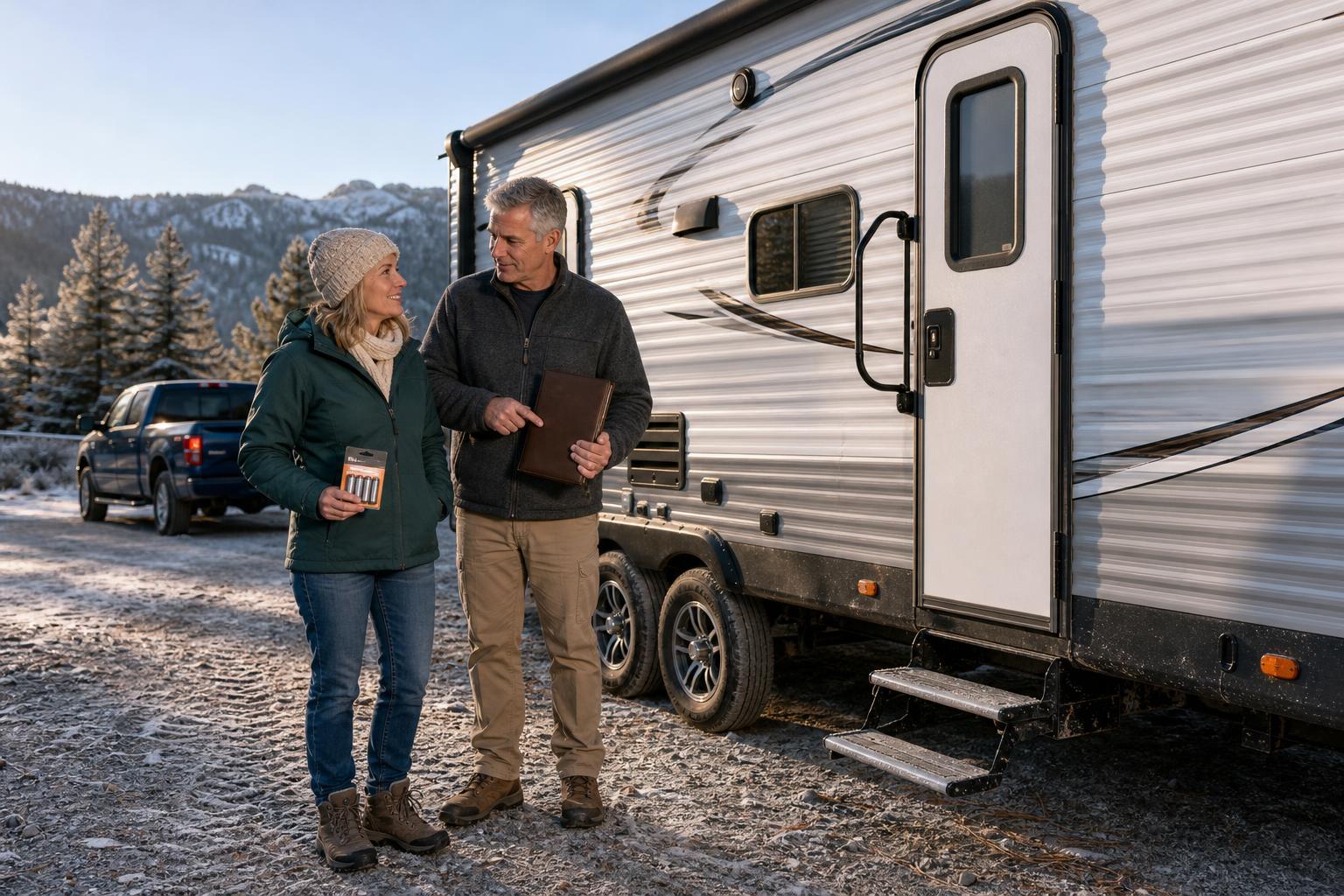
The best way to deal with a dead battery is to never let it happen in the first place. A few simple habits can save you from the stress and expense of getting locked out. Shifting from a reactive to a proactive mindset is the key to worry-free travel.
Follow this simple maintenance checklist to keep your lock powered and reliable:
- Change Batteries on a Schedule: Don't wait for the RV lock low battery warning. As one user on r/GoRVing noted, their lock goes through batteries every 6-8 months. Replace them every six months or at the beginning of each camping season to be safe.
- Use High-Quality Batteries: Cheap, off-brand batteries can cause unstable performance and are more prone to leaking, which can damage your lock. Stick with reputable brands of alkaline or lithium AA batteries. This is one of the top ways to prevent an RV smart lock battery from draining fast.
- Perform a Pre-Trip Check: Before heading out on a long trip, test your lock and check the battery status in the app if it has one. This five-minute check can prevent a major headache on the road.
- Keep Your Backup Key Accessible: This is the golden rule. Always, always, always keep a mechanical key stored securely outside of your RV.
By staying ahead of battery issues, you can enjoy the convenience of your keyless entry system without the anxiety. Recognizing the early warnings and having a solid backup plan, like the emergency power options on the SAWHERO R8 Smart RV Lock, provides the ultimate peace of mind on your adventures.
FAQ: Your Top RV Lock Battery Questions Answered
Still have questions? We’ve compiled answers to some of the most common queries RVers have about their smart lock batteries.
How often should I change my RV lock batteries?
A good rule of thumb is to replace them every 6-8 months, or at the start of each camping season. It's better to replace them a bit early than to get locked out, so don't wait for the low-battery warning to appear.
What's the most common sign of a low RV lock battery?
The most frequently reported sign is when the keypad lights up, but the lock fails to engage or disengage the deadbolt. This happens because the battery has enough power for the small LEDs but not for the high-torque motor.
Can cold weather affect my RV lock's batteries?
Absolutely. Cold temperatures significantly reduce the efficiency and overall life of batteries. If you frequently camp in colder climates, expect your batteries to drain much faster and be prepared to change them more often.
Why does my keypad light up but the lock won't open?
This means the battery is critically low. It has just enough residual power to illuminate the low-draw LED lights on the keypad but lacks the substantial current required to turn the physical motor and move the lock mechanism. Consider this a final, urgent warning.
Is it possible to wire my lock to the RV's 12V system?
While some tech-savvy owners have done this, it is generally not recommended by manufacturers. This type of modification can void your warranty and potentially damage the lock's sensitive electronics. Sticking with AA batteries and having an emergency power plan is the safer route.
Where is the safest place to keep my backup key?
Never inside the RV. Good options include a magnetic lockbox hidden on your RV's frame, in the glove box of your tow vehicle, or with a trusted friend you travel with. For more tips, check out our Help Center.


