

The #1 Hidden Culprit: Unseen Friction and Misalignment
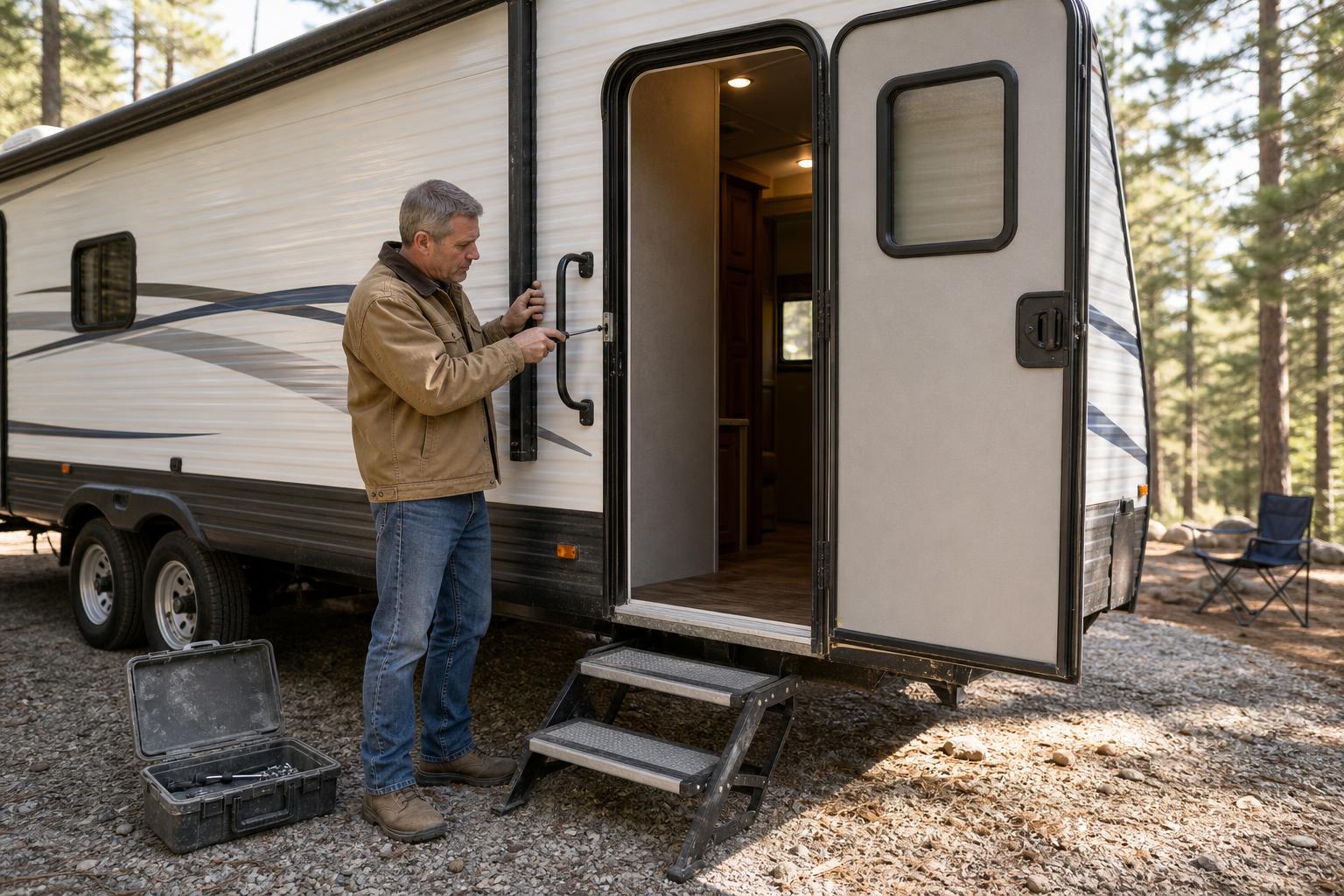
The most common reason your RV smart lock battery is draining fast isn't a complex electronic issue; it's simple physics. Mechanical resistance from a misaligned door is by far the leading cause of excessive battery drain, a fact frequently echoed in community discussions among smart lock users. Every time your lock's motor struggles to extend or retract the deadbolt, it draws a surge of power.
This extra work, repeated day after day, is what kills a fresh set of batteries in weeks instead of months. You might not even notice it. That extra push you give the door to make sure it latches, or the slightly louder "clunk" sound—these are telltale signs that the motor is fighting against friction. Over time, this constant strain adds up to a significant power drain.
Real User Story: An RVer kept having to replace his lock's batteries every single month. He assumed it was just part of the smart lock experience and would give the door a firm shove to hear the deadbolt fully engage, thinking it was just a quirk of his travel trailer. He never realized this simple, daily action was the root cause, forcing the lock's motor to work overtime and causing the RV smart lock battery draining fast.
The 30-Second Test to Check Your Deadbolt's Alignment
You can diagnose this problem in less than a minute. Start by opening your RV door completely. With the door open, operate the lock using the keypad or your app. Watch the deadbolt extend and retract. It should move smoothly, quickly, and without any hesitation or grinding noises.
Next, close the door and operate the lock again. Listen carefully. Does the motor sound strained? Is the locking action slower than when the door was open? If you notice any difference in sound or speed, you have an alignment issue that's contributing to your battery drain.
Simple Adjustments to Your Strike Plate That Save Battery Life
Fixing this doesn't usually require a professional. The solution is often a minor adjustment to the strike plate—the metal piece on your door frame that the deadbolt goes into. You can loosen its screws and shift it slightly to better align with the bolt. In some cases, using a small metal file to widen the opening can also eliminate the friction.
Ensuring your door's physical alignment is perfect is the most critical first step. For more detailed instructions, our help center provides comprehensive installation and adjustment guides to ensure a perfect fit.
Choosing the Right Power Source: A Battery Showdown
Not all batteries are created equal, and your smart lock's performance is directly tied to the quality of its power source. Using cheap, off-brand batteries is a guaranteed recipe for frequent replacements. Leading RV lock brands specifically recommend using high-quality alkaline batteries from trusted names like Duracell or Energizer for the longest, most reliable performance.
These premium batteries provide the stable voltage and high current draw that the lock's motor needs to operate efficiently. Mixing old and new batteries, or using different brands together, can cause voltage imbalances that lead to premature drain and potential damage to your lock's electronics.
Why Brand-Name Alkaline Is the Default Choice
High-quality alkaline batteries are the gold standard for most RV smart locks operating in moderate climates. They deliver a consistent power output that ensures the motor can engage the deadbolt without struggling. They are designed to handle the sudden, high-energy demands of a locking cycle, which is where budget batteries often fail and lose their charge quickly.
When to Switch to Lithium for Cold Weather Camping
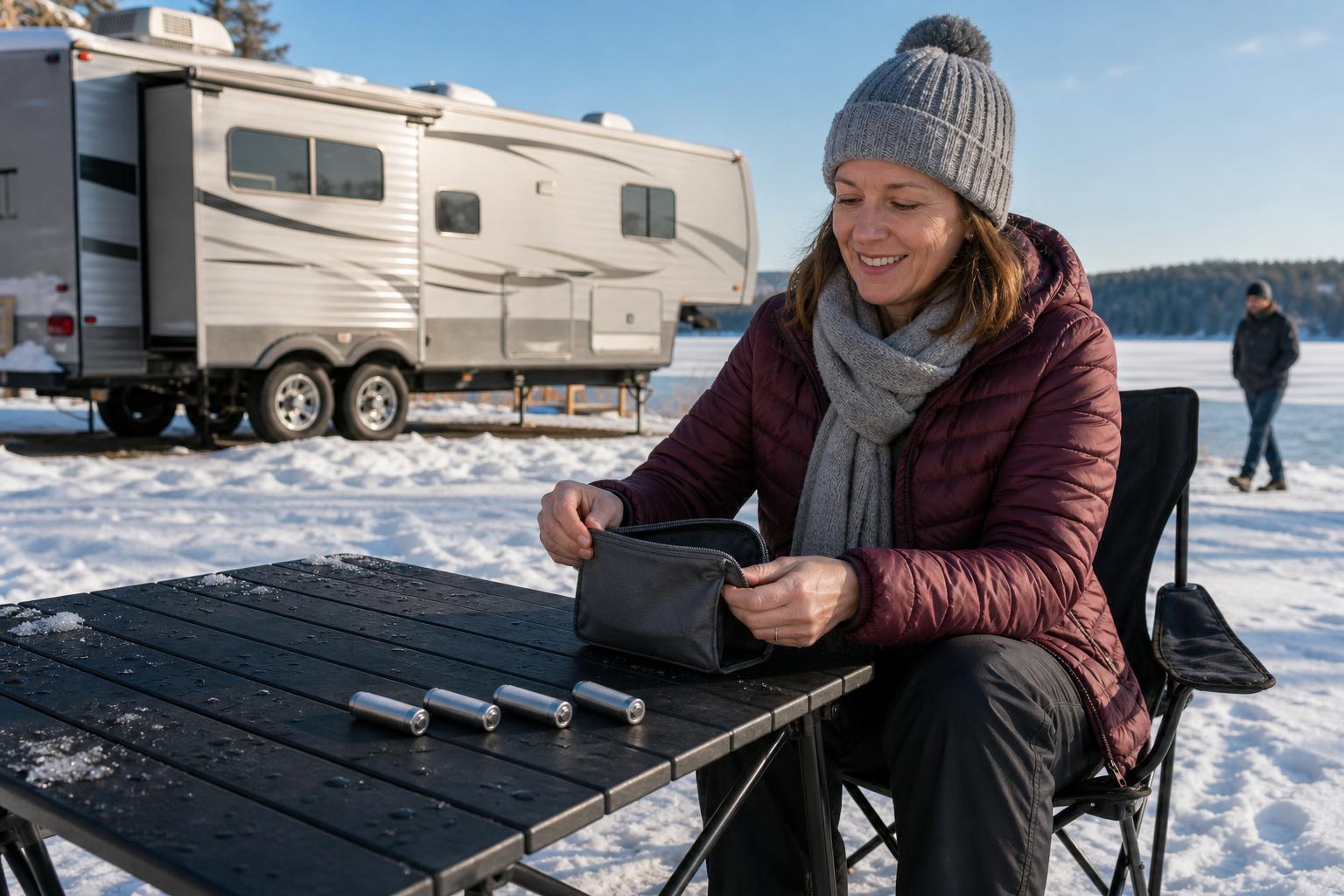
If you're a fan of winter camping, alkaline batteries can become a liability. Low temperatures significantly reduce their efficiency, leading to a sharp drop in available power. This is where lithium batteries shine. They are engineered to perform exceptionally well in extreme cold, maintaining their voltage and capacity when alkaline cells would fail.
Consider a family on a winter trip to a national park. They wake up to a frosty morning only to find their smart lock unresponsive. The cold snap has completely drained their alkaline batteries, leaving them stuck. Switching to lithium batteries before the trip would have prevented this, ensuring reliable access no matter how low the temperature drops.
Alkaline vs. Lithium Batteries for Your RV Smart Lock
| Feature | High-Quality Alkaline | Lithium |
|---|---|---|
| Best Operating Temperature | Warm to moderate climates | Extreme cold to extreme heat |
| Expected Lifespan | 6-8 months (standard use) | Can be 25%-50% longer |
| Upfront Cost | Lower | Higher |
| Leakage Risk | Risk exists (especially in storage) | Extremely low risk |
| Recommended Scenario | Spring, summer, and fall travel; budget-conscious users | Winter camping, long-term storage, or maximizing battery life |
Your Smart Features Might Be Draining the Battery
Sometimes, the very "smart" features that make your lock convenient can also be a source of phantom power drain. Connectivity options and automated settings, if not configured correctly, can quietly sip away at your battery life even when the lock isn't being actively used. Understanding how these features work is key to optimizing them.
Taming a "Chatty" Lock: Connectivity and App Settings
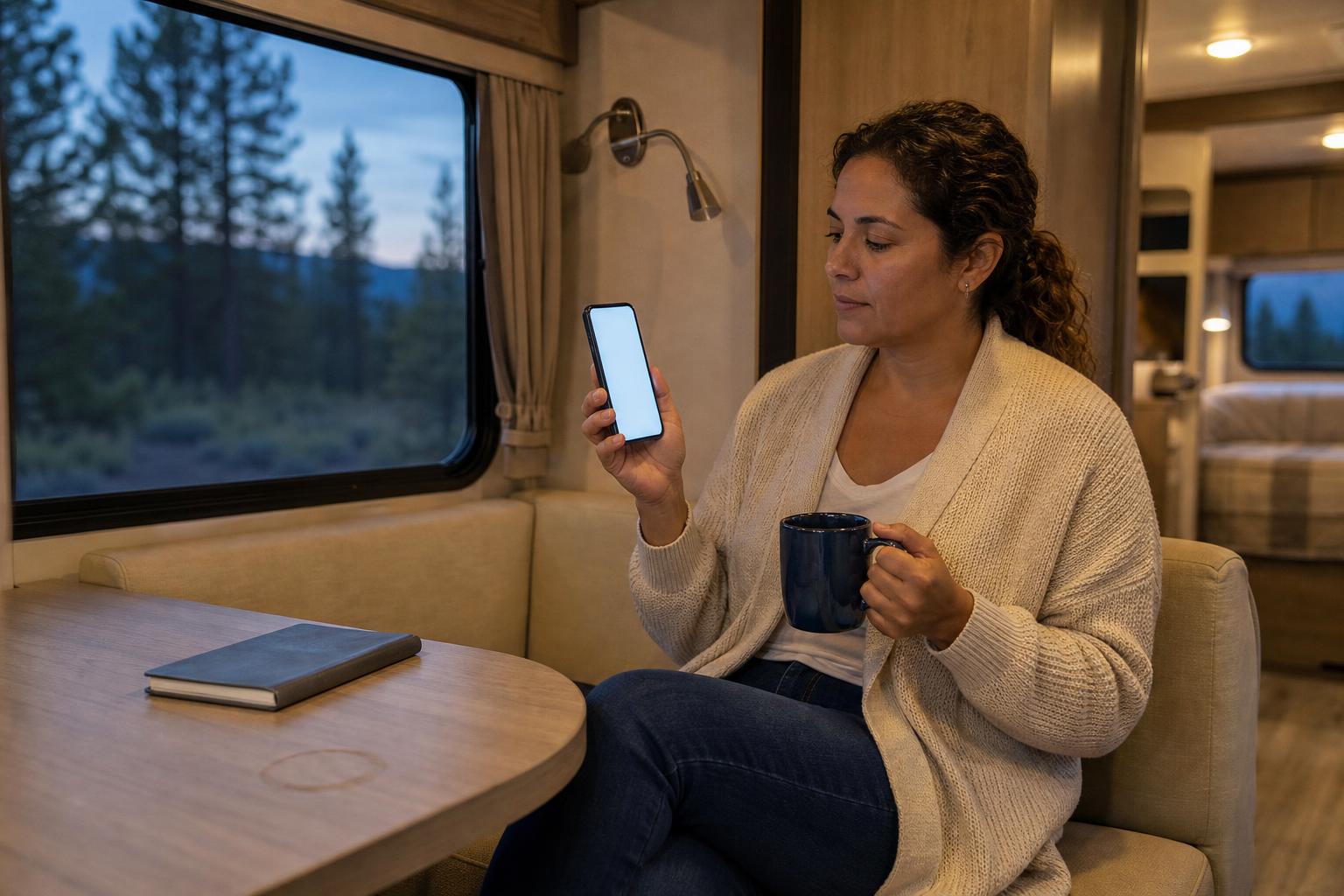
If your smart lock uses Wi-Fi, it's constantly communicating with your network. As noted by home automation users, a weak or unstable Wi-Fi signal forces the lock to repeatedly search for and reconnect to the network, a process that consumes a surprising amount of power. If your campsite Wi-Fi is spotty, this could be a major drain.
If you don't need remote, internet-based access all the time, consider switching to a Bluetooth-only mode if your lock supports it. This can drastically reduce power consumption by limiting communication to when your phone is nearby.
How Often Your Auto-Lock Engages (And Why It Matters)
The auto-lock feature is fantastic for peace of mind, but an aggressive setting can be a battery killer. If your timer is set to lock just 30 seconds after opening, every quick trip to grab something from outside triggers a full locking cycle. This frequent motor engagement adds up quickly.
Review your auto-lock settings and choose a delay that matches your lifestyle. Extending it to five minutes or more can significantly reduce the number of unnecessary locking cycles per day, preserving precious battery power.
What to Do When Your RV Smart Lock Battery Is Completely Dead
It's the scenario every RVer dreads: you return to your rig after a long day, and the keypad is completely dead. The good news is that a dead battery doesn't have to mean you're locked out. If you find yourself in this situation, our detailed guide on what to do when your RV smart lock battery died can walk you through the steps. Reputable smart locks are designed with multiple backup plans.
The Lifesaving Role of a Mechanical Key
No matter how advanced your lock is, the most reliable backup is a physical key. This is your ultimate fail-safe. Always keep your RV lock backup key in a secure and accessible location outside your rig, such as a magnetic lockbox attached to the frame or with a trusted friend at the campground.
Using an Emergency Power Port to Get Back In
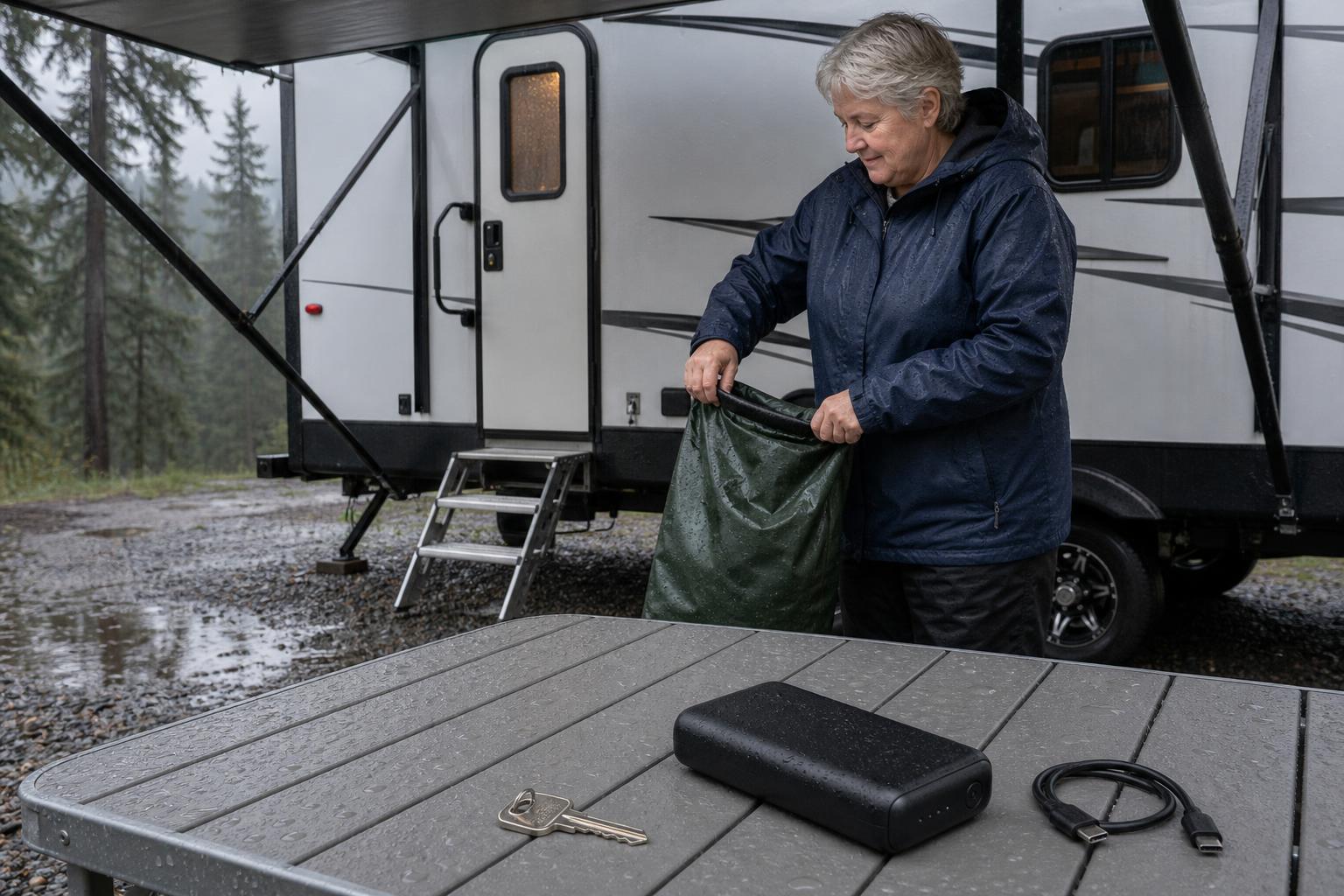
Many modern smart locks include an emergency power port, often a Type-C connection. This feature is a true lifesaver. It allows you to temporarily power the lock from an external source, like a portable power bank, giving it just enough juice to accept your code and unlock.
Picture this: you arrive at your campsite during a downpour, only to find your lock’s batteries are dead. Instead of panicking, you grab your power bank, connect it to the lock's Type-C port, and the keypad instantly lights up. You enter your code, push down the ergonomic handle, and you're inside—dry and stress-free. This is where a lock designed with real-world problems in mind, like the SAWHERO R8, truly proves its worth.
The Ultimate Fix? Hardwiring to Your RV's 12V System
For those who want to eliminate battery anxiety altogether, there's a more advanced solution. As some RV enthusiasts have demonstrated, it's possible to hardwire your lock directly to your RV's 12V electrical system using a simple 12V-to-6V converter. While this requires some DIY skills, it provides a permanent power source and ends the cycle of battery replacement for good.
Frequently Asked Questions About RV Smart Lock Battery Life
How long should the batteries in an RV smart lock last?
Under ideal conditions, high-quality batteries in an RV smart lock should last between 6 and 12 months. However, factors like usage frequency, door alignment, weather, and smart feature settings can significantly shorten this lifespan.
Can I use rechargeable batteries in my smart lock?
It's generally not recommended unless the lock manufacturer explicitly states they are supported. Most rechargeable AA batteries have a lower voltage (1.2V vs 1.5V) which can cause the lock to perform unreliably or trigger premature low-battery warnings.
Will removing batteries for winter storage damage the lock?
No, in fact, it's highly recommended. Removing the batteries during long-term storage prevents slow phantom drain and, more importantly, protects the lock's sensitive electronics from potential damage caused by battery leakage and corrosion.
Does cold weather really drain batteries that quickly?
Yes, absolutely. Cold temperatures slow down the chemical reactions inside alkaline batteries, drastically reducing their ability to deliver power. This can cause a lock to stop working even if the batteries were not old.
My brand-new batteries died in a week. Is my lock defective?
Before assuming the lock is faulty, meticulously check for physical friction. A misaligned deadbolt is the cause of extreme battery drain in most cases. If the bolt moves completely freely and the batteries still die that quickly, it's time to contact the manufacturer to troubleshoot a potential hardware issue.
A Proactive Approach to a Reliable RV Smart Lock
Ultimately, solving the problem of an RV smart lock battery draining fast comes down to a simple philosophy: prevention first, with a reliable backup plan. By being proactive with your maintenance and smart about your choices, you can ensure your lock is a source of convenience, not frustration.
Your Simple Annual Maintenance Checklist
- Replace the batteries once a year with a fresh, high-quality set, even if they haven't died yet.
- Check your door's alignment seasonally to ensure the deadbolt moves without any resistance.
- Clean the deadbolt and strike plate area to remove any dirt or debris.
- Check for any firmware updates from the manufacturer, as these can include power-saving improvements.
Investing in a Lock Designed for Real-World RV Use
A great RV smart lock isn't just about cool features; it's about reliability when you're miles from home. SAWHERO builds locks from the ground up with the challenges of the road in mind, anticipating problems like dead batteries and providing multiple solutions you can trust.
With backups like a traditional mechanical key and a modern Type-C emergency power port, the SAWHERO R8 ensures you're never left out in the cold. It’s time to upgrade to a lock that works for you, not against you. Explore the features of the SAWHERO R8 Smart RV Lock today and travel with true peace of mind.


