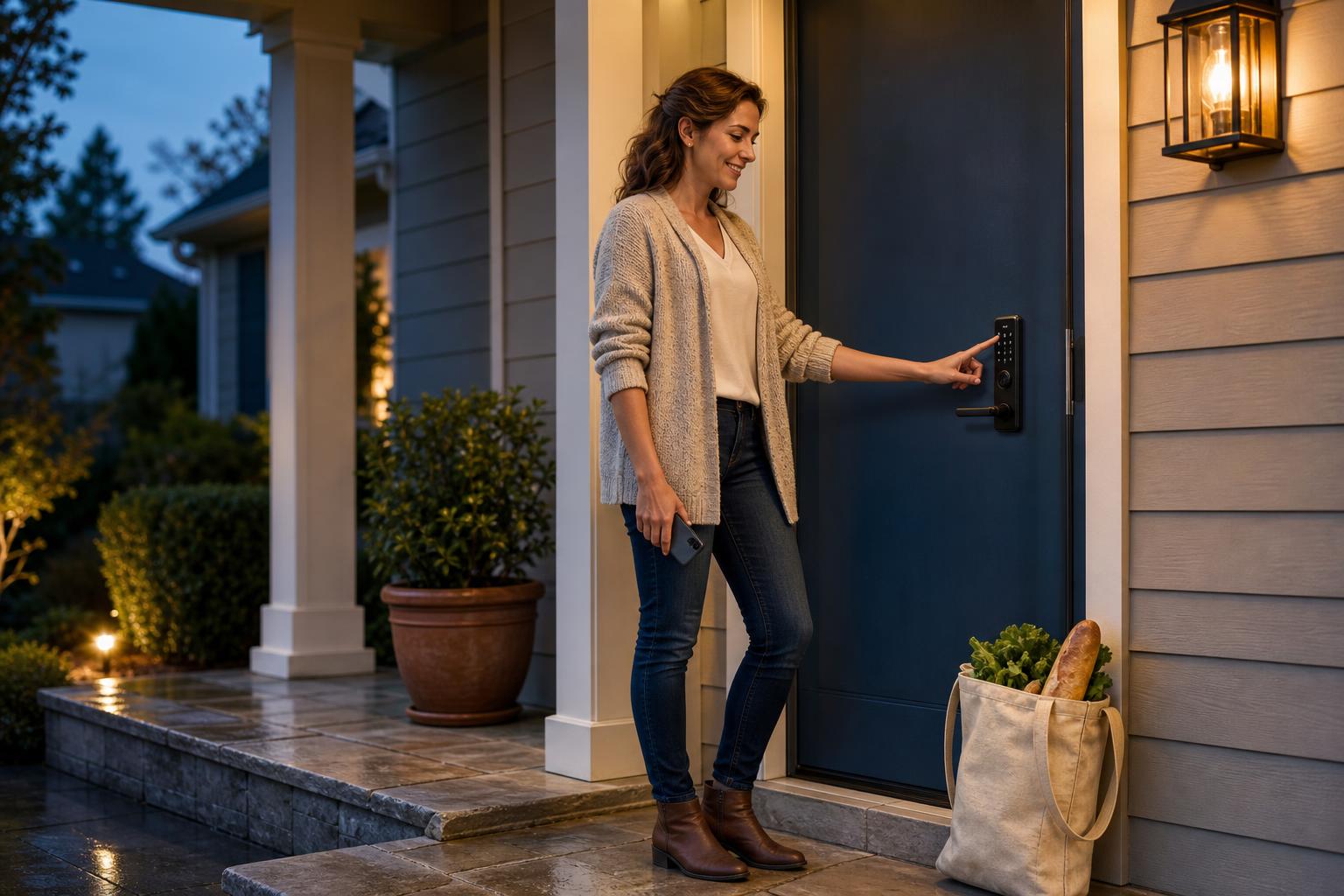
Why Your Budget Shouldn't Lock You Out of a Great Smart Lock
You're ready for the convenience of a smart lock. The idea of ditching keys, granting access to a dog walker from your office, and checking if the door is locked from bed is incredibly appealing. But then you see the prices, and a question pops up: can you get an affordable smart lock with WiFi without ending up with a glorified paperweight?
It's a valid concern. When you're on a budget, you worry that "affordable" means sacrificing security, reliability, or the very features that make a lock "smart." Let's be real: you don't want to trade your old-school deadbolt for a piece of tech that's insecure or frustrating to use.
This isn't just another list of products. Think of this as your expectation guide. We'll walk you through the non-negotiable features you should demand from any budget WiFi smart lock, the smart conveniences that have become standard, and the common trade-offs to expect. By the end, you'll have a clear standard for making a smart, confident purchase.
The Non-Negotiables: Core Features Every Affordable Smart Lock with WiFi Must Have
Even when you're watching your wallet, some features are fundamental. These are the baseline requirements that separate a worthwhile investment from a risky gadget. If a low-cost keyless lock doesn't meet these standards, it's best to walk away.
Rock-Solid Security: Look for ANSI Ratings and Data Encryption
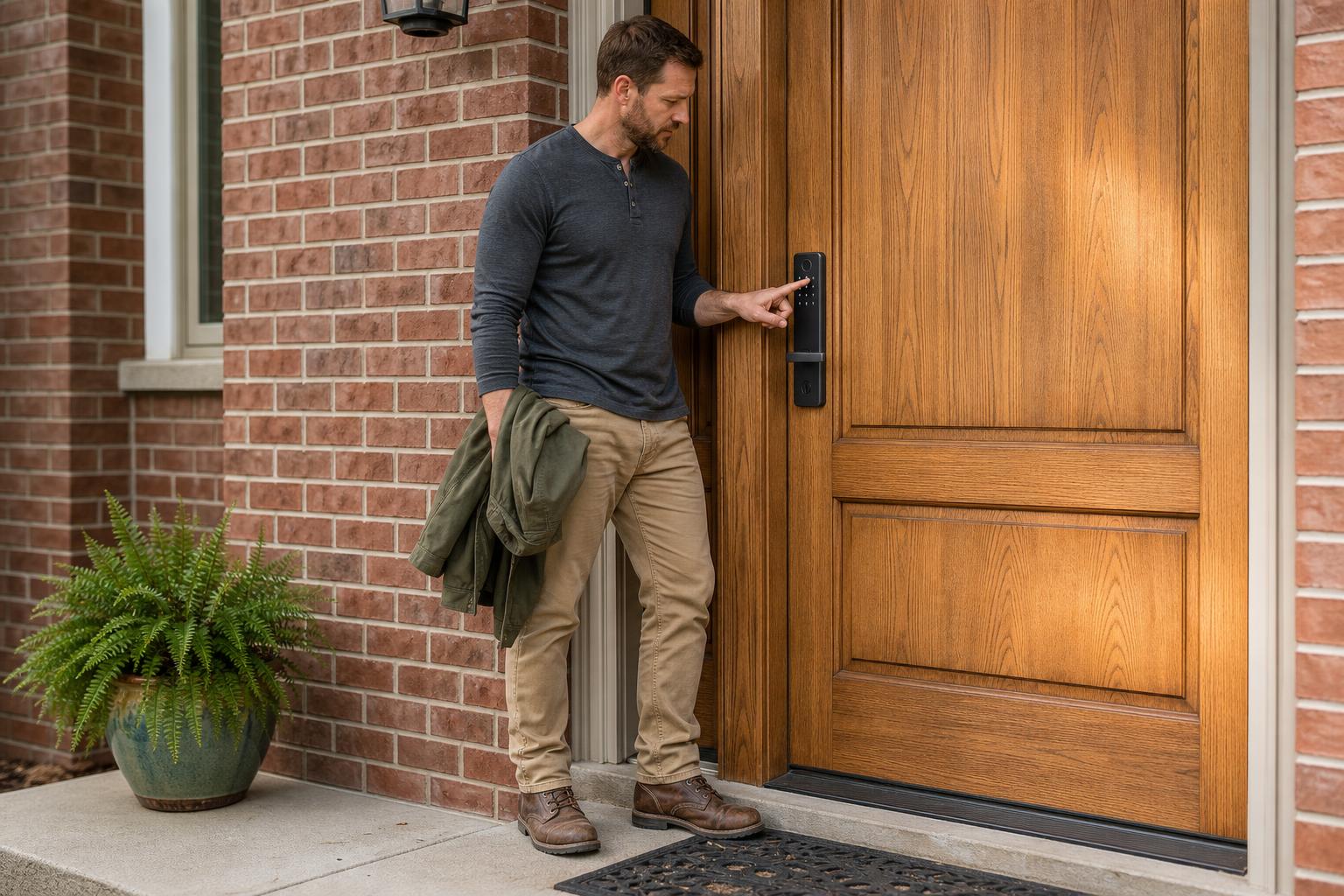
Let's start with the most important job of any lock: security. A fancy app means nothing if the lock itself is easy to break. Look for an ANSI/BHMA rating on the product's spec sheet. A Grade 1 rating, like that found on the Ultraloq U-Bolt Pro WiFi and Schlage Encode, is the highest residential security certification, meaning it has withstood extensive testing against physical attacks.
Digital security is just as crucial. Your lock's connection to the internet must be protected from hackers. Insist on models that use AES 128-bit or 256-bit encryption—the same standard used by banks—to ensure the commands sent between your phone and the lock are secure.
Direct WiFi Connectivity for True Remote Control
The "WiFi" in "affordable smart lock with WiFi" is the key to remote convenience. The best models have WiFi built-in, meaning they connect directly to your home's router without needing a separate, clumsy hub or bridge. This is a critical distinction from Bluetooth-only locks, which require you to be within close range. If you want to dive deeper, check out this guide to smart locks with built-in WiFi.
With direct WiFi, you can lock or unlock your door, check its status, and receive activity alerts from anywhere you have an internet connection—be it from the grocery store or a vacation halfway around the world. Don't settle for anything less.
Multiple Keyless Entry Methods for Everyday Flexibility
While unlocking with your phone is great, it shouldn't be the only way in. A reliable keypad is an absolute must-have. It provides access for family members without smartphones, like children or elderly parents, and serves as a lifesaver if your phone battery dies.
Many excellent budget models now also include a fingerprint reader, which Wyze notes can unlock a door in under a second. It's faster than fumbling for keys or typing a code. And for ultimate peace of mind, having a hidden physical keyhole as a final backup ensures you'll never be locked out.
Smart Conveniences You Should Still Demand on a Budget
Beyond the basics, certain features have become standard in the best budget WiFi smart lock models. These are the conveniences that truly elevate the user experience. Don't assume you have to pay a premium for this level of functionality.
Flexible Guest Access: Temporary Codes for Visitors & Renters
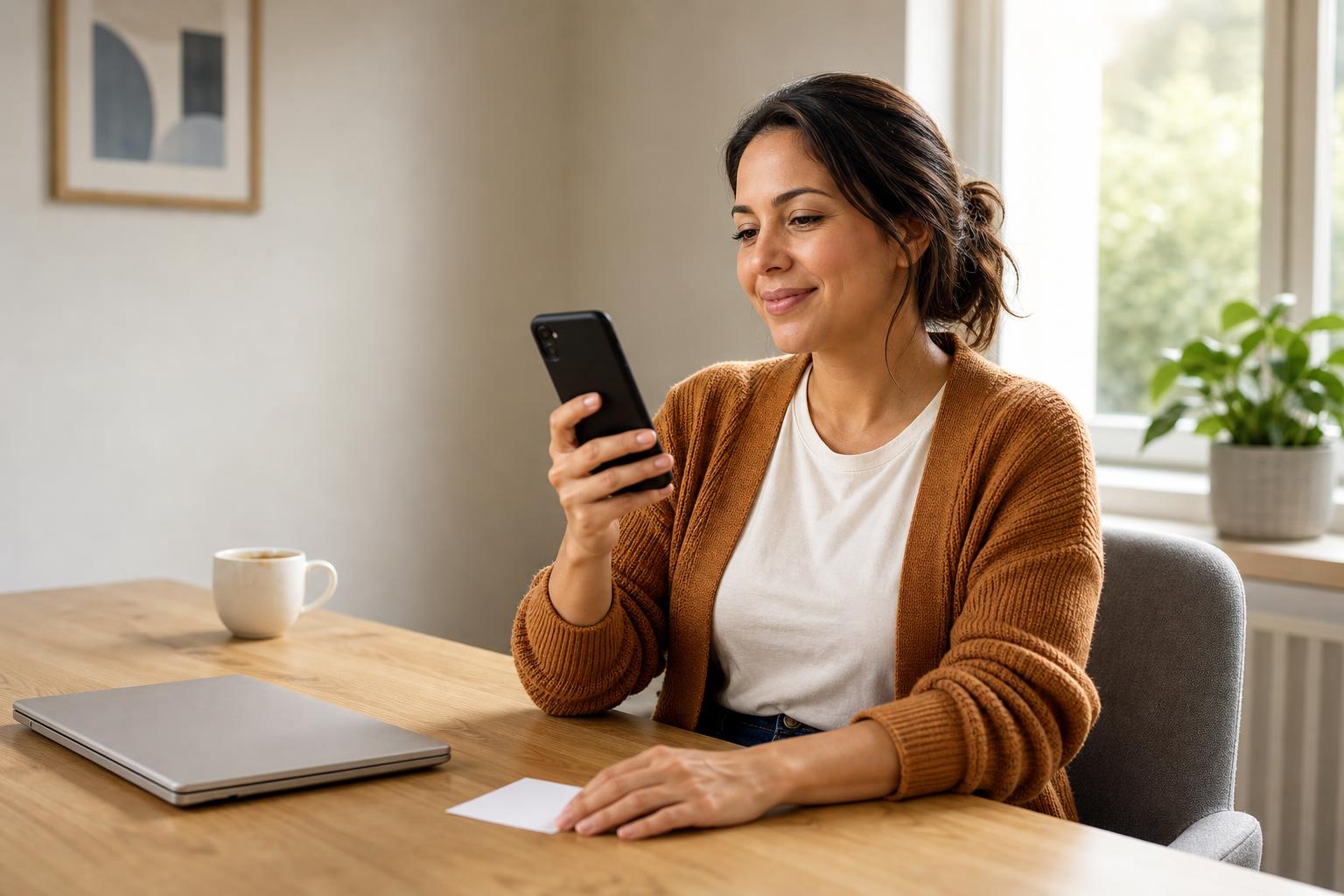
If you have an Airbnb, manage a rental property, or simply have frequent guests, this feature is a game-changer. A quality smart lock allows you to create and share temporary access codes from your app. You can set them to be one-time use for a contractor, active for a specific weekend for visiting friends, or recurring for the weekly dog walker.
This eliminates the security risk of hiding spare keys and the hassle of coordinating key handoffs. You maintain full control, with the ability to grant or revoke access remotely at any time, giving you both security and unparalleled convenience.
Real User Story: A Host's Best Friend
"Managing my short-term rental used to involve a lockbox and a lot of anxiety about lost keys. With my smart lock, I generate a unique code for each guest that activates at check-in and expires at check-out. It's saved me countless hours and gives both me and my guests peace of mind."
— Maria S., Airbnb Superhost
Emergency Power Backup: Why a USB-C Port is a Lifesaver
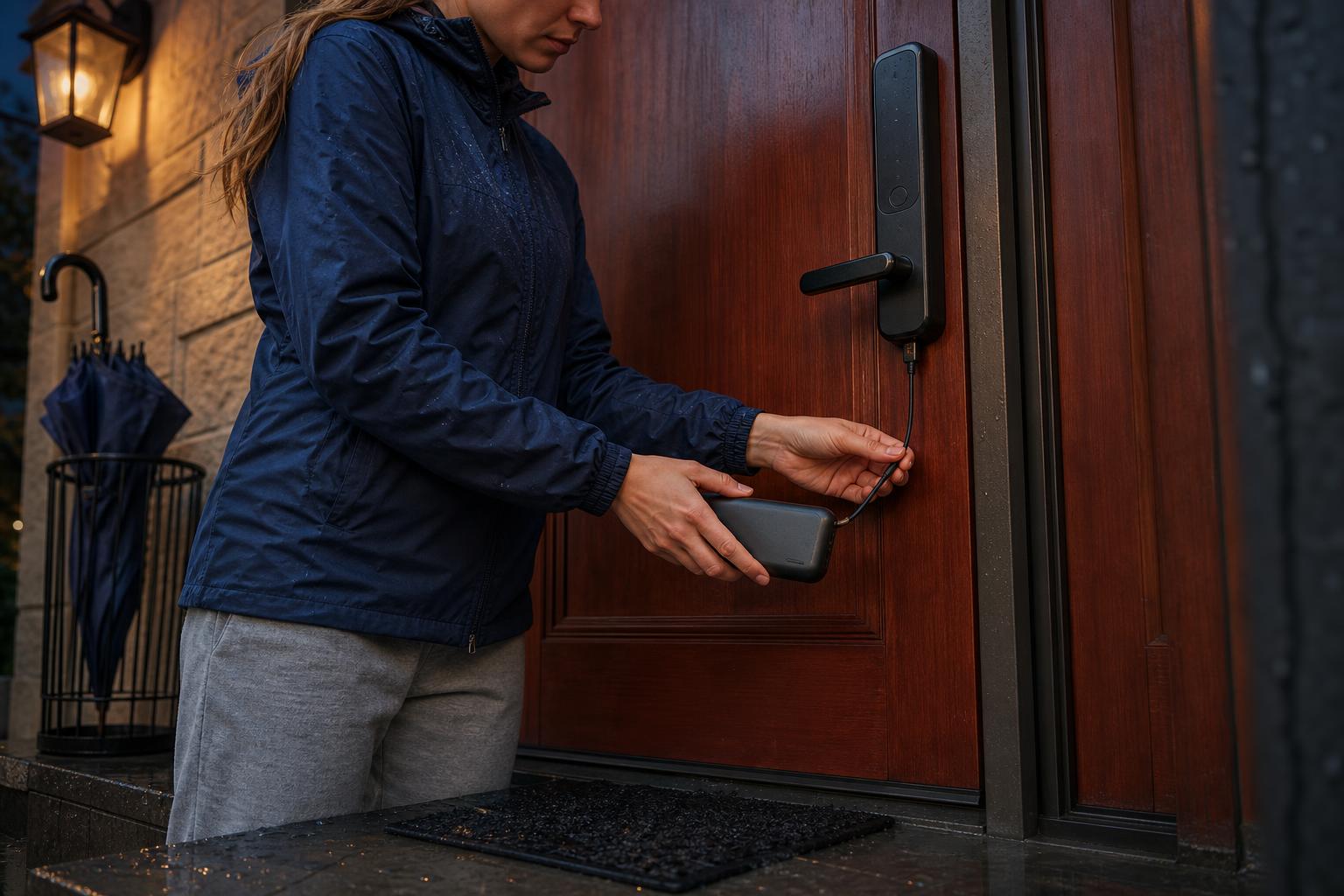
One of the biggest fears people have about smart locks is, "What happens if the batteries die?" Manufacturers have solved this common anxiety. Look for a lock with an external emergency power option. Most modern locks, like the Wyze Lock Bolt, feature a small USB-C port discreetly placed on the bottom of the exterior unit.
If the internal batteries ever run out, you can simply press a portable power bank against the port. This provides enough temporary power to operate the keypad or fingerprint reader so you can get inside to change the batteries. It’s a simple but essential fail-safe that answers the question of what happens when a smart lock battery dies.
Painless DIY Installation: Saving Hundreds on Professional Fees
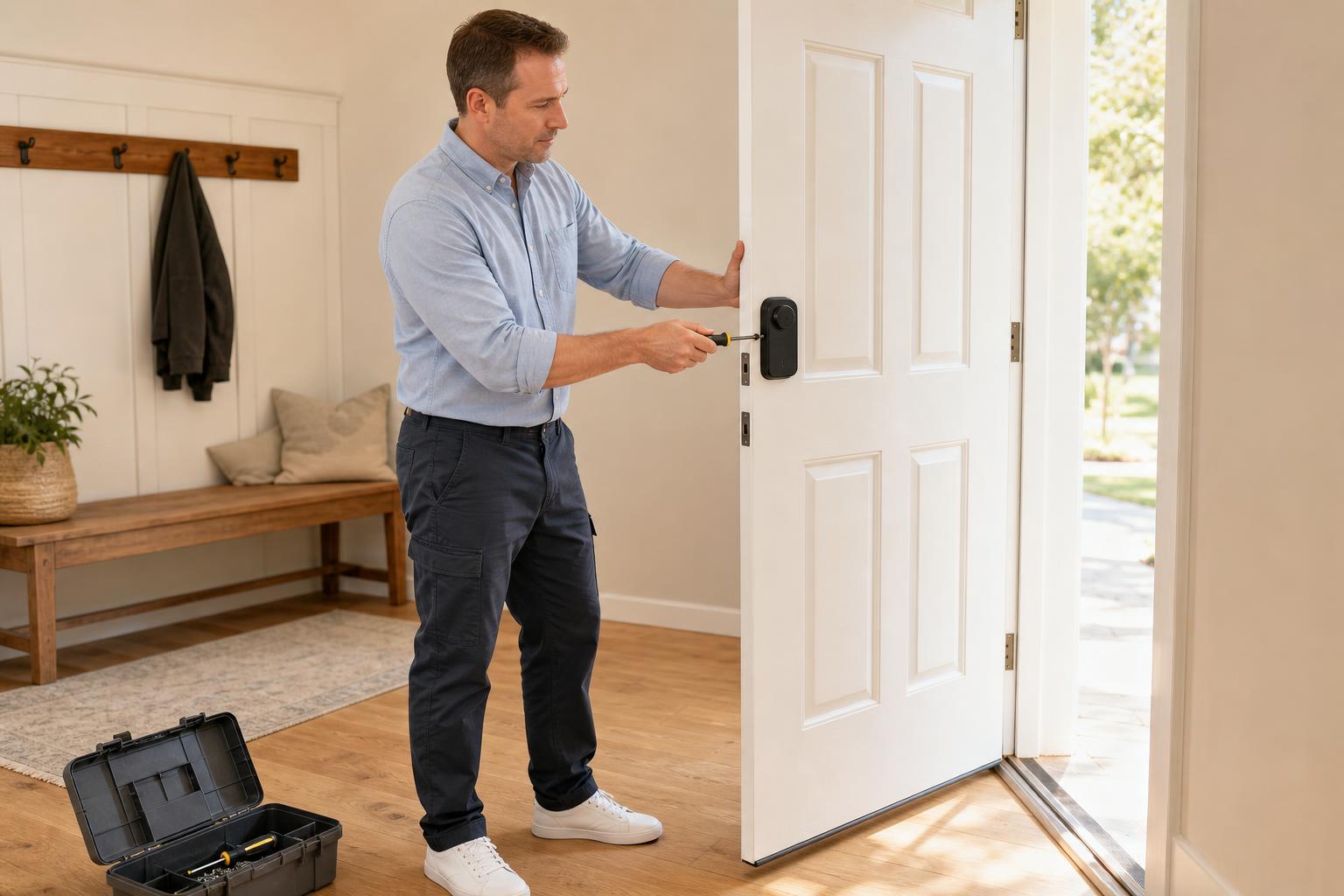
You don't need to be a professional locksmith to install a modern smart lock. Brands have invested heavily in making the process simple. Most affordable smart deadbolts are designed to fit standard American doors and can be installed in under 30 minutes with just a Phillips head screwdriver.
Clear instructions and helpful video tutorials mean you can do it yourself, saving you the high cost of a professional installer. If you need guidance, you can follow a detailed smart door lock installation guide to walk you through the process, making it a painless weekend project.
Feature Showdown: Comparing Popular Affordable Smart Deadbolts
Seeing the key features side-by-side can make your decision much clearer. Here’s a look at how some of the most talked-about budget-friendly models stack up against the criteria we've discussed. Use this matrix to quickly see where each lock shines.
Decision Matrix: Key Features at a Glance
This table compares essential security and convenience features across popular affordable smart deadbolts. It's designed to help you quickly evaluate which model best fits your needs and budget, based on data from official specs and expert reviews.
| Feature | Ultraloq U-Bolt Pro WiFi | Wyze Lock Bolt (v2) | Schlage Encode | SAWHERO A1 |
|---|---|---|---|---|
| Built-in WiFi | ✅ (No Hub Needed) | ✅ (No Hub Needed) | ✅ (No Hub Needed) | ✅ (No Hub Needed) |
| Security Grade | ANSI Grade 1 | Not Rated | ANSI Grade 1 | ANSI Grade 1 |
| Keyless Methods | Fingerprint, Keypad, App | Fingerprint, Keypad | Keypad, App | Fingerprint, Keypad, App, Key & More (6-in-1) |
| Guest Codes | ✅ (Permanent, Timed) | ✅ (Timed) | ✅ (Up to 100) | ✅ (One-time, Timed) |
| Emergency Power | ✅ (USB-C) | ✅ (USB-C) | ❌ (9V Battery) | ✅ (USB-C) |
| Avg. Battery Life | 3-6 Months | 6-12 Months | 6-9 Months | 6-8 Months |
| Approx. Price | ~$179 | ~$80 | ~$250 | ~$149 |
Common Trade-Offs: Where Budget-Friendly Locks Often Compromise
Being an informed buyer means understanding not just what you *should* get, but also where affordable products might cut corners. By knowing the common trade-offs, you can set realistic expectations and choose a lock that compromises in areas that matter least to you.
Battery Life vs. Constant Connectivity
Here's the deal: a built-in WiFi radio is constantly listening for a signal, and that uses power. This is the biggest challenge for *all* WiFi smart locks, not just affordable ones. While most run on four standard AA batteries, real-world battery life can vary widely from manufacturer claims.
User reports on forums suggest a range from just a couple of months to over a year. Factors like how often the lock is used, the strength of your WiFi signal (a weak signal requires more power), and extreme weather can all impact battery performance. Expect to change batteries more often than you would on a non-connected device.
Advanced Smart Home Ecosystem Integration
Nearly every budget smart lock will integrate with the major players: Amazon Alexa and Google Assistant. This allows for basic voice commands like "Alexa, lock the front door." However, support for more advanced or niche smart home ecosystems is often the first feature to be dropped to keep costs down.
For example, support for Apple HomeKit, which has stricter certification requirements, is less common in this price range. As PCMag noted in its reviews, even highly versatile locks sometimes lack HomeKit support. Similarly, deep integration with platforms like IFTTT (If This Then That) or Z-Wave may be absent. If your smart home runs on one of these systems, you'll need to check compatibility carefully.
Answering Your Top Questions
When shopping for a new piece of tech, you're bound to have questions. We've gathered some of the most common queries about affordable WiFi smart locks from forums and user reviews to give you clear, direct answers.
Your FAQ on Affordable WiFi Smart Locks
-
Do all affordable smart locks need a separate hub?
Not anymore. While older or different-protocol (like Z-Wave) locks often required a hub, many of today's best affordable options have WiFi built right in. This hub-free design simplifies setup and lowers the overall cost, giving you true out-of-the-box remote access.
-
How secure is a budget WiFi smart lock compared to a premium one?
Core security should never be a trade-off. A reputable affordable lock can be just as secure as a premium one. Look for that ANSI Grade 1 or 2 rating for physical strength and AES encryption for data security. Where premium locks might add extra alarm features, the fundamental security standards can and should be met by budget-friendly models.
-
What happens to the lock if my home WiFi goes down?
You won't be locked out. If your WiFi network goes offline, you'll lose remote functionality—like locking the door from work or getting notifications. However, all local entry methods, such as the keypad, fingerprint sensor, and physical key, will continue to work perfectly.
-
How long do batteries *really* last in a WiFi smart lock?
Honestly, it varies. Based on user feedback and usage patterns, a realistic expectation is anywhere from 3 to 8 months. If you have a busy household with people coming and going constantly, or if the lock is far from your router, expect to be on the lower end of that range. Low-traffic doors might see a year of life.
-
Can I really install a smart lock by myself?
Absolutely. The vast majority of these products are specifically designed for DIY installation. They are made to fit standard doors and typically require nothing more than a screwdriver and 20-30 minutes of your time. Installation videos from manufacturers make the process even easier.
-
Are affordable smart locks a good choice for rental properties or Airbnb?
They are an excellent choice. In fact, they are arguably one of the best tools for a property manager or host. The ability to remotely create, schedule, and delete user codes without being on-site is a massive time-saver and significantly boosts the security and efficiency of managing property access.
Find a Smart Lock That Fits Your Home and Your Budget
Choosing an affordable smart lock with WiFi doesn't have to feel like a compromise. As we've seen, you can and should expect robust security, the convenience of built-in WiFi, multiple ways to get in, and flexible access for your guests.
By focusing on the non-negotiables—security certification, direct WiFi, and reliable keyless methods—you can confidently filter out the noise. Armed with this knowledge, you're ready to find a lock that delivers modern convenience without sacrificing your peace of mind or your bank account.
Ready to see what a top-tier affordable lock looks like? Take the next step and explore our full range of secure, DIY-friendly smart locks to find the perfect fit for your home or business.