

Want to upgrade to a keyless smart lock but worried about a hefty locksmith bill? You're not alone. In fact, research from Parks Associates shows that 11% of U.S. internet households now own a smart door lock, with many opting for a DIY approach.
This guide breaks down exactly what makes a lock easy to install. We'll explore the key factors, compare top models, and give you a simple checklist to use before you buy. You'll have the confidence to choose and install your new smart deadbolt in an afternoon.
What Really Makes a Lock "DIY-Friendly"?
Before you even look at specific models, it’s important to understand what separates a frustrating weekend project from a quick 30-minute upgrade. It’s not just about what’s in the box; it’s about the design philosophy behind the device. Here are the key things that truly matter for a smooth installation.
Full Replacement vs. Retrofit: Choosing Your Installation Path
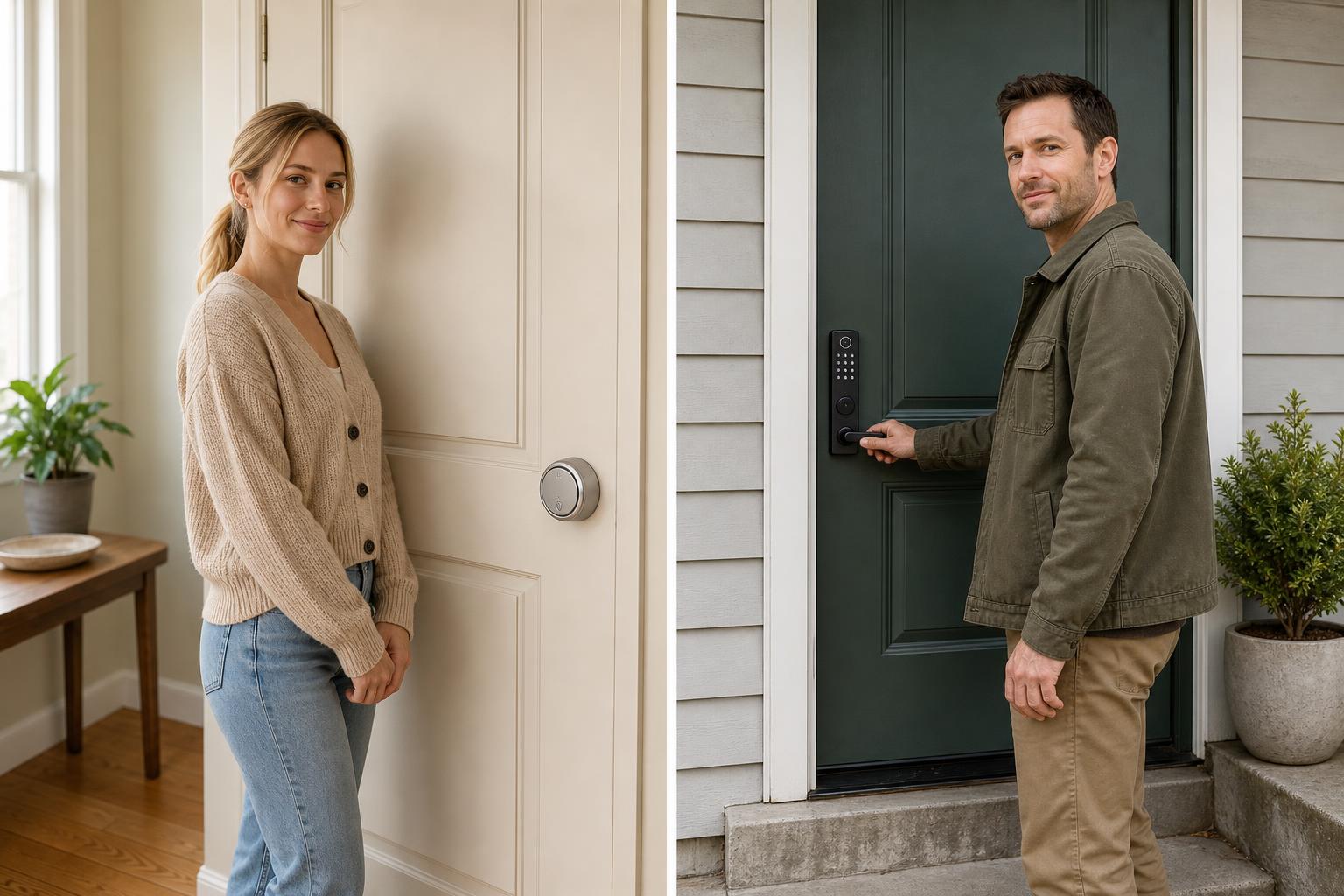
Smart locks generally fall into two categories: full replacements and retrofits. A retrofit model, like the August Wi-Fi Smart Lock, installs on the inside of your door, working with your existing deadbolt. This is often the quickest path, taking as little as 15 minutes, and is ideal for renters since you can keep your original keys.
A full replacement, like models from Schlage or SAWHERO, replaces your entire deadbolt—both the interior and exterior parts. While this might sound more involved, it provides a sleek, integrated look and often includes more features. Many modern designs are surprisingly simple to install.
The Power of Clear Instructions and Video Guides
A great product can be ruined by terrible instructions. Top brands know this and invest in clear, step-by-step guides and video tutorials. Brands like August and Wyze provide excellent resources that simplify the process, turning a potentially confusing 45-minute task into an easy-to-follow sequence.
Before buying, do a quick search for the lock’s installation video. If the brand offers a clear, well-produced guide, it’s a strong sign that they've designed the product with DIY users in mind. Our own smart door lock installation guide breaks it down step-by-step.
The "One Screwdriver" Test: Minimal Tools, Maximum Convenience
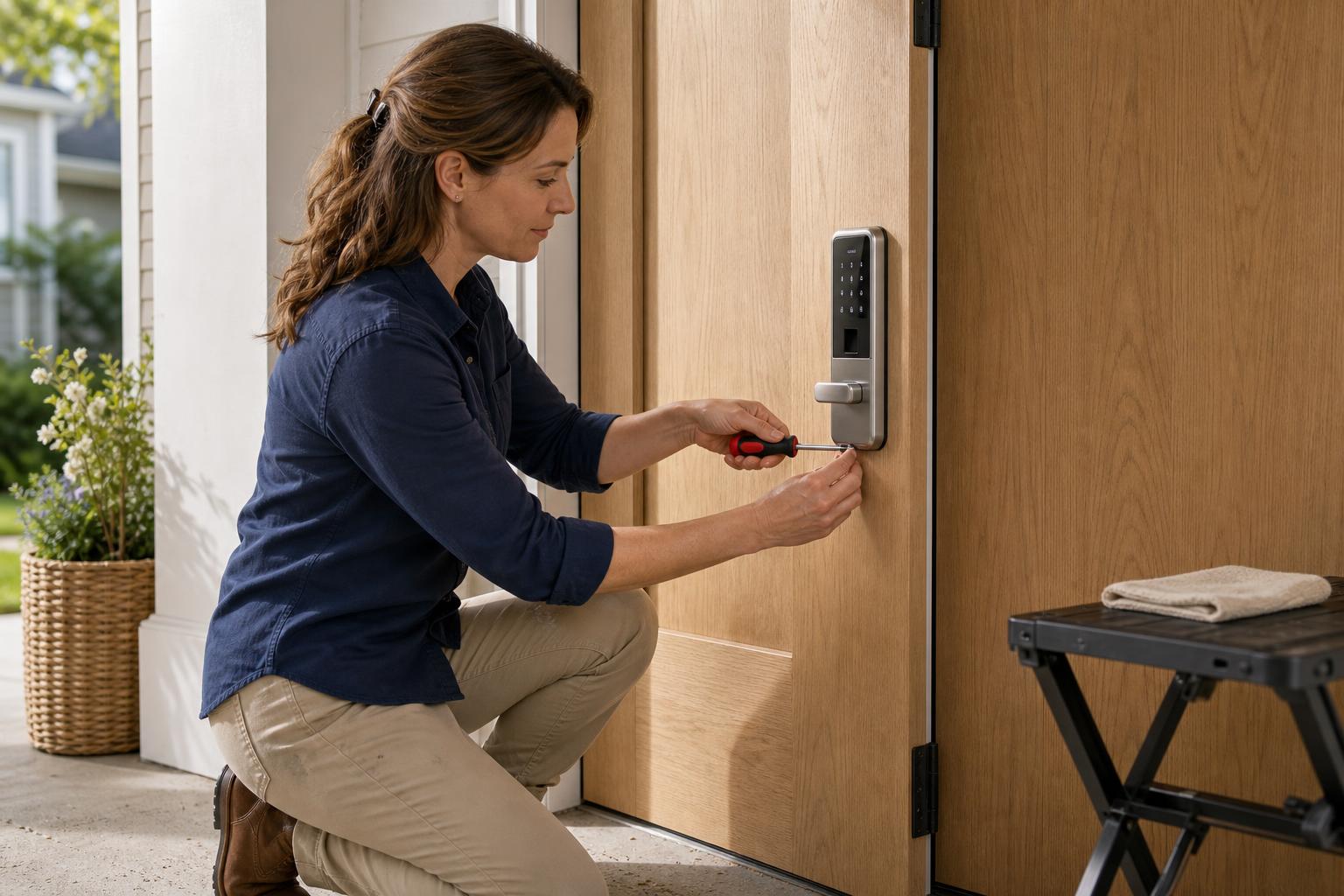
The gold standard for a DIY-friendly lock is needing only one tool: a Phillips head screwdriver. This simple test tells you a lot about the product's design. It means the manufacturer didn't assume you have a full toolbox, making the process accessible to virtually anyone.
When a brand, like Schlage, promotes that you only need a screwdriver, it signals a commitment to a hassle-free experience. It eliminates a common barrier and makes the upgrade feel much less intimidating.
Comparing the Top Smart Locks for DIY Installation
Now that you know what to look for, let's see how some of the most popular DIY-friendly locks stack up. We've compared them based on the key factors that make for a simple, no-headache installation.
Decision Matrix: Finding the Right DIY Smart Lock for You
This table gives you a quick overview to help you find the best fit. Installation times are estimates; as TechHive points out, proper door alignment is a key factor for any successful setup.
| Feature | August Wi-Fi | Wyze Lock | Schlage Encode Plus | Eufy E330 | SAWHERO A1 |
|---|---|---|---|---|---|
| Lock Type | Retrofit | Retrofit | Full Replacement | Full Replacement | Full Replacement |
| Avg. Install Time | ~15-30 mins | ~45 mins | ~45 mins | ~15 mins | ~10-20 mins |
| Tools Required | Screwdriver | Screwdriver | Screwdriver | Screwdriver | Screwdriver |
| No-Gateway Needed | Yes | No (Gateway Req.) | Yes | Yes | Yes |
| Ideal For | Renters, Simplicity | Budget-Conscious | Apple HomeKit Users | All-in-One Security | DIY Homeowners & Hosts |
| Key Advantage | Keeps existing keys | Very affordable | Robust feature set | Integrated camera | Balance of Features & Easy Install |
Retrofit models like the August are fantastic for renters who need a non-permanent solution. The Eufy E330 impresses with its speed, with Tom's Guide noting it can be installed in just 15 minutes. The SAWHERO A1 hits a sweet spot, offering the security of a full deadbolt replacement without a complicated installation. This makes it a powerful choice for homeowners and Airbnb hosts who want robust features without the hassle.
Your Pre-Purchase Compatibility Checklist
The single biggest cause of installation failure is incompatibility. A few minutes of measuring before you buy can save you hours of frustration and a trip to return the product. Follow this simple checklist to ensure a compatible fit.
Identifying Your Current Deadbolt Type
Most smart locks are designed for a standard single-cylinder deadbolt. This is the common lock type with a keyhole on the outside and a thumb-turn on the inside. If you have a mortise lock (a large, rectangular lock integrated into the door edge) or a multi-point lock system, most standard models won't be compatible without special adapters.
As some Reddit users have discovered, even some standard deadbolts, like certain Kwikset models with offset parts, can cause issues with retrofit locks. Check your lock and compare it to the pictures in the device’s compatibility guide.
Measuring Your Door's Key Dimensions
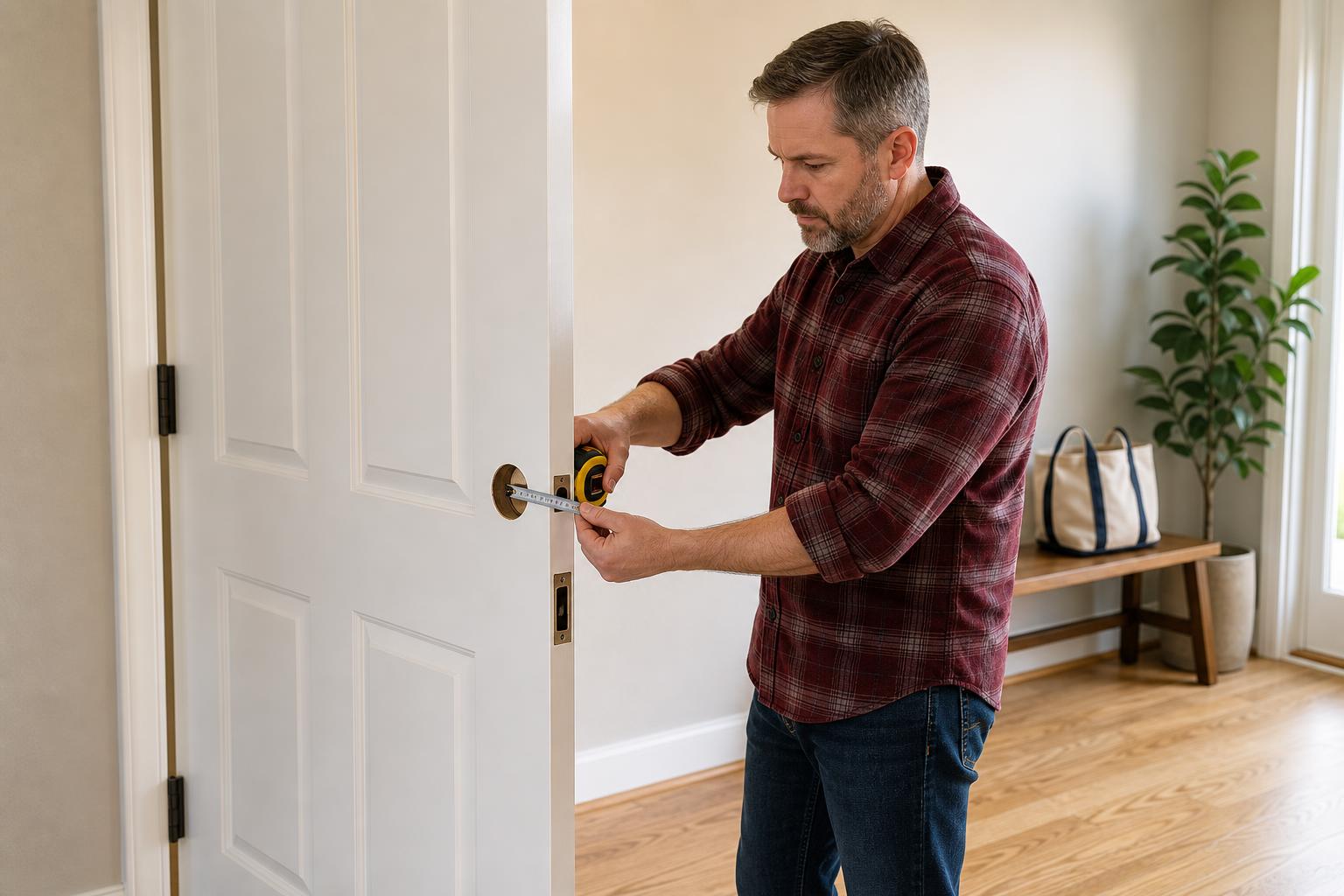
Grab a tape measure and check three key dimensions:
- Door Thickness: Most locks fit doors between 1-3/8" to 2-1/8" thick (35-55mm).
- Backset: This is the distance from the edge of the door to the center of the lock hole. It's usually 2-3/8" or 2-3/4" (60mm or 70mm).
- Bore Hole Diameter: The large hole where the lock is installed. The standard is 2-1/8" (54mm).
Checking for Door Alignment Issues
This is the most overlooked but critical check. If your door is misaligned, the lock's motor has to work extra hard to extend and retract the bolt. This leads to loud grinding noises, failed locking attempts, and massive battery drain. One of the most common installation problems stems from poor alignment.
Here’s a simple test: with the door closed, can you turn your current deadbolt smoothly with one hand, without needing to push, pull, or lift the door? If not, you’ll need to adjust your door’s strike plate before installing any keyless deadbolt.
Real-World Scenarios: The Right DIY Lock for Every Home
Choosing a lock isn't just about technical specs; it's about how it fits into your life. Here's how different DIY-friendly options serve different needs.
For Renters: The No-Trace Upgrade
If you're renting, a retrofit lock is your best friend. Models like the August Wi-Fi Smart Lock install over your existing hardware, so you don't have to change keys or get permission from your landlord. When you move out, you can remove it in minutes and take it with you, leaving no trace behind.
For the Family Home: Security Meets Simplicity
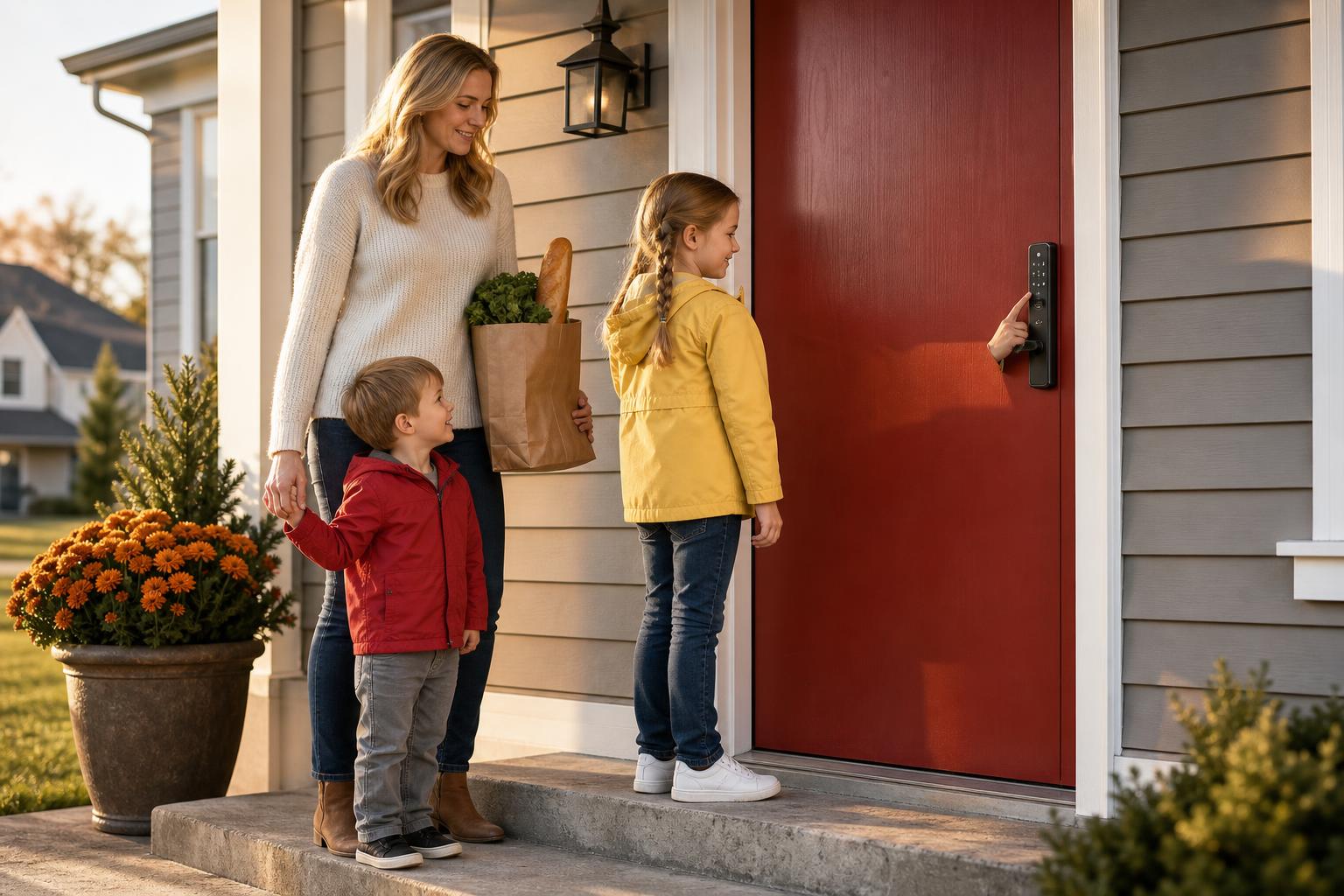
For a busy family, a full-replacement model offers a blend of security and convenience. Installation is a one-time project that pays off daily. Kids can get in with a simple code after school, and you can grant temporary access to a relative or dog walker from your phone without worrying about spare keys.
For Airbnb Hosts: Fast Setup, Easy Management
For a short-term rental host, time is money. A gateway-free model that can be installed quickly between guest stays is essential. You can change access codes remotely for each new guest, creating a secure and seamless check-in experience without any complex hub or extra hardware to manage.
Your DIY Installation Questions Answered
Still have a few questions? Here are answers to some of the most common queries about installing one yourself.
Do I really need a locksmith?
Absolutely not. For most modern DIY-friendly locks, all you need is a screwdriver and about 15-45 minutes. They are specifically designed for homeowners to install themselves, saving you a significant installation fee.
How long does installation actually take?
It varies by type. Retrofit models like August can be installed in as little as 15 minutes. Full replacements like the Schlage Encode Plus average around 45 minutes, according to video tutorials. Always check your door's compatibility first to avoid unexpected delays.
What is the most common mistake during DIY installation?
The most common mistake is not checking door alignment beforehand. A misaligned door forces the motor to strain, which can cause the lock to fail and drain the battery quickly. A smooth manual lock operation is the key to a smooth smart one.
Can I install one on any type of door?
Not all of them. Most are designed for standard US doors with single-cylinder deadbolts. They are generally not compatible with mortise locks, multi-point locking systems, or some types of glass doors without specific adapters.
What happens if the battery dies? Can I get locked out?
No, you won't be left stranded. Most devices give you repeated low-battery warnings via the app and on the unit itself. For emergencies, many models include a backup physical keyway or external terminals for a 9V battery or USB-C power bank to give it enough juice to unlock.
Do I need a Wi-Fi bridge or gateway?
It depends on the model. Many older models required a separate plug-in bridge to connect to your Wi-Fi. However, many newer locks have Wi-Fi built right in, which greatly simplifies the setup process. SAWHERO locks are designed for this gateway-free experience.
Start Your Key-Free Life in Minutes
Choosing the best smart lock for DIY installation comes down to two things: a little prep work and understanding your needs. By running through the compatibility checklist and knowing the difference between retrofit and full replacement models, you can avoid common pitfalls.
A keyless deadbolt is one of the most practical and rewarding smart home upgrades you can make. With the right choice, you can enhance your home's security and convenience in less than an hour, no professional help required. SAWHERO locks are engineered to provide this exact balance of powerful features and straightforward DIY setup.
Ready to make the switch? Explore SAWHERO's line of easy-to-install locks designed for the modern DIYer. For detailed guides and support, visit our Help Center.


