

Best Smart Lock with Auto Lock: Stop Worrying About Unlocked Doors
Ever get that sinking feeling halfway to work? "Did I lock the front door?" It's a common anxiety that can derail your morning. A reliable self-locking front door is the ultimate solution, giving you one less thing to worry about.
But here's the deal: not all auto-lock features are created equal. Some are smarter than others, and the difference can mean true peace of mind or a frustrating false sense of security. This guide will break down what to look for in the best smart lock with auto lock, so you can make a choice that actually secures your home without a second thought.
Beyond the Timer: What Really Makes an Auto-Lock "Smart"?
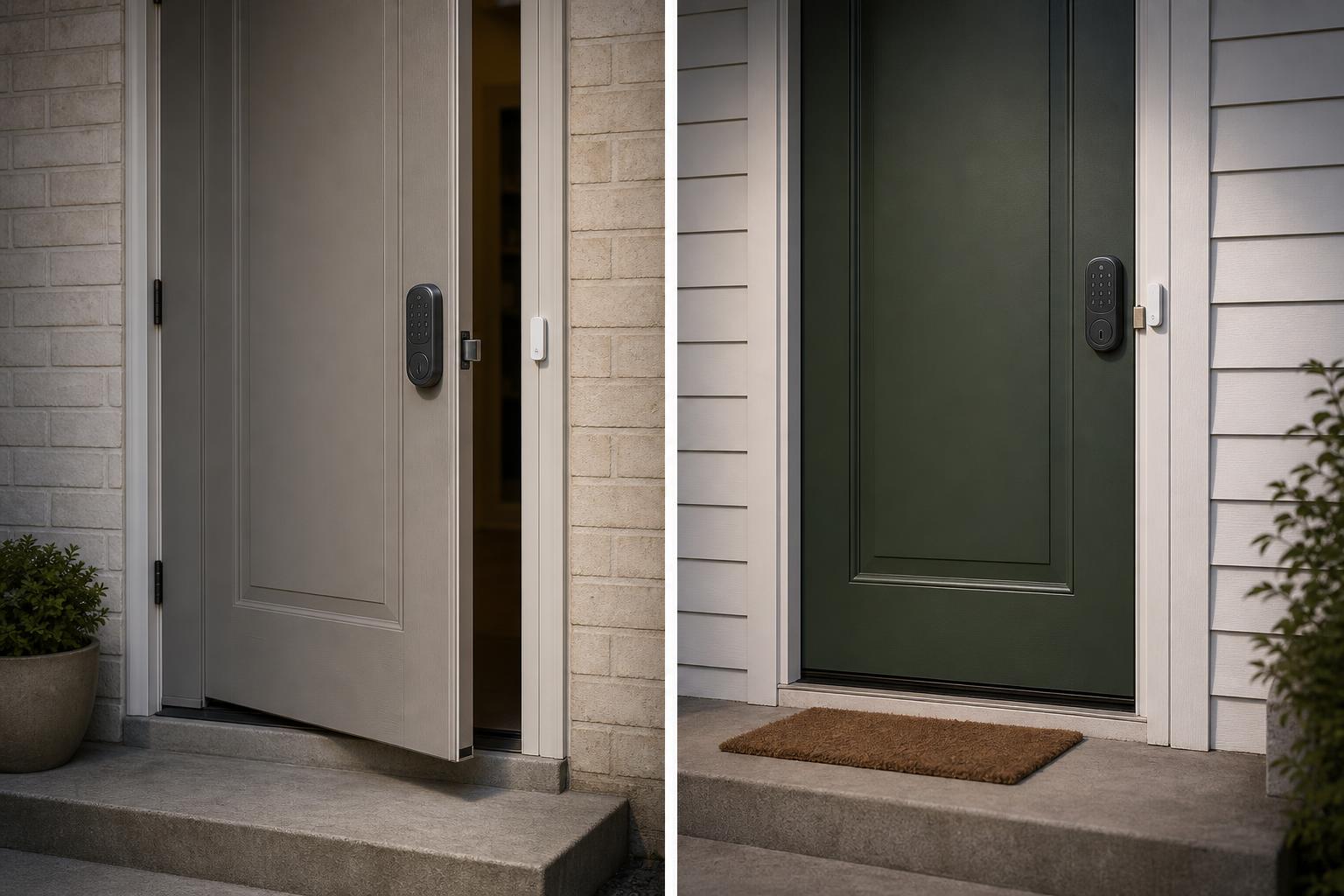
At its core, an automatic locking smart lock promises to secure your door for you. But how it decides when to lock is the most important detail. There are two main technologies at play, and understanding them is key to avoiding major headaches.
The Basic Approach: Simple Timed Auto-Locking
The most common method is a simple timer. You close the door, and after a set delay—say, 30 seconds or a minute—the deadbolt extends. It's a straightforward feature that works most of the time.
The problem? The lock is just following a countdown; it has no idea if the door is actually shut. If the door is slightly ajar, the deadbolt can extend into open air, or worse, slam into your door frame. Some models, like the Schlage Encode by default, rely on this timed method, which can lead to damaged frames or a door that won't close properly.
The Superior Method: Sensor-Based "Intelligent" Locking
A far more reliable system uses a sensor to determine the door's actual position. Brands like Yale use their DoorSense technology, which is a small magnet you install on the door frame. The lock's internal sensor can tell when the door is fully closed against the frame.
This is a huge advantage. The automatic locking smart lock will only engage the deadbolt when it confirms the door is securely shut. This completely eliminates the risk of the bolt extending prematurely, giving you genuine "set it and forget it" confidence.
Comparing the Best Smart Locks with Auto-Lock Features
To help you see the differences clearly, we've created a simple decision matrix. It highlights the key features that matter most when choosing the best smart lock with auto lock for your home.
Decision Matrix: Key Auto-Lock Features at a Glance
| Model | Auto-Lock Trigger | Delay Customization | "Door Ajar" Alerts | Estimated Battery Impact | Editor's Note |
|---|---|---|---|---|---|
| Yale Assure Lock 2 | Door Sensor (DoorSense™) | 30s to 30min | Yes | Medium | Most reliable. Prevents accidental lockouts. |
| August Wi-Fi Smart Lock | Door Sensor (DoorSense™) | 30s to 30min | Yes | High | Excellent features, but Wi-Fi can drain battery faster. |
| Ultraloq U-Bolt Pro | Door Sensor | Immediate or Timed | Yes | Medium | Highly versatile with multiple trigger options. |
| Schlage Encode Plus | Timed (default) | Yes | No (requires sensor integration) | Low-Medium | Trusted brand, but needs extra parts for true smart locking. |
Our Top Picks for an Automatic Locking Smart Lock
Based on that comparison, let's dive into a few top performers. We're focusing on how their auto-lock features perform in real-world scenarios, from busy family homes to rental properties.
Yale Assure Lock 2: The Gold Standard for Reliability
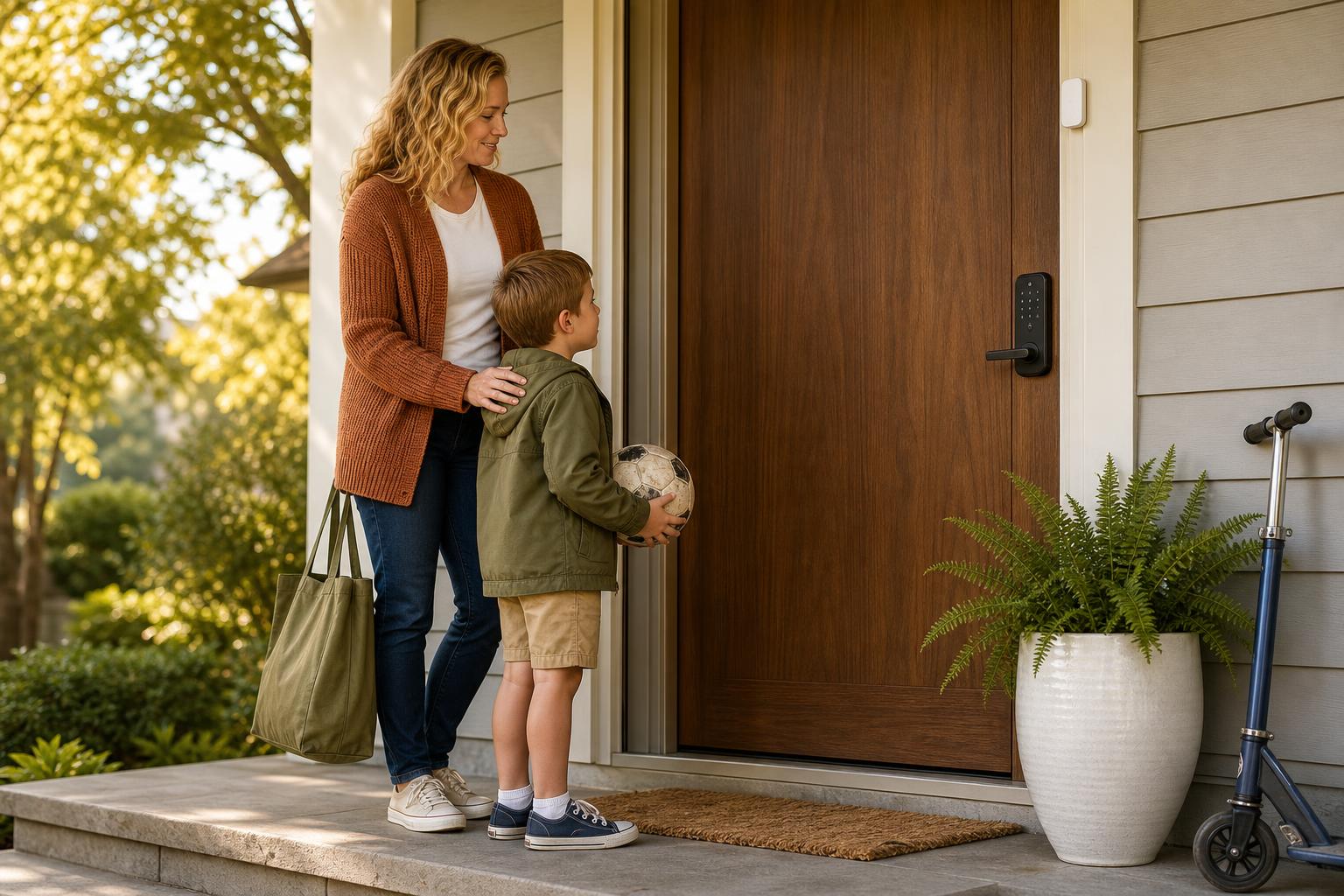
The Yale Assure Lock 2 is a fan favorite for one main reason: its DoorSense technology just works. It provides the ultimate peace of mind because it can't lock the door until it's physically closed. This makes it a perfect fit for households with kids or anyone who's ever rushed out the door with their hands full.
Homeowners consistently praise its reliability, preventing those frustrating moments of coming home to a deadbolt stuck out on an open door. If you want a lock you can truly trust to do its job, this is the one. For a similar focus on reliability, explore the options available from SAWHERO.
Ultraloq U-Bolt Pro: The Most Versatile Auto-Lock Deadbolt
For the tech enthusiast or Airbnb host, the Ultraloq U-Bolt Pro offers incredible flexibility. It includes a door sensor for intelligent locking but also provides multiple ways to get in, including fingerprint, code, key, and your phone. This versatility is a huge asset for managing access for guests, cleaners, or family members.
As noted by reviewers at Wirecutter and on YouTube, its combination of features is hard to beat. You can set it to lock immediately upon closing or after a delay, giving you granular control that's perfect for high-traffic doors where you need both security and convenience.
August Wi-Fi Smart Lock: Best for Retrofitting Your Door
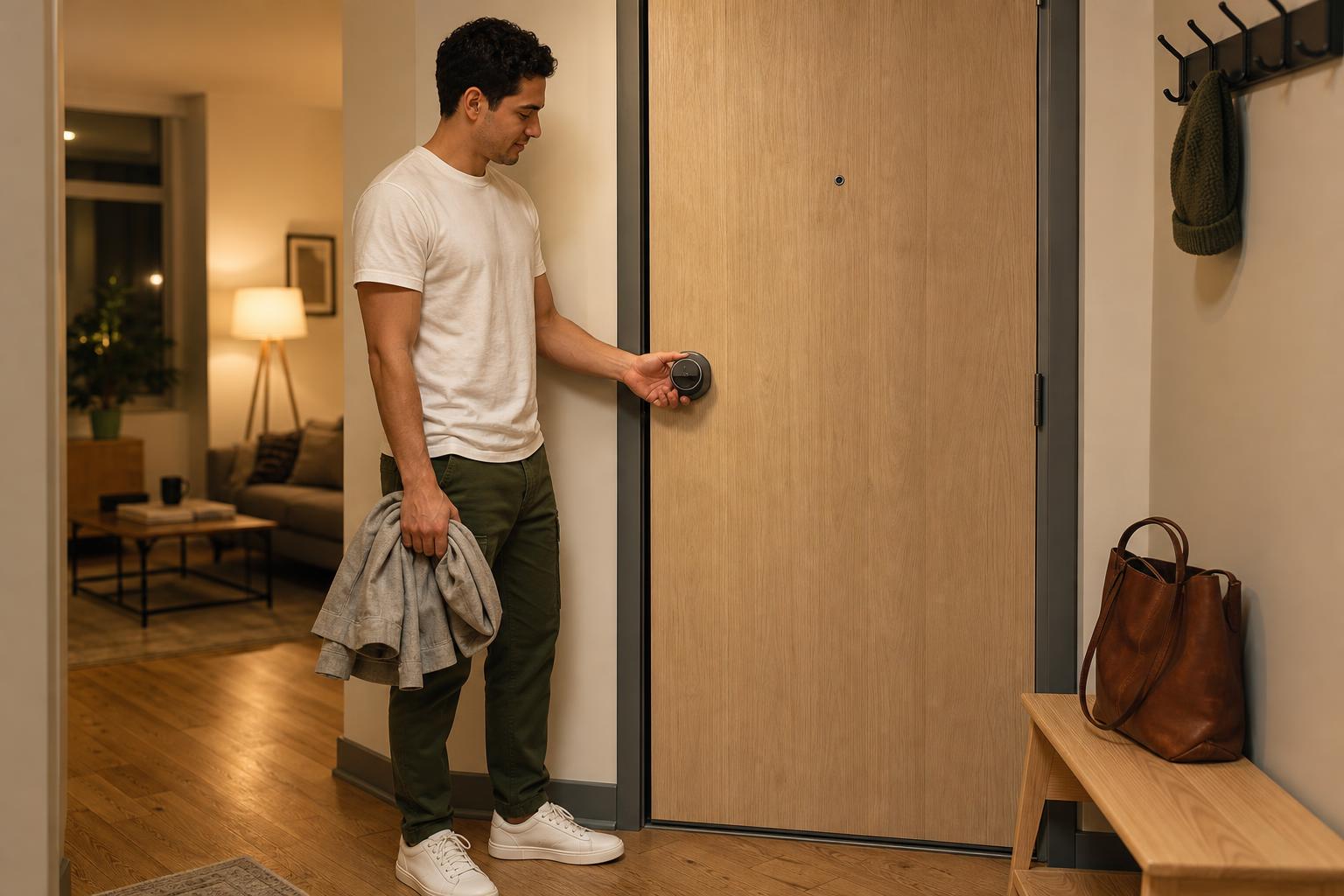
Living in an apartment or rental? The August Wi-Fi Smart Lock is often the best choice because it installs on the inside of your door, over your existing deadbolt. This means you can keep your original keys, which is a big plus for renters.
It uses the same reliable DoorSense technology as Yale to prevent misfires. While some users on Reddit mention its Wi-Fi connection can lead to higher battery consumption, many find the trade-off worthwhile for its features and easy installation. Using high-quality lithium batteries can help extend its life significantly.
How to Avoid Common Auto-Lock Pitfalls (Like Battery Drain)
While an auto-lock deadbolt is incredibly convenient, two concerns often come up: battery life and the fear of getting locked out. Let's tackle those head-on so you can use your lock with confidence.
Smart Tips for Maximizing Your Smart Lock's Battery Life
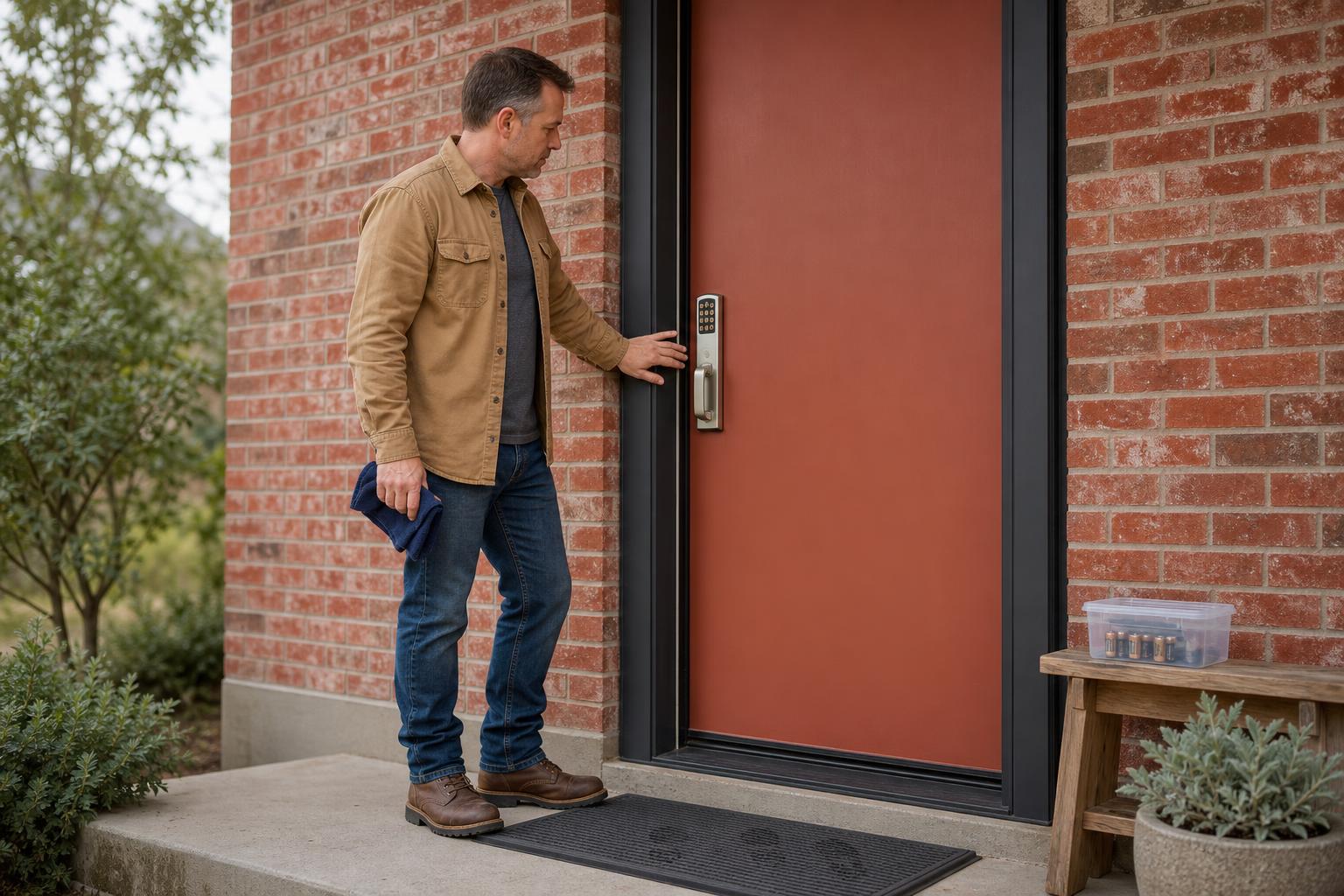
The auto-lock feature does use more power, but you can easily manage it. With normal use, most smart lock batteries last 6 to 12 months. To get the most out of yours, follow these tips:
- Use Recommended Batteries: Always use high-quality lithium batteries. As some Reddit users report, they can make a huge difference, sometimes lasting up to a year even with heavy use.
- Set a Longer Delay: A 30-second delay will trigger the motor far more often than a 5-minute delay. Choose the longest time you're comfortable with.
- Check Your Door Alignment: If your deadbolt has to struggle to lock, it uses more power. Ensure your door is properly aligned so the bolt slides smoothly.
- Consider Your Connection: Wi-Fi is convenient but power-hungry. If your lock supports it, using Bluetooth or Z-Wave as the primary connection can conserve energy. For more tips, visit our Help Center for maintenance tips.
What Happens if the Door Auto-Locks You Out?
This is the ultimate fear, but modern smart locks have multiple backups. A sensor-based lock already reduces the risk of locking you out while the door is ajar. For other situations, here's your safety net:
Always have a backup entry method. This could be a physical key hidden securely, a numeric code you've memorized, or a fingerprint. Make sure a trusted friend or family member also has access, either with their own code or a guest profile in the app. Many locks also feature emergency power options, like contacts for a 9V battery or a USB-C port, to give them enough juice to unlock if the batteries die completely.
Your Questions About Self-Locking Front Doors, Answered
Can all smart locks auto-lock?
No, not all of them. It's a specific feature you need to look for when shopping. More importantly, as we've discussed, the way they auto-lock (timed vs. sensor) varies greatly in reliability.
Does the auto-lock feature drain the battery quickly?
It does increase battery consumption compared to manual locking. The impact depends on your delay settings, how often you use the door, and the lock's efficiency. Most users find they still get 6-12 months of battery life.
What is a door sensor and why do I need one for my auto lock deadbolt?
A door sensor is a small device that tells your lock if the door is physically closed. You need one for truly "smart" and reliable auto-locking, as it prevents the deadbolt from extending when the door is still open.
Can I turn off the auto-lock feature?
Absolutely. Every major smart lock with this feature allows you to easily disable it or customize the delay timer within its mobile app. You have full control.
Which best smart lock with auto lock is best for Airbnb hosts?
An option like the Ultraloq U-Bolt Pro is excellent for hosts. Its combination of a door sensor, remote management capabilities, and the ability to generate temporary access codes makes managing guest entry simple and secure.
How reliable are automatic locking smart locks in bad weather?
The auto-lock function itself isn't affected by weather. The lock's overall reliability in rain, snow, or extreme temperatures depends on its hardware IP rating for weather resistance. Look for a lock with a solid rating if it will be exposed to the elements.
The Final Verdict: Your Key to a Worry-Free, Secure Home
Choosing the best smart lock with auto lock comes down to one critical factor: reliability. While a simple timer is a nice-to-have, a lock equipped with a door sensor is a game-changer. It's the key difference between a gadget and a truly dependable security device.
Investing in a quality self-locking front door is about more than just convenience. It's an investment in the daily peace of mind that comes from knowing your home is secure, whether you're rushing out for the day or tucked into bed at night.
Ready to find a smart lock that offers both convenience and true peace of mind? The SAWHERO A1 Smart Lock is designed for easy installation and ultimate security, featuring a robust auto-lock you can count on.


