

Beyond the Basics: What *Really* Separates a Keypad Lock from a Smart Lock?
At first glance, keypad locks and smart locks look similar. They both have a numbered pad and promise a life free from physical keys. But the real difference isn't what you see on the outside—it's about connectivity. The primary distinction between a keypad door lock and a smart lock lies in its ability to connect to other devices.
Think of a keypad lock as a powerful standalone tool and a smart lock as a connected hub for your home's security. Understanding this core difference is the first step in deciding which is right for you.
The Standalone Simplicity of Keypad Locks
An electronic keypad lock is a self-contained device. Its one job is to grant access when someone enters the correct PIN code. It doesn't need Wi-Fi, a smartphone app, or any other device to function, making it incredibly reliable.
For many, this simplicity is its greatest strength. Users often call it a "life changer" because it eliminates the hassle of keys without adding digital complexity. With a battery life that can last for years (some report 3-5 years), it's a low-maintenance solution for keyless convenience.
The Connected Convenience of Smart Locks
A smart lock takes all the features of a keypad lock and adds a layer of connectivity, typically through Wi-Fi or Bluetooth. This connection turns your lock from a simple entry device into a dynamic security tool you can control from anywhere.
With a smart lock, your phone becomes the command center, making it the ultimate keyless entry door lock with app. You can lock or unlock your door remotely, create temporary access codes for guests or cleaners, and view an activity log to see who entered and when. It's this remote management that makes smart locks a favorite for Airbnb hosts and frequent travelers.
Keypad Door Lock vs Smart Lock: A Head-to-Head Feature Showdown
When you're weighing your options in the keypad door lock vs smart lock debate, a side-by-side comparison can make the choice clearer. Each lock type excels in different areas, from how you get in the door to how much it costs upfront.
Let's break down the most important features to see how they stack up. This will help you quickly identify which lock aligns with your priorities for convenience, control, and cost.
Decision Matrix: Choosing Your Ideal Lock
| Feature | Standard Keypad Lock | Smart Lock | Best For... |
|---|---|---|---|
| Access Method | PIN Code, Physical Key | PIN Code, App, Physical Key, Voice, Fingerprint | Smart Lock offers more flexibility |
| Remote Control | No | Yes (Lock/Unlock from anywhere) | Travelers, Landlords |
| Guest Access | Limited to shared codes | Temporary & scheduled codes, remote granting | Airbnb hosts, property managers |
| Activity Log | No | Yes (See who entered and when) | Parents, security-conscious users |
| Smart Home Integration | No | Yes (Connects with Alexa, Google Home) | Tech enthusiasts, smart homeowners |
| Battery Life | Excellent (Typically 1-3 years) | Good (3-12 months, Wi-Fi drains faster) | Users prioritizing low maintenance |
| Installation | Very Simple (DIY in <30 mins) | Simple (DIY, requires app setup) | Both are DIY-friendly |
| Cost | More Affordable | Higher Initial Cost | Budget-conscious buyers |
Choosing Your Champion: Which Lock Fits Your Lifestyle?
The best lock isn't the one with the most features; it's the one that seamlessly solves your specific problems. Let's go beyond the spec sheet and see how these locks perform in real-world scenarios. Your daily routine is the ultimate test in the keypad door lock vs smart lock matchup.
For the Busy Family: When Keyless Simplicity Is All You Need
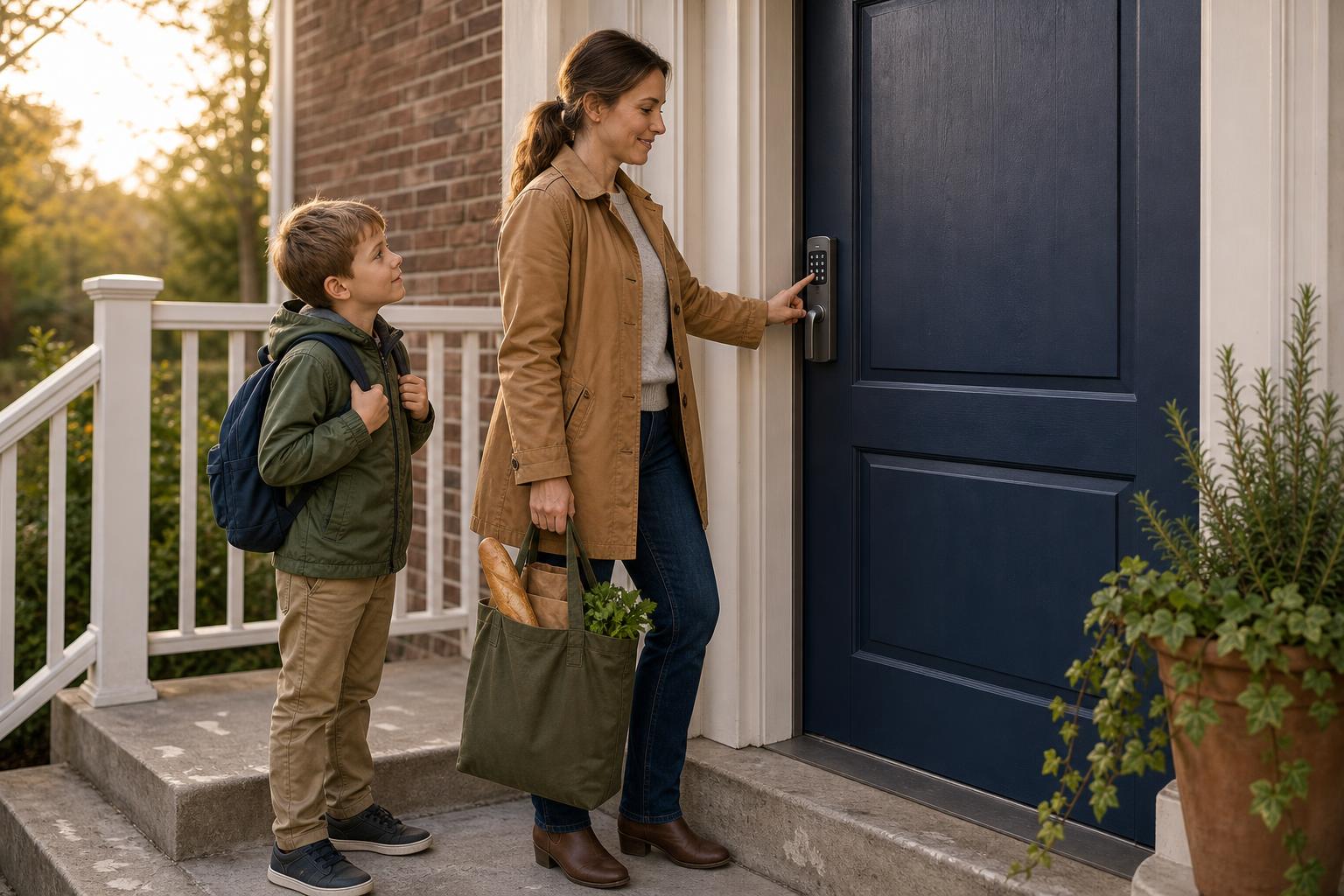
Scenario: You're juggling school runs, groceries, and work. The last thing you need is to get locked out or worry about kids losing their keys. You occasionally need to let in a dog walker or a relative without having to be there.
Your biggest pain point is the hassle of physical keys, not a lack of remote control. You want a solution that just works, without needing app updates or frequent battery changes. For you, a high-quality electronic keypad lock is perfect. It delivers the core benefit of keyless entry with maximum reliability and minimal fuss.
For the Airbnb Host: Why Remote Access Is a Game-Changer
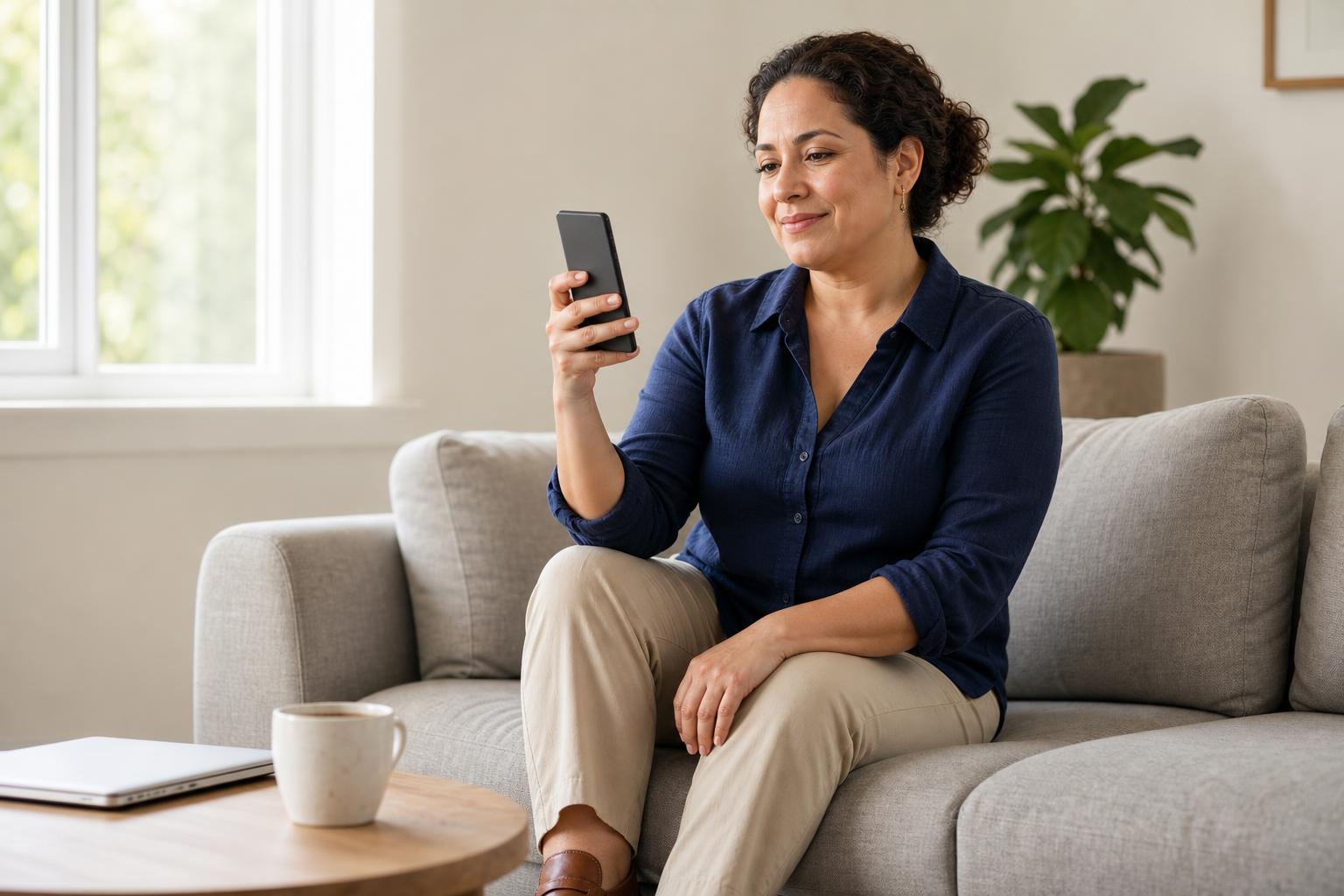
Scenario: You manage a short-term rental property, maybe miles from where you live. You need to grant access to new guests every few days, coordinate with cleaning crews, and ensure the property is secure between bookings.
Trying to manage physical keys would be a logistical nightmare. This is where an app-controlled smart lock becomes essential, especially when choosing the best keyless entry door lock for apartment living or rentals. The ability to generate unique, time-sensitive codes for each guest from your phone is a game-changer. A product like the SAWHERO A1 Smart Fingerprint Door Lock, with its remote access and activity logs, is designed for exactly this purpose. You can verify check-ins and remotely lock the door if a guest forgets, providing peace of mind and a professional experience.
For the Smart Home Enthusiast: Integrating Your Lock Seamlessly
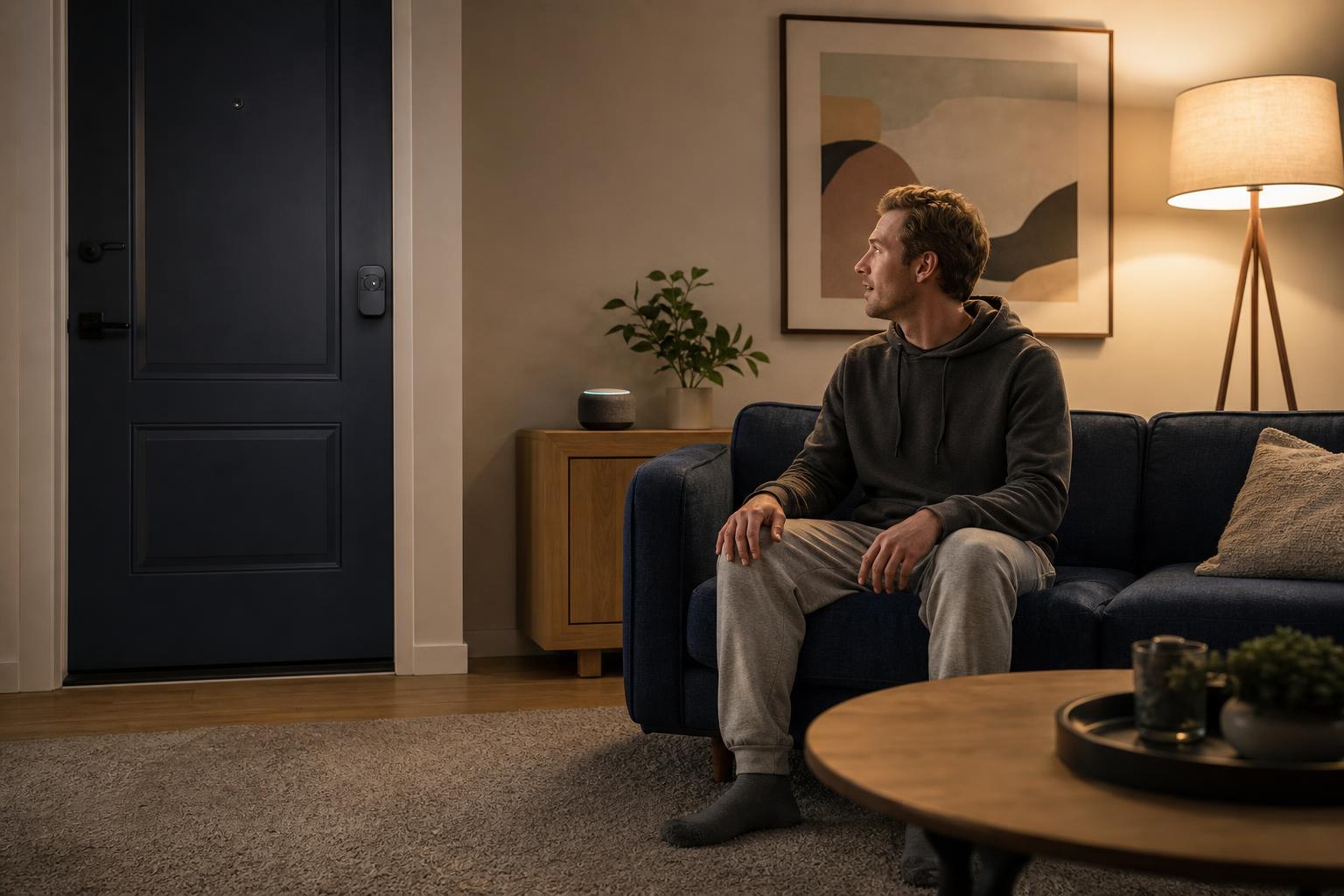
Scenario: Your home is already equipped with voice assistants like Alexa or Google Home, and you love creating automated routines. You want your front door to be part of this connected ecosystem.
You're not just looking for keyless entry; you want intelligence. A smart lock is the clear winner here. You can set up routines like "Alexa, goodnight" to lock your door, turn off the lights, and adjust the thermostat simultaneously. The lock becomes a central piece of your home's security and automation, unlocking a new level of convenience.
Decoding the Details: Security Grades and Connectivity Explained
Beyond convenience, the security and reliability of your lock are paramount. Understanding the industry standards and technology behind these devices can give you confidence in your choice. Let's look at what makes a lock physically tough and digitally secure.
Not All Locks Are Created Equal: Understanding ANSI/BHMA Grades
The American National Standards Institute (ANSI) and Builders Hardware Manufacturers Association (BHMA) set standards for lock durability and security. These are graded 1, 2, or 3, with Grade 1 being the highest.
- Grade 1: The toughest grade, built for heavy commercial use.
- Grade 2: Designed for high-end residential and light commercial use, offering excellent security and durability. Many top smart locks from brands like Yale and Schlage are Grade 2 certified.
- Grade 3: Basic residential security. While functional, it meets lower standards for withstanding force.
When choosing any electronic lock, checking for a Grade 2 rating ensures you're getting a product built to withstand physical attacks. Beyond physical toughness, digital security is also critical. Reputable smart locks use strong AES encryption, and many security experts provide guides on how to further secure your smart home devices.
Wi-Fi vs. Bluetooth vs. Z-Wave: What Connection Do You Need?
For smart locks, the type of connection matters. It affects battery life, range, and whether you need additional hardware.
- Wi-Fi: Connects directly to your home router, giving you access from anywhere in the world. This is the most convenient for true remote control but uses the most battery.
- Bluetooth: Connects directly to your phone when you're nearby (typically within 30 feet). It's very power-efficient but requires a separate Wi-Fi bridge if you want remote access.
- Z-Wave/Zigbee: These are low-power mesh networks that are extremely reliable and secure. They require a compatible smart home hub (like SmartThings or Ring Alarm) to connect to the internet.
Installation and Maintenance: What to Expect with Your New Lock
One of the biggest concerns for homeowners is the cost and complexity of installation. The good news is that most modern keypad and smart locks are designed for easy, do-it-yourself installation, saving you the high cost of a professional locksmith.
A 30-Minute DIY Project: Can You Install It Yourself?
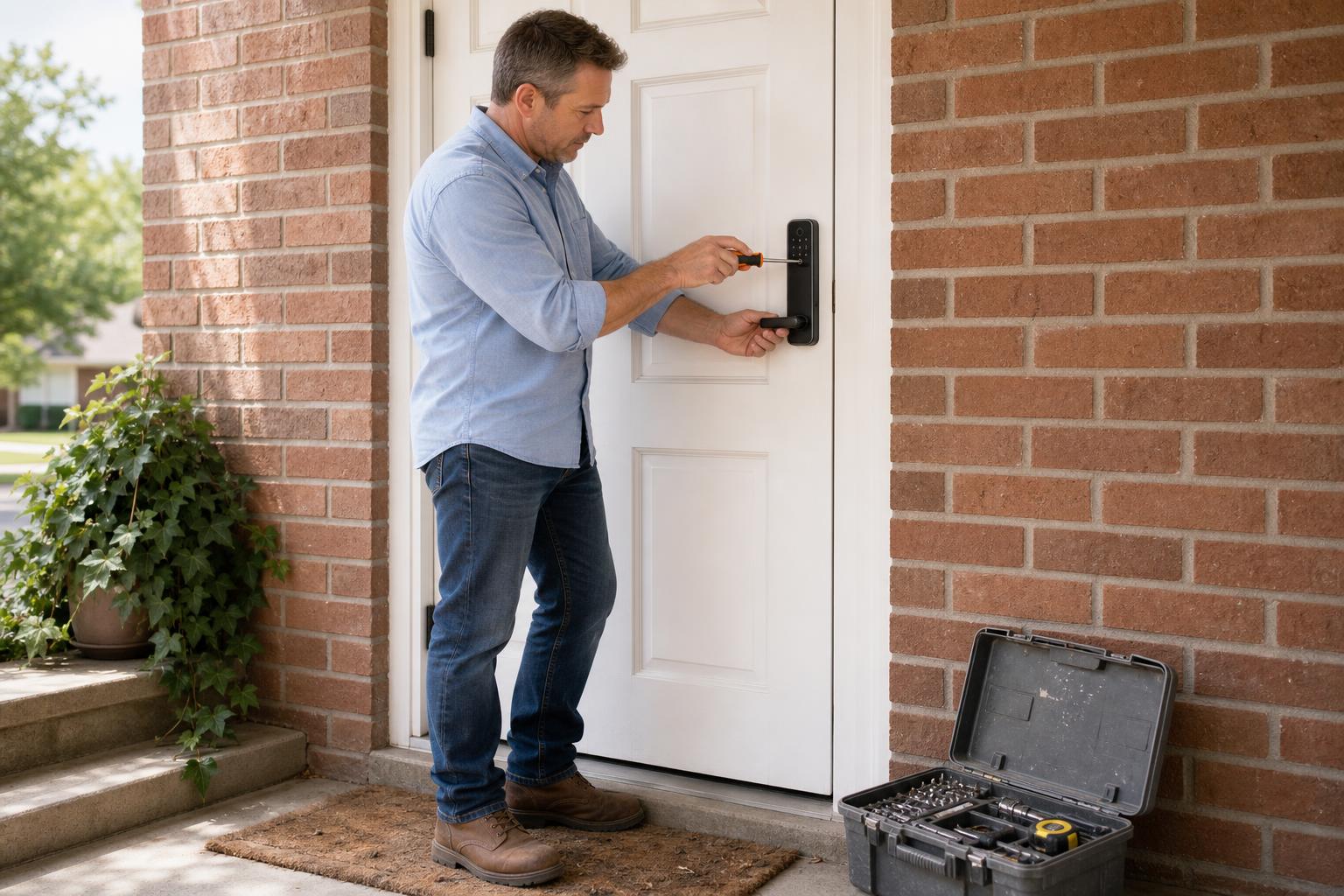
Absolutely. Instructional videos from manufacturers and home improvement experts, like this popular DIY guide, show that most installations take less than 30 minutes and only require a single screwdriver. The process involves removing your old deadbolt and fitting the new lock into the existing holes on your door.
The primary difference in installation is the final step. For a standard keypad lock, you're done once it's physically installed. For a smart lock, you'll spend a few extra minutes connecting it to your Wi-Fi network and pairing it with the app. For more help, you can always check out our detailed installation guides.
The Long-Term Commitment: Battery Life and Upkeep
Here's a key difference to consider for long-term ownership. Standard keypad locks are champions of battery life, often lasting 1-3 years on a single set of batteries. Because smart locks have to power a Wi-Fi or Bluetooth radio, their batteries drain faster, typically lasting 3-12 months.
But what if the batteries die? Don't worry, you won't be locked out. Most locks give you low-battery warnings for weeks. And for a true emergency, nearly all models either have a backup physical key or feature terminals on the bottom where you can press a 9V battery to give it enough temporary power to enter your code.
Frequently Asked Questions
-
What happens if the battery dies on a keypad or smart lock?
Most models provide low-battery warnings well in advance. If they do die, many have a physical key backup. Others have terminals underneath to temporarily power the lock by holding a 9V battery against them, allowing you to enter your code.
-
Are smart locks secure from hacking?
Reputable brands use strong encryption standards like AES, similar to what banks use. While no internet-connected device can be 100% immune, the risk of a remote hack is very low. The lock's physical strength (its ANSI/BHMA grade) is just as important for overall security.
-
Do I need Wi-Fi for a smart lock to work?
Not necessarily. The keypad will always work. Bluetooth-enabled models can connect directly to your phone when you are nearby, no Wi-Fi needed. You only need a Wi-Fi connection for remote features like locking or unlocking the door when you're away from home.
-
Is a keypad lock better than a traditional lock?
For convenience, absolutely. It eliminates the risk of lost or stolen keys, and you never have to fumble for them with your hands full. The ability to grant access with a code instead of copying a key is a significant lifestyle upgrade for most people.
-
Can a smart lock work if the internet is down?
Yes. Even if your Wi-Fi goes out, the lock doesn't stop working. The PIN pad on the door will function normally, and if it's a Bluetooth model, you can still control it with your phone from close range. You only temporarily lose the ability to control it remotely.
-
Do I need a professional to install these locks?
No. The vast majority of keypad and smart locks are designed for easy DIY installation. They are made to fit standard American doors and typically only require a screwdriver and about half an hour of your time.
The Final Verdict: Making the Right Choice for Your Home
So, in the matchup of keypad door lock vs smart lock, which one wins? The answer truly depends on how much you value remote control and smart home integration. It’s a choice between brilliant simplicity and powerful connectivity.
If your main goal is to ditch your keys for a reliable, low-maintenance, and affordable solution, a high-quality electronic keypad lock is your champion. It provides the core convenience of keyless entry without any added complexity.
However, if you need to manage access for guests, want the peace of mind of checking your door's status from afar, or want your lock to be part of a connected smart home, then an app-controlled smart lock is well worth the investment. The convenience it offers in these scenarios is unmatched. Whatever your lifestyle, there’s a keyless solution waiting for you.
Ready to find the perfect fit for your front door? Explore SAWHERO's full range of secure and easy-to-install locks and unlock a new level of convenience today.


