

Why Sharing Physical Keys with Guests is Obsolete and Risky
Handing over a physical key seems simple, but it opens the door to a host of problems. What if it gets lost or copied? How do you manage access for your Airbnb guests, the weekly cleaner, and a one-time contractor without running a full-time concierge service? Juggling spare keys is inconvenient and insecure.
This is where using a smart lock code for guests changes the game. It's a modern, secure, and incredibly flexible solution that puts you in complete control. The shift is already happening: according to a 2024 report, 74% of short-term rental operators now use keyless locks. This trend is part of a massive market expansion, which Grand View Research projects will continue to grow significantly in the coming years.
The Hidden Costs and Hassles of Traditional Key Management
Think about the real cost of a lost key. It’s not just the replacement; it's the high expense of calling a locksmith to change the entire lock cylinder to ensure the old key can't be used. There's also the constant worry about unauthorized duplication, and you have no way of knowing who entered your property or when.
The Shift to Keyless Entry in the Rental Market
For property managers and Airbnb hosts, keyless entry has become an industry standard. It elevates the guest experience by removing the friction of a key handover. More importantly, it enhances security and operational efficiency, allowing hosts to manage access remotely and maintain a clear audit trail of every entry.
Decoding Guest Access: Which Type of Smart Lock Code Should You Use?
Not all guest access needs are the same, and neither are smart lock codes. Understanding the different types allows you to grant the right level of access to the right person at the right time. Here’s how to match the code to the situation.
Time-Bound Codes: The Go-To for Airbnb and Vacation Rentals
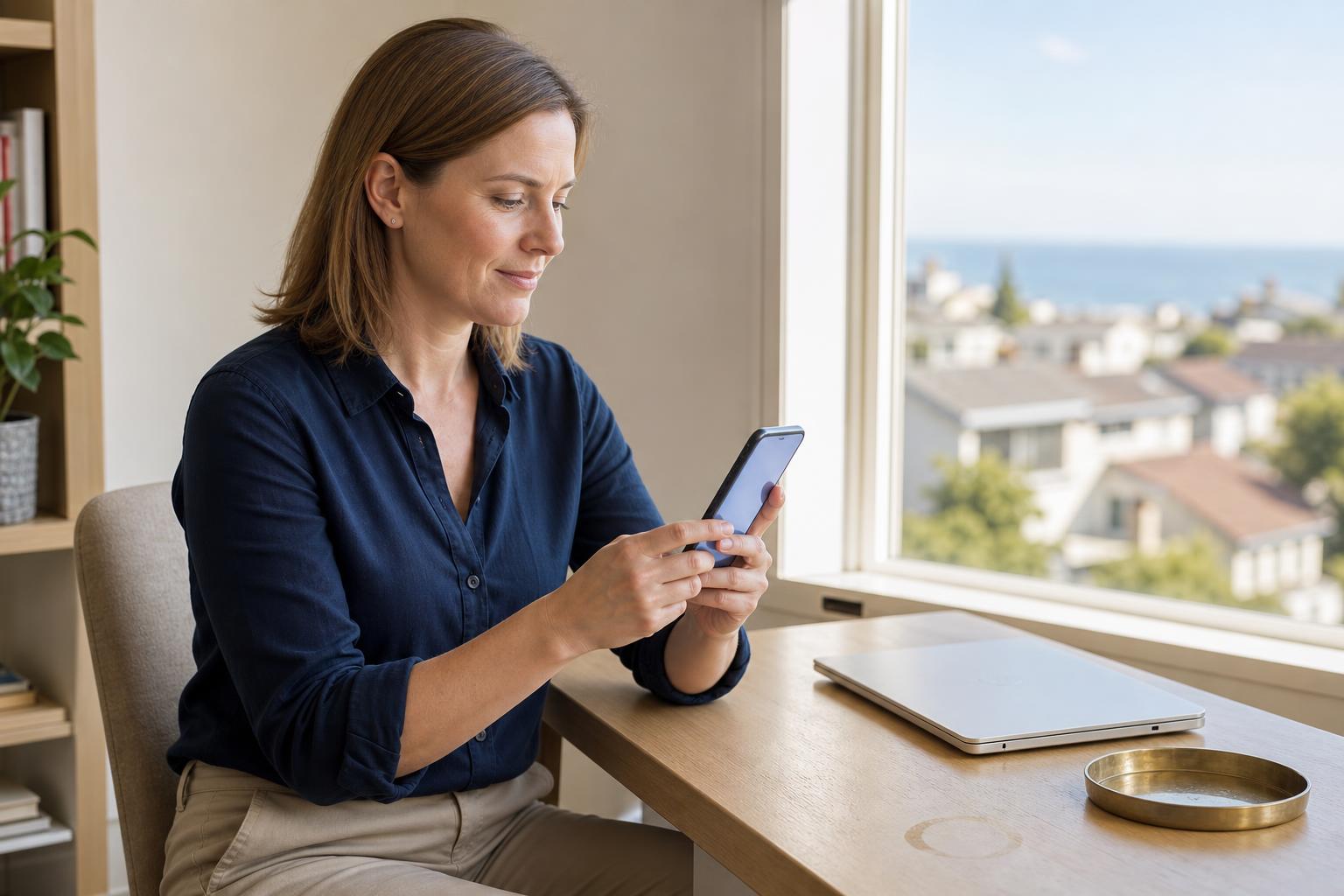
A time-bound or temporary door code is an ideal solution for short-term stays. You can set a code to become active at a specific start date and time and automatically expire when your guests check out. This eliminates worries about unauthorized early arrivals or re-entry after a stay ends.
For example, if your Airbnb guest is set to check in at 3:00 PM on Friday and check out at 11:00 AM on Monday, their code will only work within that window. This offers seamless, automated security without any manual effort on your part.
Real User Story: Managing a Remote Rental
"I manage my beach condo rental from three states away. Before, I was constantly coordinating with neighbors to hand off keys. Now, I create a unique, time-bound smart lock code for each guest. They get it via text the morning of check-in, and it expires automatically. It's saved me countless hours and gives both me and my guests peace of mind."
— Sarah L., Verified Property Manager
Recurring Codes: Ideal for Cleaners, Dog Walkers, and Regular Services
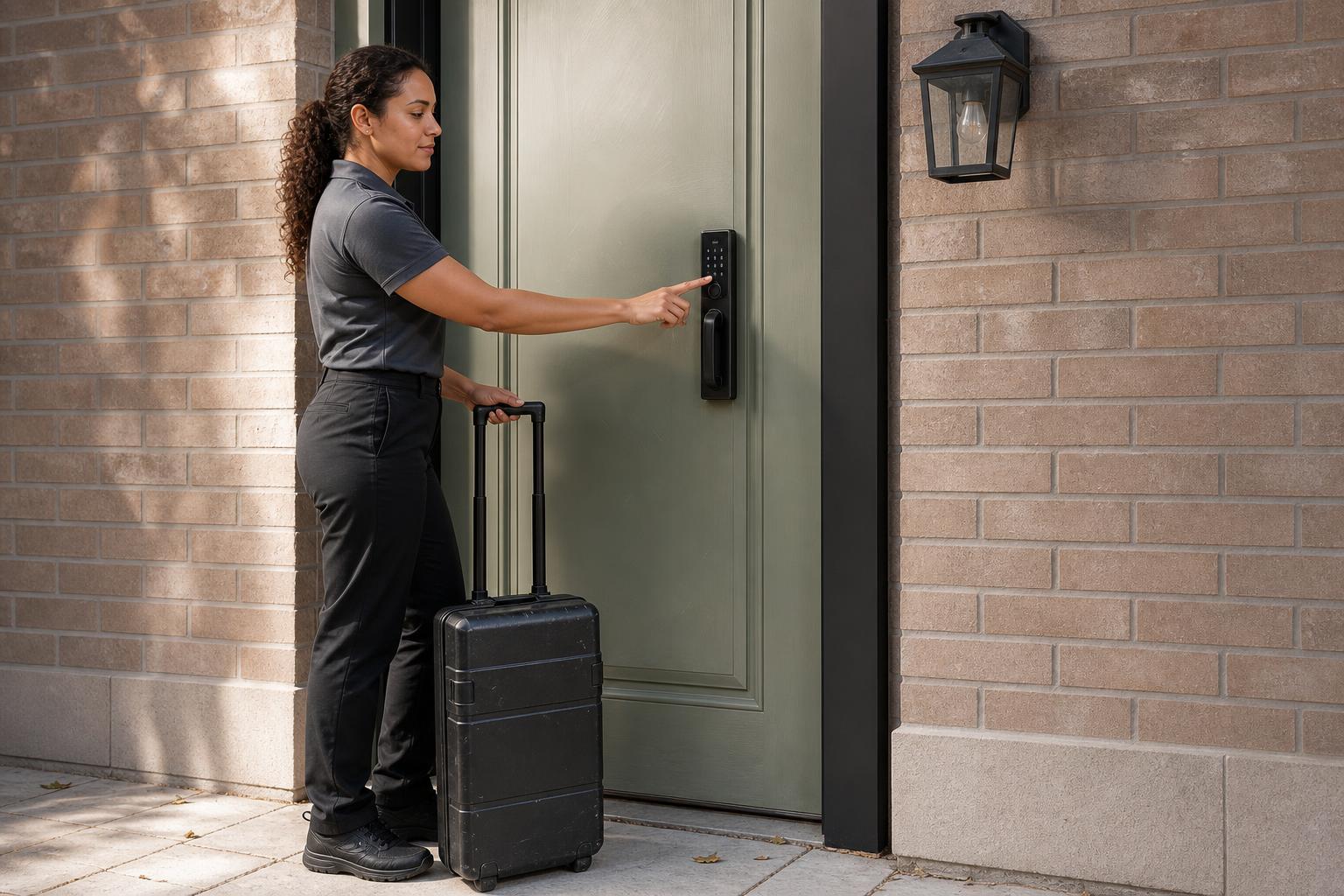
For people who need regular access, a recurring code is a lifesaver. You can program these codes to work only during specific days and times on a repeating schedule. It’s well-suited for housekeepers, dog walkers, nannies, or even kids who get home from school at the same time every day.
Imagine your cleaning service comes every Tuesday morning. You can create a recurring visitor smart lock PIN that works only on Tuesdays between 10:00 AM and 2:00 PM. They can let themselves in reliably, but the code won't work on any other day, keeping your home secure.
One-Time PINs and App-Based Keys: For Contractors and Quick Visits
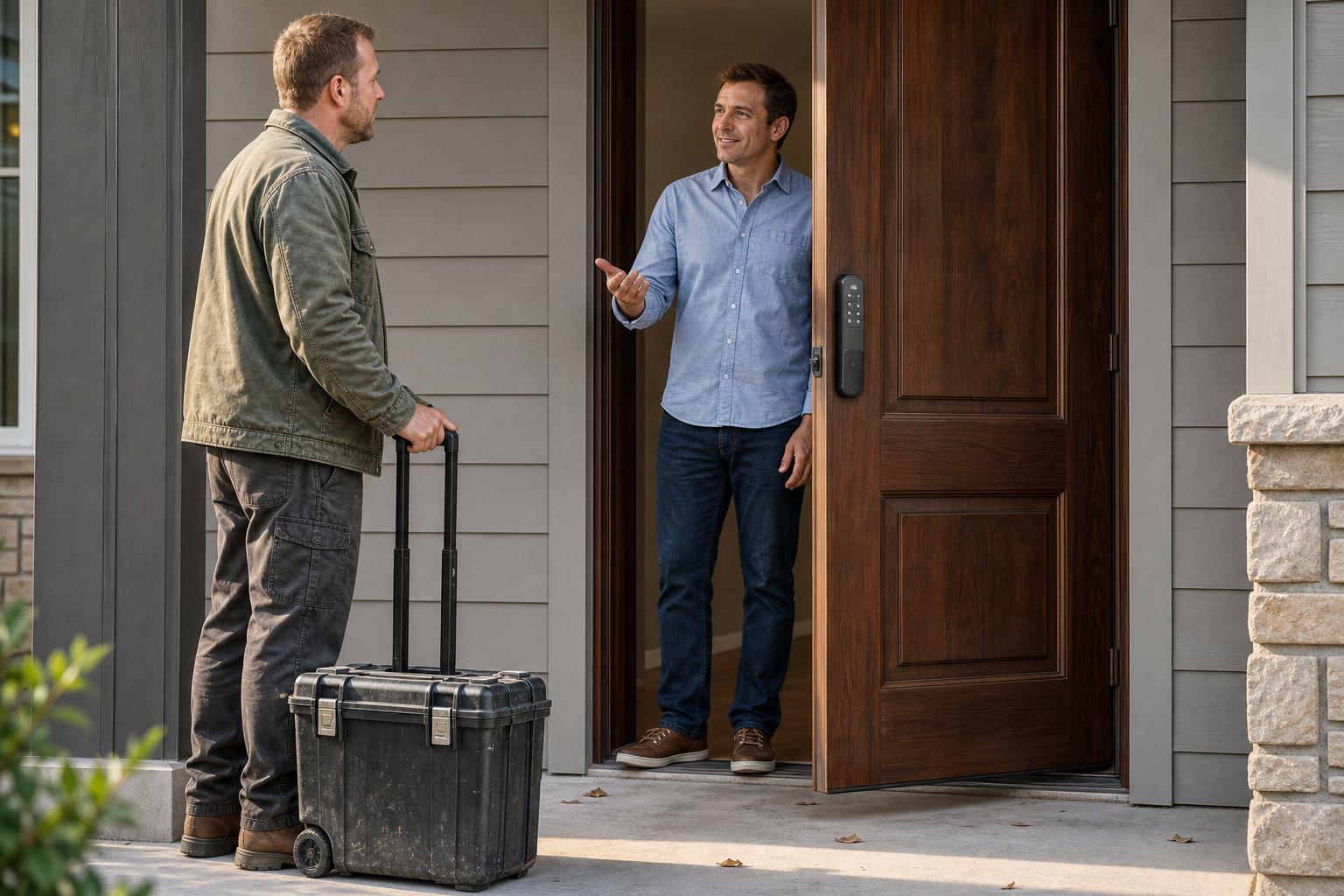
When you need to grant access for a single event, a one-time PIN is the most secure option. This code expires the moment it's used once. It’s the digital equivalent of opening the door for a plumber and locking it right after they leave.
For friends or family, app-based access offers another convenient choice. You can send a virtual key to their smartphone through the app, giving them easy access for their visit. When they leave, you can revoke the virtual key with a simple tap.
How Smart Locks Securely Manage and Deliver Guest Codes
It's natural to wonder about the technology behind these codes and if it's truly secure. Modern smart locks use robust systems to protect your home. It all comes down to two key components: connectivity and encryption.
The Technology Behind Remote Access: Wi-Fi, Bluetooth, and Gateways
For remote management, the lock needs to connect to the internet. This is typically done through built-in Wi-Fi, which connects directly to your home router. This setup, found in models like the SAWHERO A1 Smart Lock, eliminates the need for extra hardware and simplifies installation—a major benefit for DIY-focused homeowners trying to avoid high professional installation fees.
Encryption Protocols That Keep Your Digital Keys Safe
To keep your data safe, all communications are protected with strong encryption protocols like AES or TLS, the same standard used in online banking. When you create a guest access code in the app, it's transmitted in an encrypted format that prevents interception. This level of security makes digital codes far more secure than mechanical keys.
Decision Matrix: Finding the Best Smart Lock for Guest Access
The "best" smart lock is the one that has the right features for your specific needs. Key factors to evaluate include the variety of code types offered, remote management capabilities, and ease of installation. Use this comparison to see how different options stack up.
Feature Comparison Table
| Feature | SAWHERO A1 | Schlage Encode Plus | Yale Assure Lock 2 |
|---|---|---|---|
| Connectivity | Built-in Wi-Fi (No Gateway) | Built-in Wi-Fi | Bluetooth + Wi-Fi Bridge |
| Guest Code Types | Temporary, Recurring, One-Time, App-Based | Temporary, Recurring, App-Based | Temporary, Recurring, App-Based |
| Ease of Installation | DIY-friendly, fits most US doors | Professional install recommended | DIY-friendly |
| Remote Management | Full remote access via app | Full remote access via app | Full remote access via app |
| Airbnb Integration | Yes (via software partners) | Yes | Yes (with Z-Wave/Zigbee module) |
| Security Features | Anti-peep keypad, Forced entry alarm | Built-in alarm | Auto-locking |
| Power Source | Standard AA Batteries (Long Life) | Standard AA Batteries | Standard AA Batteries |
This table compares key features for guest management. Your choice depends on balancing features like direct Wi-Fi connectivity with ease of installation.
Frequently Asked Questions About Smart Lock Codes for Guests
Making the switch can bring up a few questions. Here are answers to some of the most common ones we hear from homeowners and property managers.
What happens if the power or Wi-Fi goes out?
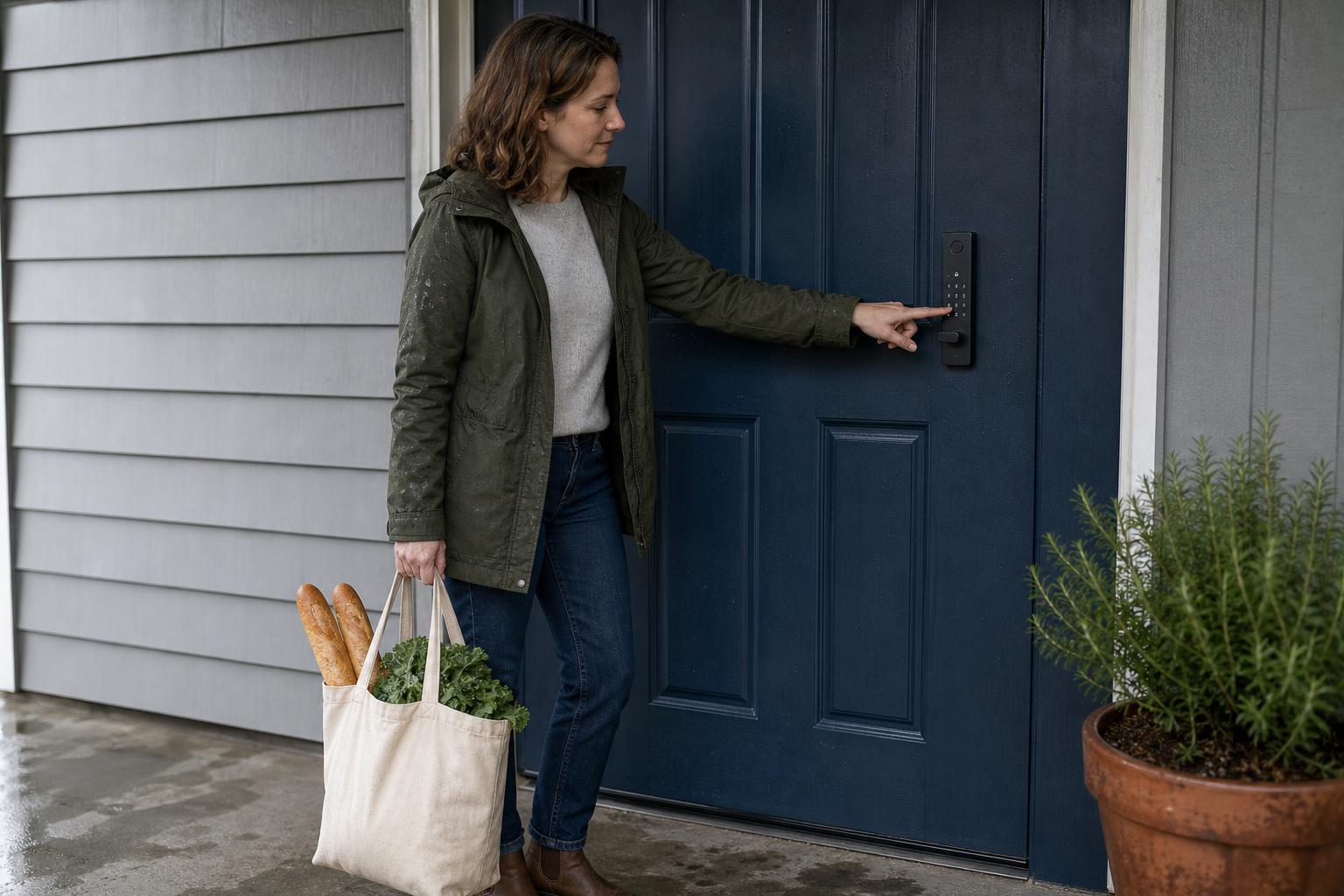
A power outage is no problem, as smart locks run on batteries. If your Wi-Fi goes down, any codes already programmed into the lock's memory will continue to work reliably. The only thing you won't be able to do is create new codes remotely until your internet is restored.
How secure are smart lock guest codes from hacking?
Reputable brands use advanced encryption (like AES 128-bit) for all communications, making it extremely difficult for codes to be intercepted. Look for features like an anti-peep keypad, which allows you to enter random numbers before or after your actual PIN to confuse onlookers.
Can I see a history of who used a guest code?
Yes, most smart lock apps provide a detailed activity log. This shows which code was used to unlock the door and at what time. This feature is invaluable for tracking guest check-ins, verifying service appointments, and ensuring peace of mind.
Are smart lock codes safer than giving out a physical key?
Yes, significantly so. A code can't be physically lost or copied by a disgruntled guest or ex-employee. You can delete a code from your phone in seconds, and the activity log means you always have accountability. This gives you a level of security and control that a physical key can never match.
What if my guest isn't tech-savvy?
Using a keypad is as simple as using an ATM. For guests who might struggle, providing clear, simple instructions via text is usually all it takes. For added assurance, some models also offer physical key backups, providing a reliable alternative for any situation.
How many different guest codes can I create at once?
This varies by brand, but most modern smart locks support a large number of codes simultaneously. SAWHERO locks, for example, often support 100 or more unique PINs, which is more than enough for residential and small commercial use.
The Final Turnkey Solution: Effortless Access Management
Ultimately, using a smart lock code for guests is about reclaiming your time and gaining peace of mind. It transforms guest management from a logistical headache into a simple, automated process that enhances both security and convenience.
Ready to stop worrying about keys and start offering seamless, secure access? Explore how SAWHERO's easy-to-install, feature-rich smart locks can simplify your life. Learn more about our secure access solutions.


