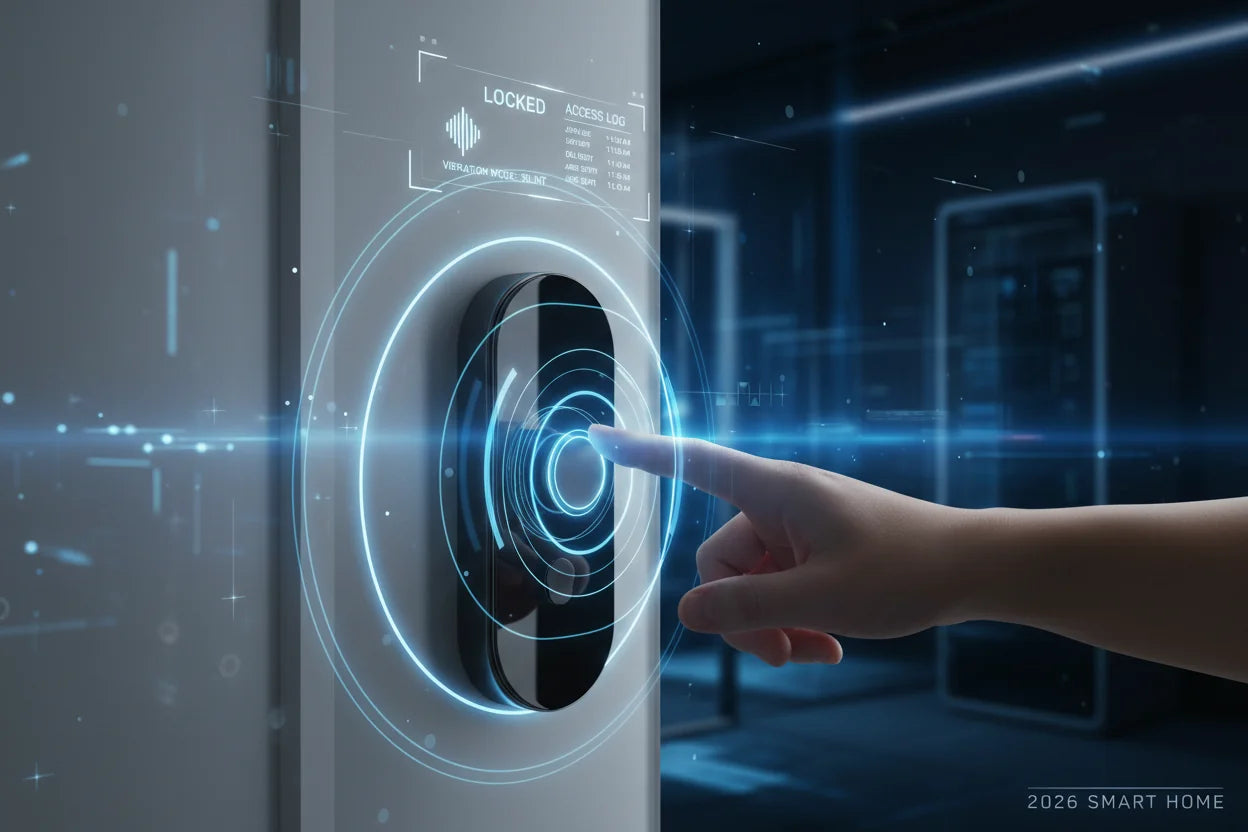
Imagine this: you lock your front door on your way out, and instantly, every smart blind in your home glides shut, shielding your private life from view. When you return, your fingerprint not only unlocks the door but also signals the blinds to open, welcoming you with natural light. This isn't merely about convenience; it's a foundational piece of home security and privacy for 2026 and beyond.
This is the power of a smart lock integration with smart blinds for total privacy. It's about creating automated privacy routines that work for you without a second thought. This guide provides the complete blueprint for setting up this system, from choosing the right platform to understanding the security implications.
Why Syncing Your Lock and Blinds is the Ultimate Privacy Upgrade
Pairing your smart lock and blinds moves beyond the simple convenience of individual gadgets. It creates an immediate, automated shield for your home, solving common problems like forgetting to close curtains or coming home to a dark house. This synergy forms the cornerstone of a truly private smart home.
This integration also enhances security by creating a "lived-in" look. When your blinds close automatically as you lock the door, it gives the impression that someone is always home, which can be a powerful deterrent for potential intruders. It's a subtle yet effective layer of protection.
With the number of active smart homes projected to hit 672.6 million by 2027, according to industry analysis, these integrated automations are quickly becoming a mainstream expectation. Syncing your devices is no longer a niche hobby; it's the new standard for a truly smart and secure home.
Your Blueprint for Smart Lock and Blind Integration
Achieving a seamless link between your smart lock and blinds is easier than you might think. There are three popular pathways to make this happen, each catering to different needs and technical comfort levels. Let's break down your options.
The Easy Way: IFTTT for Simple "If-Then" Recipes
IFTTT, which stands for "If This Then That," is the perfect starting point for beginners. It acts as a simple bridge connecting different apps and devices. You can create a rule, or "Applet," that says, "If my August smart lock is locked, then close my Lutron blinds." It’s known for broad compatibility and requires absolutely no coding.
The All-in-One Hub: SmartThings for Broader Ecosystem Routines
Samsung's SmartThings platform acts as a central command center for your home. It allows you to build more complex "Routines" that trigger multiple actions at once. For example, a single "Leaving Home" routine could lock your door, close all blinds, turn off the lights, and adjust the thermostat. With its strong support for protocols like Zigbee and the new Matter standard, it’s a robust choice for managing a diverse ecosystem of devices.
The Power User's Choice: Home Assistant for Ultimate Local Control
For those who want maximum control and privacy, Home Assistant is the gold standard. It’s an open-source platform that runs locally in your home, meaning your automations don't depend on the internet to function. This results in faster response times and enhanced privacy. You can create highly personalized scripts, such as having the blinds in just your home office open when your specific fingerprint unlocks the door.
Choosing Your Platform: A Quick Comparison for Your Privacy Hub
Deciding on the right integration platform can feel overwhelming. To make it simple, here’s a head-to-head comparison to help you choose the best hub for your automated privacy routines based on what matters most to you.
| Feature | IFTTT (If This Then That) | Samsung SmartThings | Home Assistant |
|---|---|---|---|
| Ease of Use | ★★★★★ (Easiest) | ★★★★☆ (Relatively Easy) | ★★☆☆☆ (Learning Curve) |
| Device Compatibility | Wide range of cloud services | Extensive (Zigbee, Z-Wave, Matter) | Massive (Thousands of integrations) |
| Customization Power | ★☆☆☆☆ (Basic) | ★★★☆☆ (Intermediate) | ★★★★★ (Ultimate) |
| Execution Method | Cloud-based (Needs internet) | Cloud & Some Local | Local-first (Fast & private) |
| Cost | Free with limitations | Requires a hub purchase | Free software (Requires hardware) |
| Best For | Beginners seeking simple connections | Mainstream users wanting an ecosystem | Tech enthusiasts craving total control & privacy |
Beyond Entry/Exit: 3 Automated Privacy Routines You Can Set Up Today
The real magic of syncing your blinds and door lock for 2026 goes beyond simple coming and going. Here are three powerful automated privacy routines you can implement to make your home smarter and more secure.
The "Leaving Home" Fortress: Instantly Secure Your Space
This is your all-in-one security command. Set up a routine where locking your door from the outside triggers a sequence of events. All your smart blinds close, smart lights turn off, and your indoor security cameras arm themselves. It ensures your home is buttoned up tight with zero effort.
The "Welcome Home" Ambiance: Personalized Light on Arrival
Make your return home a welcoming experience. This routine can be personalized to each user. For example, when your fingerprint is recognized at the door after 6 PM, the entryway lights turn on to a warm glow, and the living room blinds open halfway to let in the evening light. It’s a warm, personalized welcome every time.
The "Total Privacy" Mode: One-Tap Shield Against the Outside World
Perfect for movie nights or when you just need to shut out the world. Create a scene activated by a voice command like, "Hey Google, activate privacy mode." This single command can lock all smart doors and instantly close every smart blind in the house. It's your on-demand sanctuary, providing peace of mind in seconds.
Balancing Convenience with Security in Your Integration
While creating a fully automated home is exciting, it's crucial to address the security implications. After all, you're giving apps and services control over your home's primary points of entry. A thoughtful approach to security is crucial.
Consumer concerns are valid; one survey found that 57% of Americans are worried about how smart home devices collect and use their data. Organizations like the Electronic Frontier Foundation (EFF) have also warned that smart devices can create sensitive data trails. The key is to embrace the convenience without sacrificing security.
Here are some actionable steps to keep your setup secure: always use strong, unique passwords for your accounts and enable two-factor authentication (2FA). Prioritize platforms that offer local control, like Home Assistant, to minimize reliance on cloud servers. Finally, regularly check app permissions and keep your devices' firmware updated to patch any security vulnerabilities.
FAQ: Your Questions on Smart Lock and Blind Syncing Answered
Do I need a specific brand of smart lock and blinds?
Not necessarily. The key is the integration platform (IFTTT, SmartThings, Home Assistant) you choose. As long as the platform supports both your lock and your blinds, you can make them work together. However, some brands, like August and Lutron, have established partnerships for deeper, more seamless integrations.
What happens if my Wi-Fi goes down?
It depends on your setup. Cloud-based automations, like those on IFTTT, will stop working. If you use a local control system like Home Assistant, most routines will continue to function as long as your devices are on the same local network. Your smart lock's core functions, like fingerprint or keypad entry, will always work regardless of internet status.
What are Zigbee, Z-Wave, and Matter, and why do they matter?
Think of them as different languages smart devices use to talk to each other. Zigbee and Z-Wave are established, reliable protocols. Matter is the newest universal standard designed to make devices from different brands work together effortlessly. Choosing Matter-compatible devices is a great way to future-proof your smart home.
Is it expensive to set this up?
The cost can vary widely. You can start on a budget by using affordable retrofit kits to motorize your existing blinds and running free software like Home Assistant on a Raspberry Pi. On the other end, premium brands offer a more polished, plug-and-play experience at a higher price point.
How secure is giving apps control over my door lock?
Security hinges on the platform's reputation and your personal security habits. Always choose well-known brands with a strong security track record. Using strong passwords and enabling 2FA is non-negotiable. Local control platforms are generally considered more secure as they reduce your data's exposure to external servers.
Can I automate blinds based on sunset/sunrise?
Absolutely! This is one of the most popular automations. All major platforms can trigger actions based on local sunrise and sunset times. You can even combine this with your lock status, creating a rule like, "If the door is locked AND it's after sunset, close the blinds."
Ultimately, achieving a smart lock integration with smart blinds for total privacy is a game-changing step in modernizing your home. It’s a practical fusion of security, convenience, and peace of mind that defines modern smart living.
Now is the time to start planning your first automated privacy routine. Take the insights from this guide and begin building a safer, more responsive home for 2026. Your journey towards total home automation starts with a single, secure entry point.
Check out the SAWHERO SentriKey Smart Fingerprint Door Lock to see how it can become the secure foundation of your new automated privacy hub.