

The Real-World Trade-Off: Is Keyless Convenience Worth the Complexity?
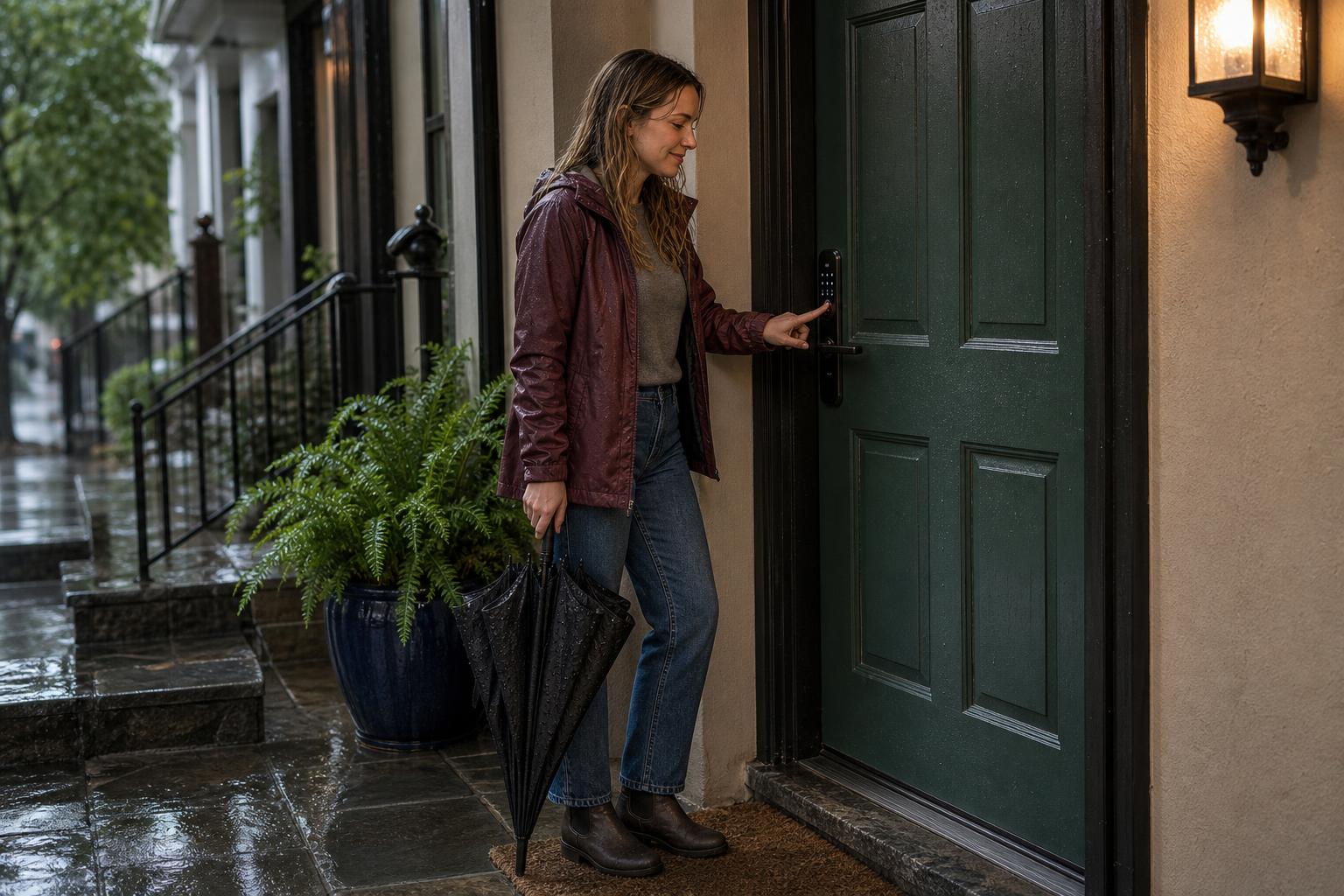
The core of the smart lock vs. traditional deadbolt debate isn't just about technology; it's about a fundamental trade-off. Discussions across forums like Reddit show a clear tension: we love the idea of keyless freedom but worry about introducing new points of failure like dead batteries or Wi-Fi glitches.
Let's be real, the convenience is a powerful draw. But the fear that this convenience comes at the cost of reliability is what holds many people back. Here, we’ll tackle that debate head-on, weighing the celebrated benefits against the real anxieties of going keyless.
What Users Love: The Freedom of Keyless Entry
The most significant benefit of a smart lock is liberating yourself from physical keys. Imagine a dog walker arriving while you're at work; you can grant them access remotely from your phone. There's no more fumbling for keys in the rain or that moment of panic when you realize you've left them inside.
For families, this convenience is a game-changer. You can get a notification when your kids arrive home safely from school. For those who manage rental properties or Airbnbs, the ability to issue and revoke temporary digital keys saves countless hours and eliminates the risk of unreturned physical keys.
Common Anxieties: Battery Life, Glitches, and Hacking Fears
Honestly, the concerns are valid. What happens if the smart lock battery dies when you're locked out? It's a common fear, and some users express frustration with locks that occasionally glitch. This leads many to argue that a high-quality traditional deadbolt simply offers superior, dependable reliability.
The idea of a lock being hacked is another major hurdle. While traditional locks can be picked, the threat of a digital breach feels different and more abstract. These anxieties about battery dependence, software bugs, and digital security are the primary reasons people stick with what they know: the trusted mechanical deadbolt.
Security Deep Dive: Is a Smart Lock Safer Than a Deadbolt?
Here's the deal: the belief that "smart" means less secure is a common misconception. When you break it down, a high-quality smart lock doesn't sacrifice physical strength for digital features. Instead, it aims to provide robust security on both fronts—the physical and the digital.
To truly compare smart lock vs. traditional deadbolt security, we have to look beyond the electronics. We need to start with the foundation of any good lock: its ability to withstand a brute-force attack. Then, we can layer on the digital safeguards that modern locks provide.
The Foundation: Mechanical Strength and ANSI Grades
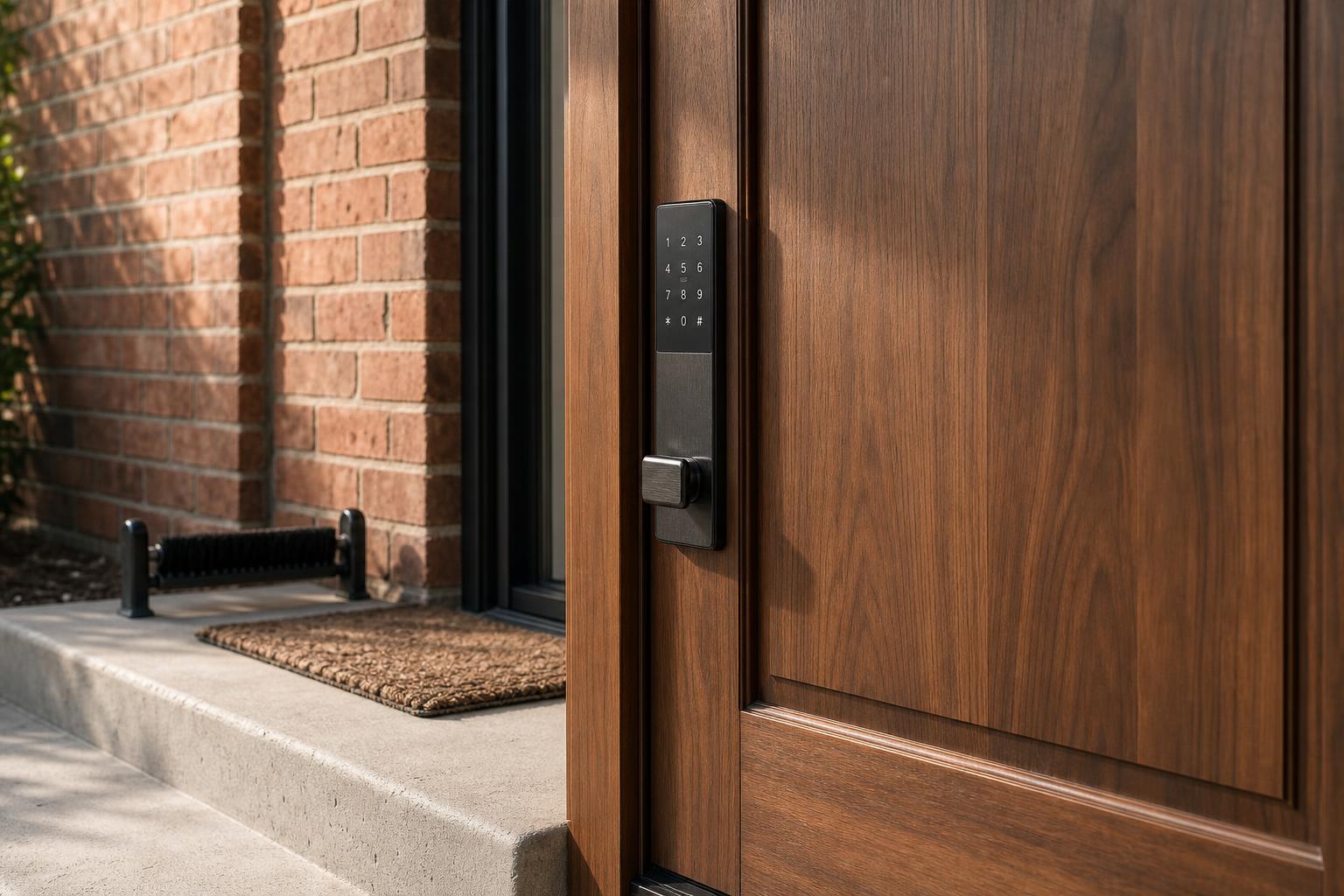
The true measure of a lock's physical toughness is its ANSI/BHMA grade. This industry standard rates locks from Grade 3 (good) to Grade 1 (best). A Grade 1 deadbolt, for instance, must endure 10 heavy strikes from a battering ram and 250,000 open-and-close cycles.
Top-tier smart lock manufacturers like Schlage and SAWHERO build their smart locks on a Grade 1 or Grade 2 mechanical deadbolt chassis. This means their core physical strength is identical to their non-smart counterparts. Considering FBI data shows that 34% of burglars enter through the front door, having a physically strong mechanical deadbolt as your base is non-negotiable.
The Digital Fortress: Encryption and Smart Safeguards
While the mechanical lock resists physical attacks, the digital layer protects against technological ones. Reputable smart locks use military-grade encryption, like AES-128 or AES-256, to secure communication between your phone and the lock. In fact, Master Lock confirms this standard is a key part of making their smart locks as safe as traditional ones.
Beyond encryption, features like "anti-peep" password protection let you enter random digits before or after your real code to confuse onlookers. Some brands, like Lockly, take privacy seriously by storing sensitive data like fingerprints locally on an encrypted chip, not in the cloud. These layers make a digital breach far more difficult than a simple physical attack.
Daily Life Comparison: Access, Management, and Peace of Mind
Beyond security, the real difference between a smart lock and a traditional deadbolt emerges in everyday use. The debate here centers on access management and the sheer convenience that an electronic door lock provides for modern life.
Managing Access for Family, Guests, and Rentals

One of the core benefits of keyless entry is effortless access management. With a traditional lock, letting in a contractor means making a key copy, coordinating a hand-off, and hoping you get the key back. It’s a system built on trust and inconvenience.
A smart lock transforms this process. You can create a temporary code for a guest that only works for the duration of their stay or a recurring code for the weekly cleaner. For a vacation rental owner, this is revolutionary. You can manage access for dozens of guests from anywhere in the world without ever touching a physical key.
"Did I Lock the Door?" – Solving Everyday Forgetfulness
We've all had that moment of anxiety halfway to work: "Did I remember to lock the door?" With a traditional deadbolt, the only solution is to turn the car around. This daily uncertainty is a small but constant source of stress.
Smart locks offer a simple, elegant solution. Features like auto-lock can be set to engage the deadbolt after a predetermined time, so your door is always secure. Furthermore, you can check the lock's status right from your app, giving you instant peace of mind from anywhere.
Decision Matrix: Smart Lock vs. Traditional Deadbolt at a Glance
To make the choice easier, let's break down the key differences in a clear, side-by-side comparison. This table summarizes the core arguments in the smart lock vs. traditional deadbolt matchup, helping you see which features matter most to you.
| Feature | Traditional Deadbolt | Smart Lock (e.g., SAWHERO) | Winner |
|---|---|---|---|
| Core Security | Relies on ANSI Grade (e.g., Grade 1-3) | Physical (ANSI Grade 1/2) + Digital (AES Encryption) | Smart Lock |
| Convenience | Requires physical key | Multiple keyless methods (code, fingerprint, app) | Smart Lock |
| Guest Access | Copy/hand-off keys, hard to revoke | Remote temporary/permanent codes, instantly revocable | Smart Lock |
| Installation | Simple, standardized | DIY-friendly, most under 30 mins (retrofit/full) | Tie |
| Reliability & Backup | Extremely high reliability, almost no failure | Battery-dependent, but has physical key/USB power backups | Traditional (Reliability) / Smart Lock (Backups) |
| Upfront Cost | $20 - $50 | $150 - $300+ | Traditional |
| Smart Home Integration | None | Works with Alexa, Google Assistant, etc. | Smart Lock |
Making the Switch: Installation, Maintenance, and Long-Term Costs
Okay, so you're intrigued by the benefits. But what about the practicalities? Concerns about installation difficulty and ongoing maintenance are valid. Let's look at what it really takes to own and operate a smart lock.
Can You Install It Yourself? Retrofit vs. Full Replacement
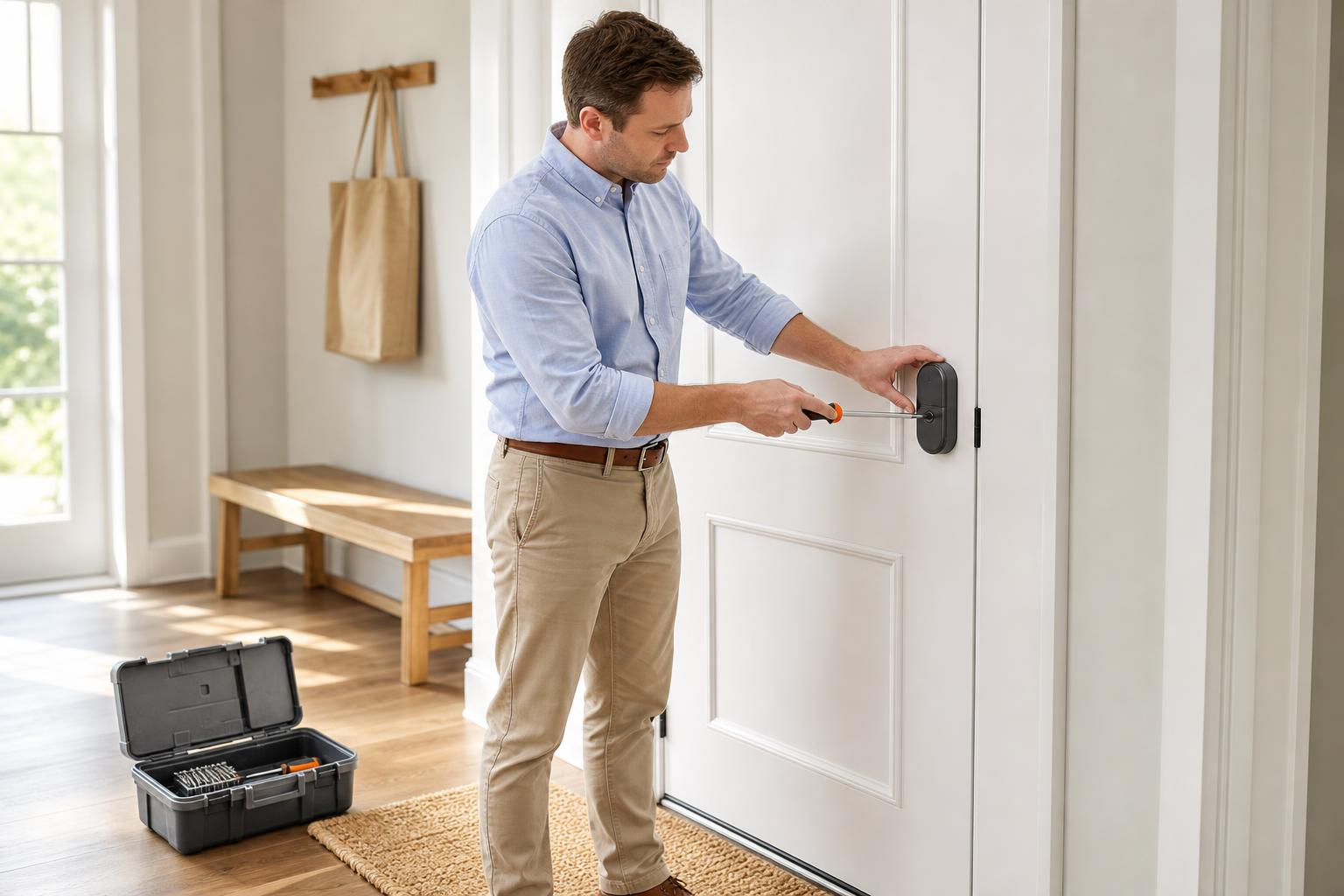
Many people assume a smart lock requires a professional, but that's rarely the case. There are two main types: retrofit and full replacement. Retrofit models like August install over your existing deadbolt on the inside of your door, making them great for renters as the exterior hardware doesn't change.
Full replacement locks from brands like SAWHERO replace your entire deadbolt, providing a more integrated and secure setup. Most are designed for DIY smart lock installation and can be fitted in under 30 minutes with just a screwdriver, which can help you save a bundle on professional fees.
The True Cost of Ownership: Batteries and Upkeep
The long-term cost of a traditional lock is virtually zero. A smart lock, however, requires batteries. The good news is that most models use standard AA batteries, and a single set can last anywhere from 6 to 12 months depending on usage. Your app will always give you low-battery warnings well in advance.
While a smart lock has a higher upfront cost, averaging $150–$300 compared to $20–$50 for a traditional one in 2023, the ongoing maintenance is minimal. A set of batteries once a year is a small price for the convenience and security features you gain.
Frequently Asked Questions about Smart Locks
Still on the fence? Here are quick answers to some of the most common questions people have when considering the switch from a traditional deadbolt.
-
Q1: What happens if the power or my Wi-Fi goes out?
A: Most smart locks run on batteries, so a power outage doesn't affect them. If your Wi-Fi goes down, remote features might not work, but you can still use the keypad, fingerprint sensor, or a physical key. -
Q2: Are smart locks easy for burglars to hack?
A: While theoretically possible, hacking a high-quality lock with AES-256 encryption is extremely difficult. A burglar is far more likely to attempt a physical break-in, like kicking in the door, than a complex digital hack. -
Q3: How long do the batteries in a smart lock last?
A: Typically, 6 to 12 months. Usage frequency, weather, and the lock model all play a role. Most apps provide low-battery notifications weeks before they run out. -
Q4: Can I still use my original key with a smart lock?
A: It depends on the model. Retrofit locks like August work with your existing key. Many full-replacement smart locks also include a traditional key cylinder as a reliable backup. -
Q5: Are smart locks a good idea for renters?
A: Absolutely. Retrofit models are perfect because they don't alter the existing lock. For landlords, they offer a superior way to manage tenant access without the hassle of changing locks between renters. -
Q6: Is a smart lock physically as strong as a good old deadbolt?
A: Yes. A smart lock with an ANSI Grade 1 or Grade 2 rating has the same physical resistance to force as a traditional deadbolt with the same grade. The "smart" part is an added layer, not a replacement for strength.
Final Verdict: Is It Finally Time to Upgrade Your Deadbolt?
After comparing security, convenience, and cost, the verdict is clear. Upgrading to a smart lock is no longer about choosing convenience over security. It's about getting enhanced convenience and flexible access control built on top of the same robust physical security you expect from a traditional deadbolt.
If you're a homeowner who values convenience, a landlord who needs to manage multiple properties, or a tech-savvy user looking for peace of mind, the answer is yes—it’s worth the upgrade. The benefits of keyless entry, remote access, and activity logs solve real-world problems that physical keys simply can't.
For those seeking a lock that blends top-tier physical security with DIY-friendly installation and versatile access management, exploring SAWHERO's range of smart locks is a great next step. Take control of your front door and discover a smarter way to stay secure.


