

Upgrading your front door security is one of the smartest moves you can make for your home. But it raises a key question: should you get a single device that combines a smart lock with a doorbell, or pair a separate smart doorbell with a standalone smart lock? It's a classic debate of convenience versus specialized performance.
Your answer will shape your entire visitor management system. One path offers a streamlined, all-in-one experience, while the other provides flexibility and top-tier features. This guide will break down the pros and cons of each setup, helping you make the right call for your home's unique needs.
The All-in-One Approach: How Integrated Smart Lock Doorbells Work
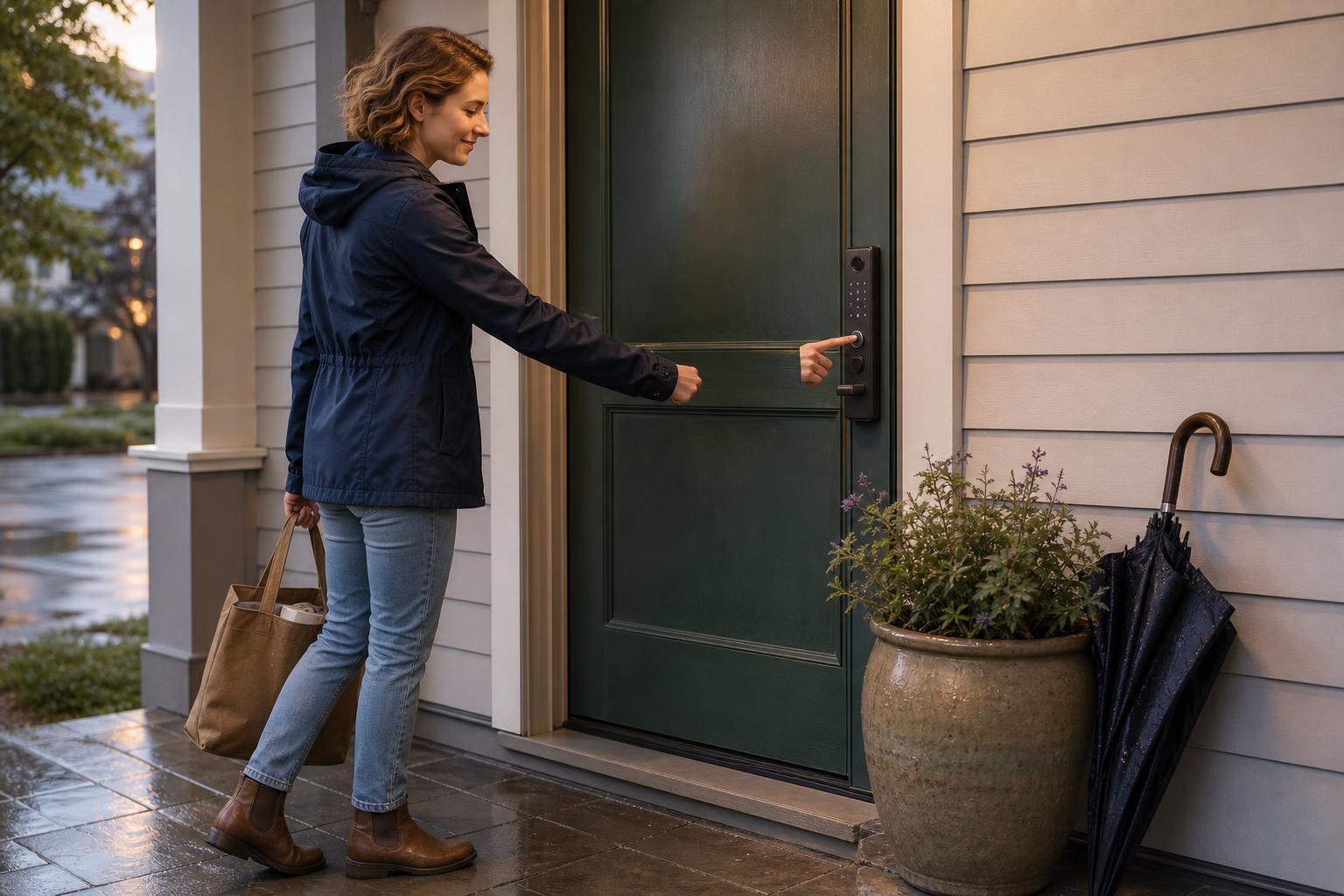
An integrated doorbell lock is exactly what it sounds like: one device that handles visitor identification, two-way communication, and remote unlocking. Brands like Eufy and Lockly have popularized this "3-in-1" design, merging a camera, doorbell, and deadbolt into a single, sleek unit. This approach is built for simplicity and a clean look on your front door.
The process is seamless. When a guest presses the doorbell button, you get a notification on your smartphone. From a single app interface, you can see a live video feed, talk to them through the intercom, and tap a button to unlock the door. The core advantage is a streamlined user experience, from installation to daily use, making it ideal for those who value convenience above all else.
Key Features to Look For in an Integrated System
When shopping for an integrated doorbell lock, you're essentially looking for a complete visitor access system. Look for models offering multiple unlock methods, like fingerprint, keypad, and app control. Eufy's S330, for example, combines these with a 2K camera for crisp video.
Pay close attention to technical specs. A large rechargeable battery, like the 10,000 mAh units found in many models, is crucial because the camera is power-hungry. Also, ensure the device has a solid weather-resistance rating, like IP65, to handle rain and dust without issue.
The "Best-of-Breed" Strategy: Pairing a Separate Smart Lock and Doorbell
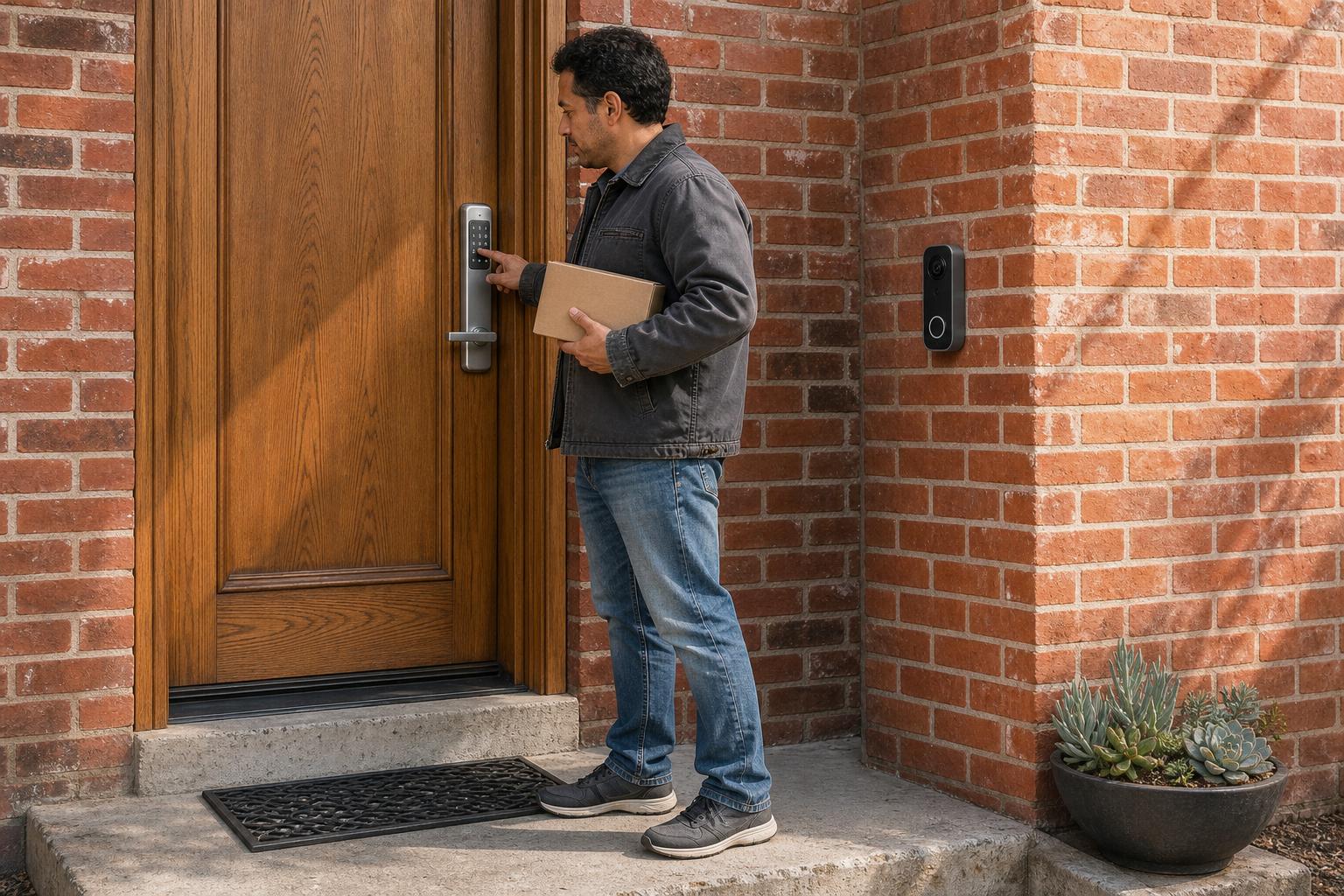
The alternative strategy is to pick the best separate devices in each category: a top-rated smart lock and a top-rated video doorbell. This "best-of-breed" approach is about maximizing performance and features by choosing products that excel at their one job. You don't have to accept any compromises.
The main advantage here is flexibility. You can choose a video doorbell with advanced features like Power over Ethernet (PoE) for non-stop power or a wider field of view. As seen in smart home forums, tech enthusiasts often pair devices like a Nuki smart lock with a Reolink doorbell to gain powerful integration with platforms like Home Assistant, enabling complex automations that all-in-one units can't match.
Why Flexibility and Performance Drive This Choice
Superior performance is a huge driver for this choice. Standalone video doorbells often feature more sophisticated motion detection algorithms and reliable hardwired power options, eliminating the battery anxiety common with integrated locks. A PCMag review of an early Lockly Vision model pointed this out, suggesting separate devices might be better for those needing top-tier camera features.
You also gain flexibility in installation. The doorbell can be placed in the perfect spot for the best camera angle, while the lock goes exactly where it needs to be on the door. You aren't constrained by a single device's footprint.
Decision Matrix: Smart Lock with Doorbell vs Separate Doorbell
Let's be real: this choice comes down to your priorities. To simplify things, we've broken down the key differences between an integrated doorbell lock and a separate setup in this side-by-side comparison. Use this table to see which column aligns best with what matters most to you.
| Feature / Dimension | ✅ Integrated Smart Lock with Doorbell | ✅ Separate Smart Lock & Doorbell | Winner |
|---|---|---|---|
| Installation & Aesthetics | Single device, simpler installation, and a cleaner look. | Two devices mean more installation steps and potential wiring. | Integrated |
| Performance & Features | Good all-around features but may have weaker points (e.g., night vision). | You can choose the best products for superior, specialized performance. | Separate |
| Battery Life | A single battery powers both lock and camera, requiring frequent recharging. | The lock has long battery life; the doorbell can be hardwired for no-fuss power. | Separate |
| Ease of Use | One app controls everything for a seamless, unified experience. | May require switching between two apps unless they integrate well. | Integrated |
| Overall Cost | The initial purchase price is often lower than two separate premium devices. | Buying two high-end devices can lead to a higher total cost. | Integrated |
| Ecosystem Integration | Works well with major voice assistants like Alexa and Google Assistant. | Better for advanced users with systems like Home Assistant for custom automation. | Separate |
Which Setup Fits Your Life? 3 Real-World Scenarios
Theory is great, but how do these setups perform in the real world? Let's apply our findings to three common scenarios to help you see which solution fits your lifestyle best. This is where you can truly understand the practical impact of your choice.
For the Busy Family or Tech Newcomer: The Simplicity of Integrated

Imagine you're juggling work and family, and you need a simple way to let the dog walker in while you're at the office. An integrated solution is perfect here. Its single-app, "one-tap" operation means you're not fumbling with complex settings or multiple apps just to open the door. The easy installation is another huge win for anyone who isn't a tech expert.
For the Smart Home Enthusiast: The Power of a Separate System
If you're a smart home power user running a system like Home Assistant, a separate setup is your playground. You can create advanced automations, like having your porch lights turn on and your entryway unlocked automatically when a specific person's face is recognized by the doorbell. This level of customization and control is only possible with separate, highly integrable devices.
For the Airbnb Host or Property Manager: The Reliability of Separate

For a rental property, reliability is king. A system that goes offline or runs out of battery can cause major headaches for you and your guests. A separate, hardwired video doorbell and a long-lasting smart lock offer peace of mind. This setup minimizes maintenance and the risk of a guest being locked out. A robust solution like the SAWHERO A1 Smart Lock offers the powerful permission controls and reliability that property managers need.
Answering Your Top Questions
Still have a few questions? You're not alone. Here are answers to some of the most common queries people have when choosing their front door security system.
Do integrated smart locks drain the battery quickly?
Yes, the camera is a significant power drain. While many models use high-capacity 10,000 mAh rechargeable batteries, you'll still charge them more often than a standalone smart lock. Some users find this trade-off for convenience to be worth it.
Is it hard to install a smart lock doorbell combo?
Generally, it's simpler than installing two separate devices. Most brands provide excellent video tutorials for DIY installation. However, ensuring your door is properly aligned is critical for any smart lock. For more help, our smart door lock installation guide walks you through every step.
Will visitors know where to press the doorbell on an integrated lock?
This is a valid concern. Some designs are more intuitive than others. When choosing a model, look for one with a clearly marked, backlit doorbell button to avoid confusing your guests.
Can I use an integrated lock if my Wi-Fi is weak at the front door?
A stable 2.4GHz Wi-Fi signal is essential for both integrated and separate smart devices. If your signal is weak, you'll experience lag in video feeds and remote commands. It's best to address any Wi-Fi issues before installing either system.
What happens if the battery dies on a smart lock with a doorbell?
You won't be locked out. We cover this in detail in our guide on what happens when a smart lock battery dies. Most models have an emergency power option, like a USB-C port on the bottom, that allows you to give it enough temporary juice with a power bank. Plus, they almost always include a physical key as a final backup.
Which brands are best for integrated smart lock doorbells?
Eufy and Lockly are leaders in this space. Eufy is known for its 2K cameras and commitment to local storage with no monthly fees. Lockly often stands out for offering a wide array of unlocking methods, including its patented PIN Genie keypad.
Making the Final Call: The Right Choice for Your Front Door
In the end, the smart lock with doorbell vs separate doorbell debate has no single right answer—only the right answer for you. Your choice depends entirely on what you value most for your home's security and convenience.
Here's the bottom line: if you prioritize a simple setup, a clean aesthetic, and a seamless all-in-one app experience, the integrated smart lock doorbell is your best bet. But if you demand top-tier performance, deep smart home integration, and ultimate reliability, the flexibility of a separate system will serve you better. Whichever path you choose, you're taking a powerful step toward a more secure and convenient home.
Ready to upgrade your home's entry? Explore SAWHERO's smart lock solutions today and find the perfect fit for your front door.


