

Choosing a new smart lock brings you to a critical fork in the road: do you go for the simple, all-in-one convenience of a built-in WiFi lock, or invest in a more robust system that uses a hub? This isn't just a technical detail—it's a fundamental choice between immediate simplicity and long-term performance.
Deciding in the smart lock with hub vs no hub debate can feel overwhelming. This guide cuts through the noise. We'll break down the key differences in battery life, cost, reliability, and smart home integration to give you a clear framework for making the right choice for your home.
Understanding the Core Technology: What Separates a Hub from a Hubless Smart Lock?
Before diving into a head-to-head comparison, it’s essential to grasp how each type of lock connects to the outside world. Their methods are fundamentally different, and this impacts everything from battery drain to reliability.
The "No Hub" Approach: Direct-to-Wi-Fi Simplicity
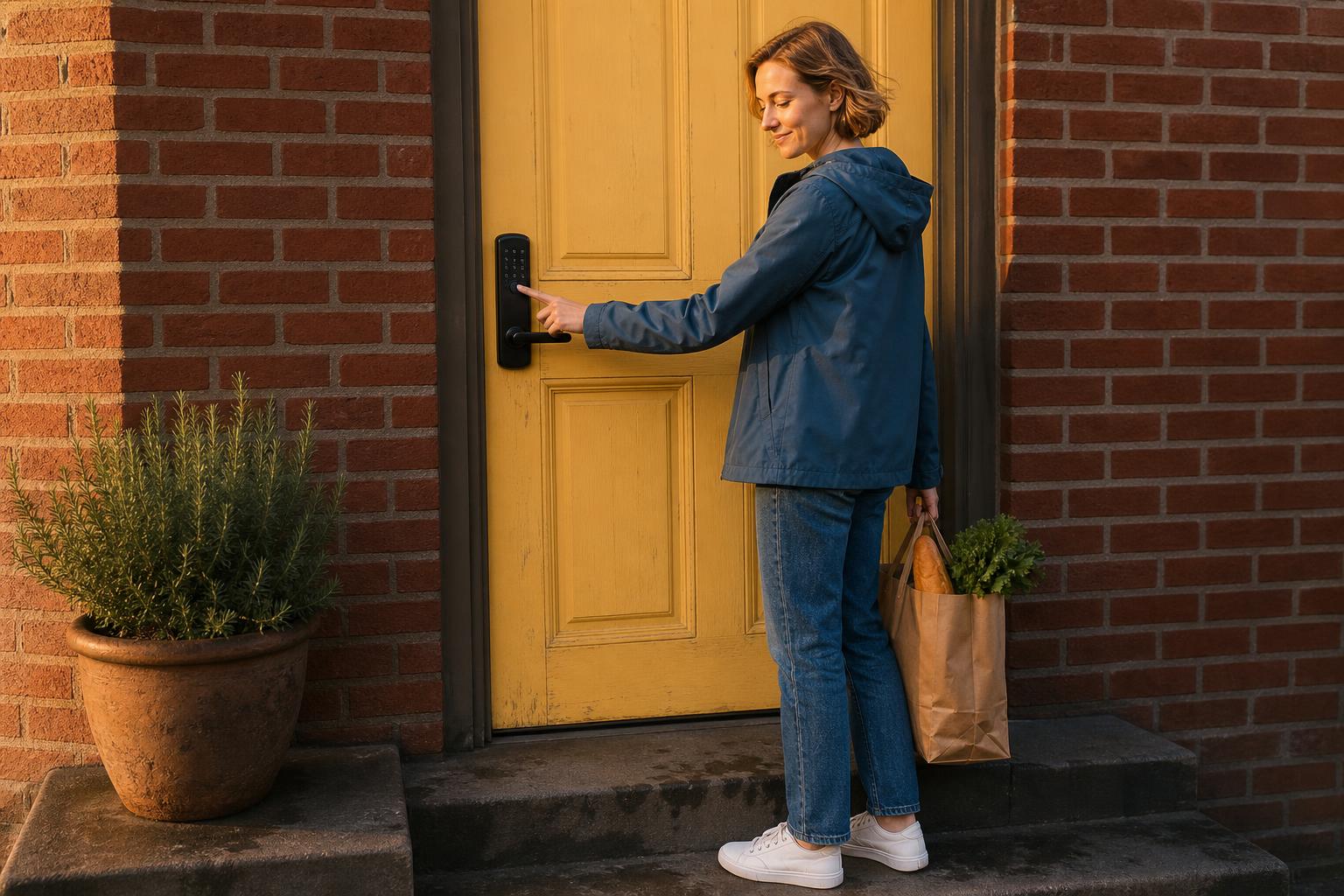
A hubless smart lock, often called a built-in WiFi lock, is designed for pure simplicity. It connects directly to your home’s Wi-Fi router, just like your laptop or smartphone. This direct line to the internet is what enables remote access right out of the box.
Models like the Schlage Encode Plus are great examples of this approach. The primary appeal is the straightforward installation and setup process—there's no extra hardware to plug in or configure. You simply install the lock and use a direct-to-Wi-Fi connection through its app.
The "With Hub" System: How a Gateway Unlocks Efficiency
The "with hub" system uses a smart lock gateway (also called a bridge or hub) as a middleman. The lock itself communicates with this hub using a low-power protocol like Z-Wave or Zigbee. The hub then connects to your router, acting as a translator that brings the lock's activity online.
This setup creates a highly efficient and stable "mesh network." Instead of each device straining to reach your router, they can relay signals to one another, extending range and improving overall system reliability. This efficiency is the key to their superior battery performance.
The Deciding Factors: A Head-to-Head Smart Lock with Hub vs No Hub Comparison
Let's get down to the details. When you're standing in the store or browsing online, these are the critical trade-offs that should guide your decision.
Battery Life: The Most Significant Trade-Off
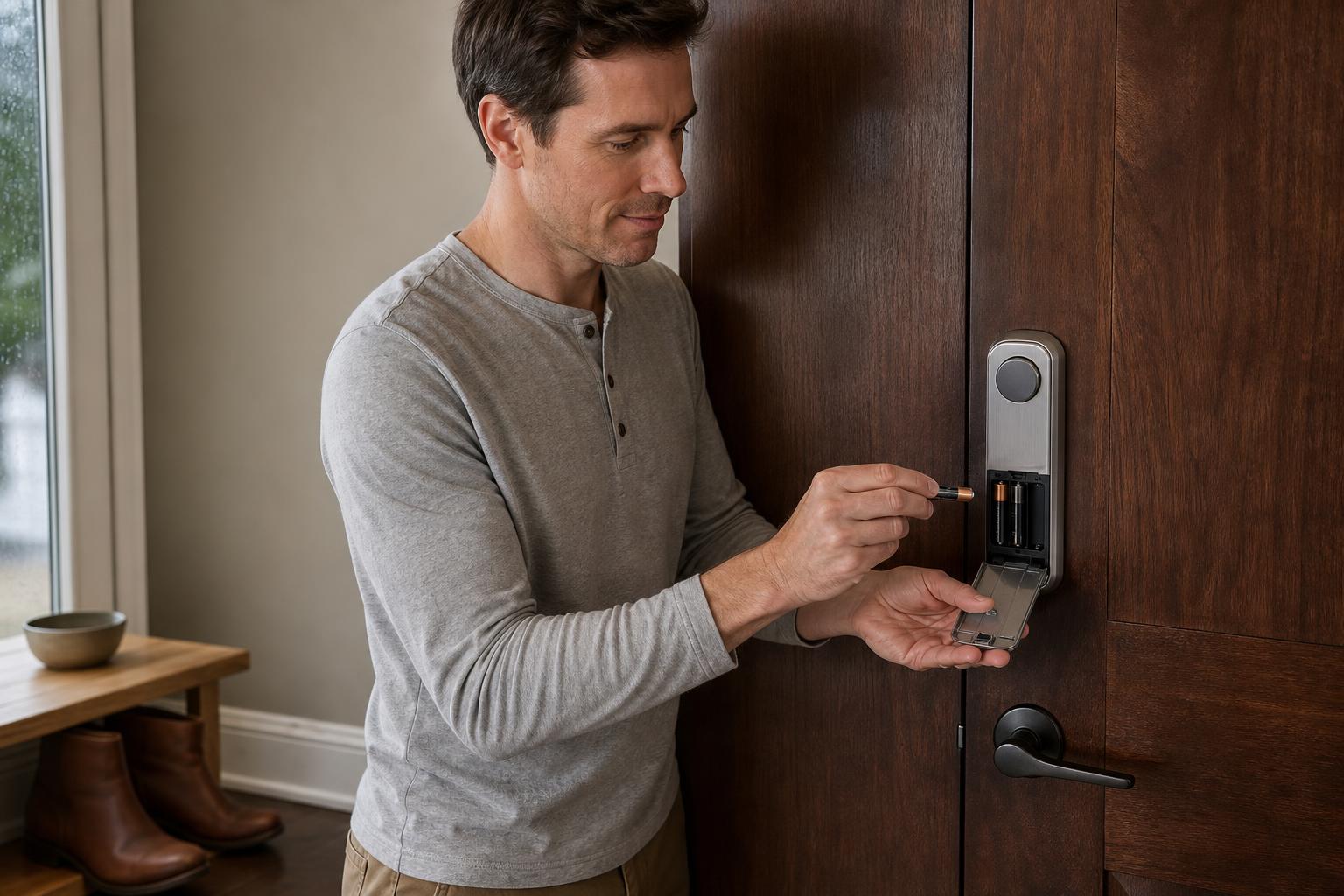
Here's the deal: a direct Wi-Fi connection is power-hungry. Because a hubless lock needs to stay connected to your Wi-Fi network constantly, it drains batteries significantly faster. Discussions on Reddit forums are filled with users reporting Wi-Fi lock batteries lasting only a few months, and sometimes as little as three weeks.
In stark contrast, Z-Wave and Zigbee were designed for low-power consumption. A hub-based lock using these protocols can last a year or more on a single set of batteries. For instance, the Yale Assure Lock 2 might last 3-5 months with its Wi-Fi module, but that extends to an impressive 9-12 months when using a Z-Wave module.
Total Cost of Ownership: Looking Beyond the Initial Price Tag
At first glance, Wi-Fi locks might seem like a better deal because you're only buying one device. Hub-based locks can appear cheaper, but you have to factor in the cost of a separate hub, which can run from $50 to $150. However, the initial price tag doesn't tell the whole story.
Consider the Total Cost of Ownership (TCO). With a Wi-Fi lock, you'll be buying batteries far more frequently, which adds up over time. Furthermore, some hubless locks require paid subscriptions to unlock their full remote features. Hub-based systems, while requiring an upfront investment, often have no recurring fees.
Installation & Reliability: Ease of Setup vs. Network Stability
There's no question that a no-hub Wi-Fi lock offers an easier installation. You replace your deadbolt, connect the lock to your app, and you're done. A hub-based system adds the extra step of setting up the gateway and pairing the lock with it.
However, that extra step buys you superior reliability. Z-Wave and Zigbee operate on different frequencies than most of your other gadgets, which avoids the congestion of a busy 2.4 GHz Wi-Fi network. This results in faster lock response times and more dependable performance, especially in a home filled with other smart devices. The growing demand is reflected in market research from outlets like Fortune Business Insights, which projects significant market expansion.
Decision Matrix: Which Smart Lock Type Fits Your Lifestyle?
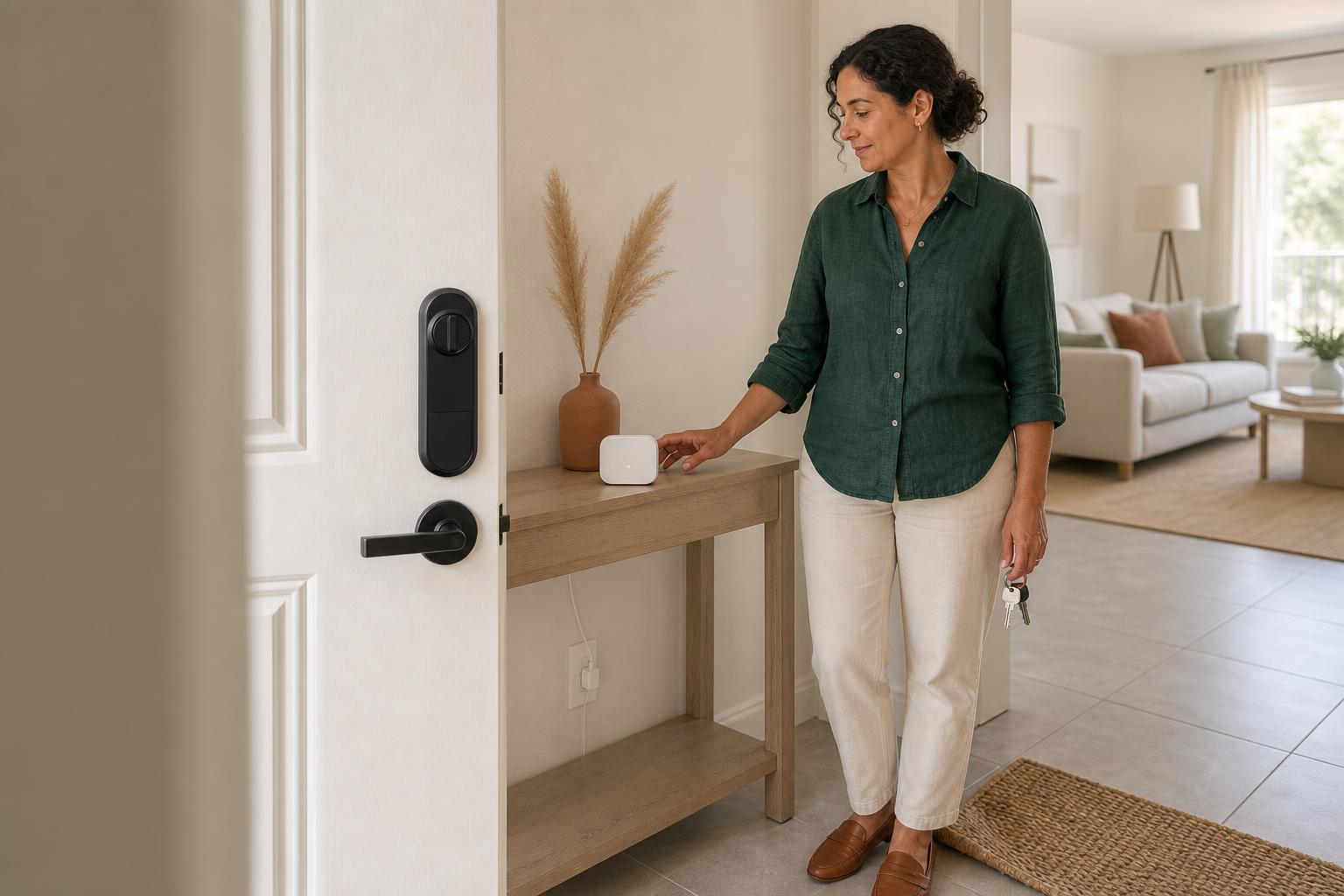
To make it even clearer, let's match the technology to the person. Find your profile below to see which option is likely the best fit for your specific needs.
| User Persona | Key Needs | Recommended Type | Why It Fits | Potential Downsides |
|---|---|---|---|---|
| The Tech Minimalist / Renter | Simple installation, no extra hardware, immediate remote access. | No Hub (Wi-Fi) | It's an all-in-one solution that's easy to set up, remove, and take with you when you move. No complex networking involved. | Frequent battery changes; potential reliance on cloud services. |
| The All-in Smart Homeowner | Ecosystem integration, high reliability, long battery life, local control. | With Hub (Z-Wave/Zigbee) | Integrates with other devices (lights, sensors) for automations. The network is stable and batteries last much longer. | Initial setup is more complex and requires an additional investment in a hub. |
| The Airbnb / Rental Host | Reliable remote management, long battery life to reduce maintenance, offline functionality. | With Hub (Z-Wave/Zigbee) | Excellent battery life means fewer trips to the property. Local control ensures access management works even if the internet goes out. | You need to ensure the hub remains powered and connected. |
Beyond Connectivity: Smart Home Integration and Future-Proofing
Your choice also has long-term implications for how your smart home evolves and how it performs when things go wrong. As many video reviews on YouTube demonstrate, the ecosystem is a major consideration.
Building a Robust Ecosystem with Z-Wave/Zigbee
One of the key benefits of a smart lock with a Z-Wave hub is its ability to create a powerful mesh network. Each Z-Wave device you add to your home—whether it's a light switch, sensor, or another lock—acts as a repeater, strengthening the signal for all other devices.
This creates a self-healing, highly reliable network that's independent of your Wi-Fi. It allows for sophisticated automations, like having your doors lock, lights turn off, and thermostat adjust automatically when you leave home.
Cloud Dependency vs. Local Control: What Happens When the Internet Is Down?
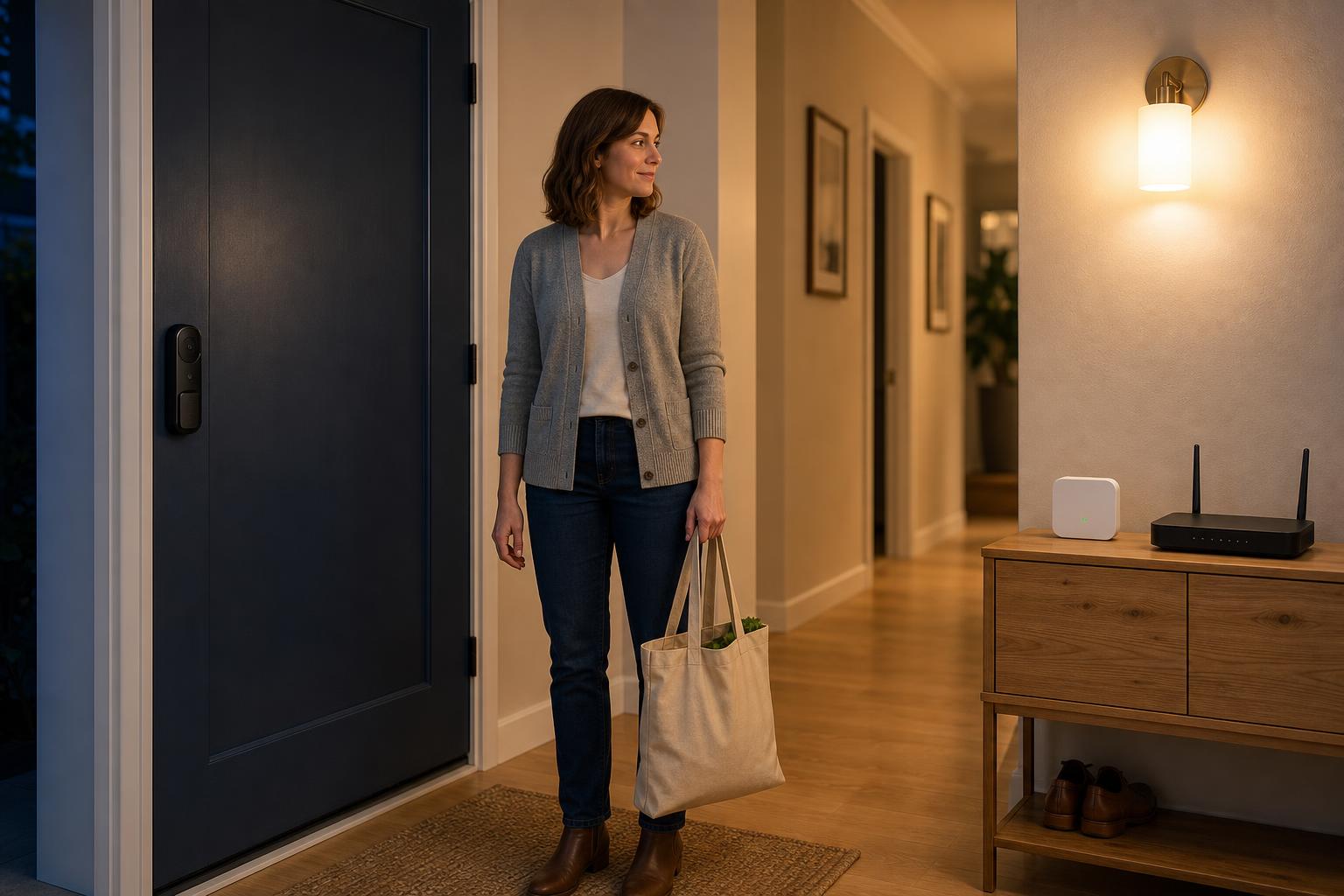
Many Wi-Fi locks rely on a connection to a cloud server to function remotely. If your internet goes down or, as some users worry, the company discontinues its service, you could lose key functionality. While most have a Bluetooth backup for close-range access, remote control is off the table.
Hub-based systems, on the other hand, often champion local control. This means that even if your internet connection is lost, the hub can still communicate directly with the lock. Your scheduled codes and local automations (like a motion sensor turning on a light) will continue to work seamlessly within your home.
Frequently Asked Questions About Hub vs. No-Hub Smart Locks
Let's tackle some of the most common questions people have when comparing these two systems.
Do I really need a hub for my smart lock?
It depends entirely on the lock's communication protocol. If it's a built-in Wi-Fi model, you do not need a hub. If it uses Z-Wave, Zigbee, or you want remote access for a Bluetooth-only lock, then a hub is required.
What exactly is a smart lock gateway or bridge?
A smart lock gateway is a device that connects your lock to your home's Wi-Fi network. It acts as a translator, converting the lock's low-power signal (like Z-Wave or Bluetooth) into a Wi-Fi signal that can be sent over the internet, enabling remote control from your phone.
What's the difference between Wi-Fi and Bluetooth on a smart lock?
Wi-Fi is for remote access from anywhere in the world, but it uses a lot of power. Bluetooth is a low-power protocol for short-range communication, allowing you to use your phone as a key when you are standing nearby. For remote access, a Bluetooth lock needs a gateway.
Do Wi-Fi smart locks really drain the battery that much faster?
Yes, absolutely. Both user feedback and product specifications confirm this. A Wi-Fi lock's battery life is typically measured in a few months, whereas a Z-Wave or Zigbee lock's battery can easily last for a year or more under normal use.
Can a hub-based smart lock work if the internet is down?
Yes, many hub systems support local control. This means that automations running within your home, such as a door opening triggering a hallway light, will still function even without an active internet connection. Remote access, however, would be disabled.
Are hub-based systems more secure than Wi-Fi locks?
Both types of systems use strong encryption standards and are generally very secure. However, some security experts argue that a hub-based system theoretically reduces the attack surface by having only one device (the hub) connected directly to the internet, rather than multiple individual devices.
The Verdict: Making the Right Choice for Your Security
Ultimately, the smart lock with hub vs no hub decision isn't about which is "better," but which is better *for you*. It's a personal choice based on your priorities for convenience, battery maintenance, and smart home aspirations.
A No-Hub (Wi-Fi) lock is the ideal choice for the tech minimalist, the renter, or anyone who wants a single, simple device that provides remote access with minimal fuss. A With-Hub (Z-Wave/Zigbee) lock is built for the smart home enthusiast who is creating a reliable, interconnected, and efficient ecosystem.
SAWHERO focuses on providing secure, reliable smart locks that are easy for you to install and maintain, regardless of your connectivity preference. We believe that top-tier security shouldn't come with hidden costs or complexities.
Ready to find the perfect smart lock for your home? Explore the SAWHERO A1 Smart Lock or visit our help center to learn more about installation.


