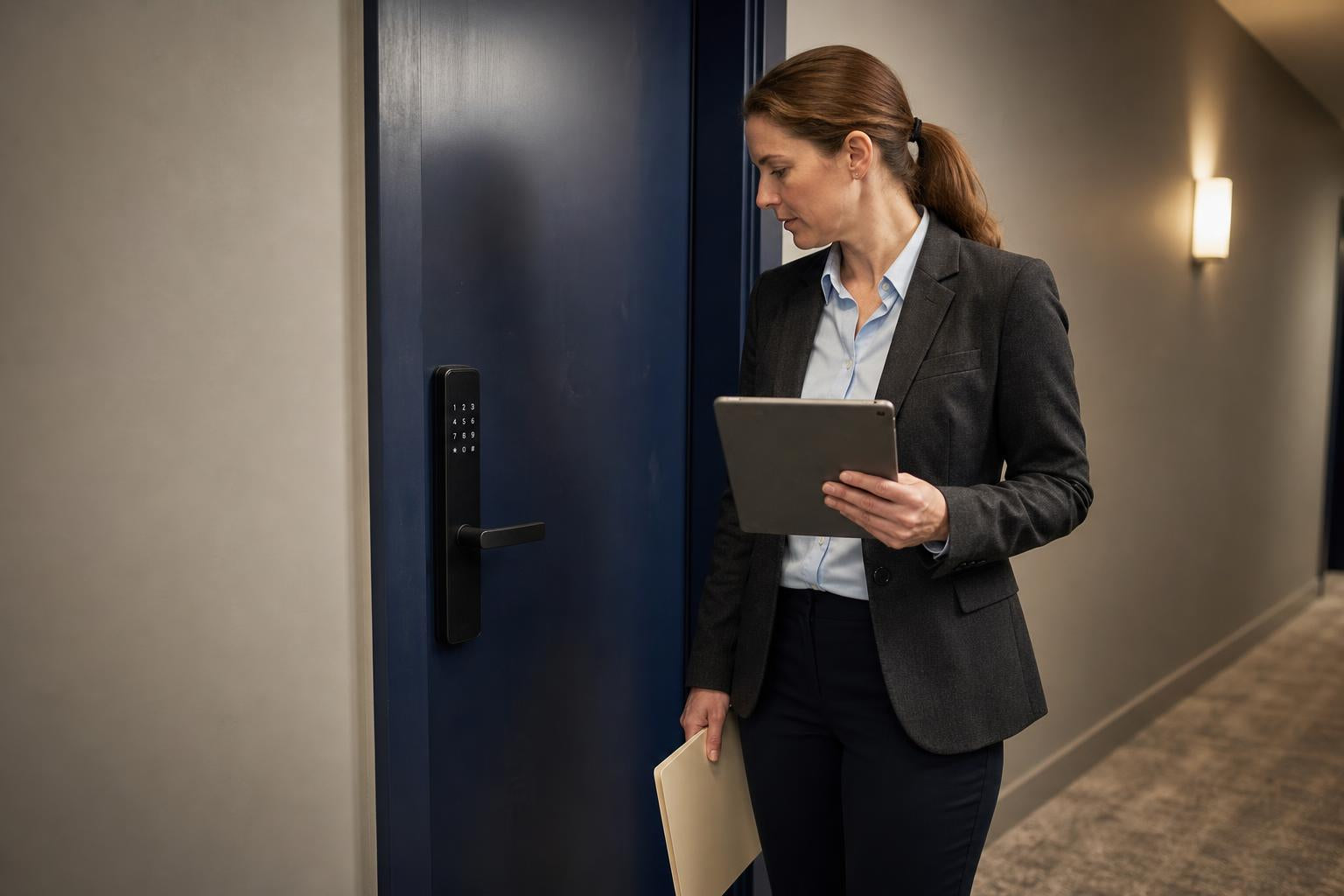
You’re in the middle of a crucial meeting when your phone buzzes. It's the delivery driver with a package that needs a signature. Or maybe you're on vacation, and your dog sitter calls—they’ve lost the key. These common headaches share one elegant solution: a smart lock with remote unlock.
This technology lets you unlock your door from your phone, no matter where you are. It’s a simple fix for a frustrating problem, giving you complete control over your home's access from an app. In this guide, we'll break down how remote access works, explore real-life scenarios, and tackle the big questions about security, so you can decide if a smart lock with remote unlock is the right fit for your home.
The Magic Behind Remote Access: How Your Phone Unlocks Your Door
Letting someone in while you're miles away feels like magic, but it’s powered by straightforward technology. Understanding how a smart lock with remote unlock connects to the internet is key to choosing the right one. There are two main ways these locks get online to receive your commands.
Direct Connection with Built-in Wi-Fi
Some smart locks, like the SAWHERO A1, come with a Wi-Fi chip built right in. These devices connect directly to your home's wireless network, just like your laptop or TV. This allows your smartphone app to talk directly to the lock over the internet, giving you instant remote control.
The main advantage is simplicity; there's no extra hardware to buy or set up. However, Wi-Fi is power-hungry. As a result, locks with built-in Wi-Fi tend to have shorter battery life, often requiring new batteries every few months depending on usage.
The Bluetooth + Wi-Fi Gateway Combo
Other smart locks use a two-part system. The lock itself uses low-energy Bluetooth to communicate. For remote access, a separate device called a Wi-Fi gateway or bridge is plugged into an outlet nearby. This gateway acts as a translator, connecting the lock's Bluetooth signal to your home's Wi-Fi network.
This approach has a major benefit: incredible battery efficiency. Since Bluetooth uses very little power, the lock's batteries can last for a year or even longer. The trade-off is the need for an extra device, which adds a step to installation and can increase the overall cost.
Decision Matrix: Wi-Fi vs. Bluetooth + Gateway
So, which one is right for you? It comes down to what you value most: streamlined setup or longer battery life. Here's a quick comparison to help you decide.
| Feature | Direct Wi-Fi Smart Lock | Bluetooth Lock with Gateway | Best For |
|---|---|---|---|
| Remote Access | Built-in, works out of the box | Requires a separate Gateway/Bridge | Both provide full remote access |
| Installation | Simpler, one device to install | More complex, two devices to set up | Users prioritizing a streamlined, DIY setup |
| Battery Life | Shorter (e.g., 3-6 months) | Longer (e.g., 12+ months) | Users who want to minimize battery changes |
| Initial Cost | Generally higher for the lock | Lock is cheaper, but Gateway adds cost | Budget-conscious users who can place a gateway nearby |
| Our Recommendation | The SAWHERO A1 (No Gateway needed) | Other market options | Homeowners who value simplicity and convenience |
Granting Access in Seconds: Your Guide to Using a Smart Lock with Remote Unlock
A smart lock with remote unlock shines in its flexibility. You can grant different levels of access to different people, all from your phone. Here’s how you can handle a few common situations.
For Unexpected Visitors: Creating One-Time Access Codes
Imagine your plumber arrives, but you're stuck at work. Instead of making them wait, you can generate a temporary access code. Open your smart lock app, create a one-time-use code, and send it to them via text.
The code works once and then expires, ensuring your home is secure after the job is done. This is perfect for deliveries, repairs, or letting a neighbor in to water your plants without having to hand out a physical key.
For Rental & Airbnb Guests: Timed and Recurring Access
If you manage a vacation rental, a smart lock with remote unlock is a game-changer. You can create an access code that’s only active for the duration of a guest's stay—for example, from Friday at 3:00 PM until checkout on Sunday at 11:00 AM.
Once the rental period ends, the code automatically deactivates. This eliminates the need for key handoffs and prevents previous guests from re-entering. You can also set recurring codes for cleaning crews, making property management much smoother.
For Family & Trusted Friends: Granting Permanent Digital Keys
For those who need regular access, like family members or a trusted housekeeper, you can grant them a permanent digital key. By inviting them through the app, they can use their own smartphone to unlock the door whenever they need to.
You maintain full control. The app keeps a detailed activity log, so you can see who entered and at what time. If circumstances change, you can revoke their access instantly with a single tap.
Is a Smart Lock with Remote Unlock Secure Enough for Your Home?
Handing over access control to a digital device naturally brings up security questions. Can it be hacked? Is it safer than a regular key? Let’s be real: security is the most important feature of any lock, smart or not.
How Encryption Protects Your Digital Keys
Reputable smart lock brands use robust security measures. The communication between your phone, the cloud, and your lock is protected by AES 128-bit or 256-bit encryption. According to security resources like ADT, this is the same security standard used by financial institutions to protect sensitive data.
This encryption ensures that even if a hacker were to intercept the signal, they wouldn't be able to read it or use it to unlock your door. It turns your command into a garbled, unreadable message for anyone without the proper authorization.
Digital Keys vs. Physical Keys: Which is Safer?
It might be surprising, but in many ways, a digital key is more secure than a metal one. A physical key can be lost, stolen, or copied without you ever knowing. Your only option then is to change the locks, which is expensive and inconvenient.
In contrast, you have complete control over digital keys. You can see when they are used, grant them for specific times, and revoke access instantly. While high-tech hacking is a theoretical concern, cybersecurity analyses confirm most break-ins rely on low-tech methods like an unlocked door or brute force, not sophisticated digital attacks.
What Happens When Technology Fails? Offline Access and Battery Life
"What if the Wi-Fi goes down?" It's a valid question. A reliable smart lock with remote unlock needs to work no matter what, whether there's an internet outage or the batteries run low. Here's how a well-designed smart lock prepares for these moments.
Staying in Control: Access During a Wi-Fi or Power Outage
If your home internet goes out, the remote unlock feature will temporarily be unavailable. However, that doesn't mean you're locked out. The lock itself still functions perfectly for anyone physically present.
You can still open the door using its other access methods, such as the keypad, a close-range Bluetooth connection from your phone, or the backup physical key. This ensures you and your family can always get inside, regardless of your internet status.
Beating Battery Anxiety: Lifespan and Low-Power Warnings
A dead battery is another major concern, but it's one that manufacturers have thought through. The battery life varies depending on the lock type (a topic we cover in our guide to extending battery life), with Bluetooth models generally lasting much longer than their Wi-Fi counterparts.
More importantly, your lock won't die without warning. Most smart locks send low-battery notifications to your phone weeks in advance, giving you plenty of time to swap them out. For absolute emergencies, many also include an external terminal for a 9V battery—an emergency feature that can get you inside when all else fails. You can learn more in our Help Center.
Frequently Asked Questions About Smart Locks with Remote Unlock
Still have a few questions? Here are answers to some of the most common queries about remote access smart locks.
Do I need a special kind of door to install a smart lock with remote unlock?
Generally, no. Most smart locks are designed to be DIY-friendly and fit standard North American and European doors without any special modifications. Brands like SAWHERO are engineered for easy installation, letting you upgrade your existing deadbolt in minutes with just a screwdriver.
Can I see who unlocked the door and when?
Yes. A key security feature is the activity log, accessible in the smartphone app. It provides a real-time record of every lock and unlock event, showing you which user or code was used and at what time. This gives you a clear, auditable history of who has accessed your home.
Are remote access smart locks compatible with voice assistants like Alexa or Google Assistant?
Many are. Integration with smart home ecosystems is a popular feature. This allows you to lock your door or check its status using a simple voice command, adding another layer of convenience to your daily routine.
How many unique codes or digital keys can I create?
This varies by brand, but most modern smart locks offer a large capacity. It's common for a lock to support dozens or even hundreds of unique user codes, making them suitable for everything from a single-family home to a small business or multi-unit rental property.
What is the main difference between a Wi-Fi smart lock and a Bluetooth smart lock?
The main difference is how they connect for remote access. A Wi-Fi smart lock with remote unlock connects directly to your home network, while a Bluetooth lock requires a separate Wi-Fi gateway. Wi-Fi is simpler to set up but uses more battery; Bluetooth with a gateway offers much longer battery life.
Will I be notified when someone unlocks the door remotely?
Absolutely. Real-time notifications are a core feature. You can configure the app to send an alert to your phone whenever the door is unlocked, giving you immediate awareness and peace of mind.
Upgrade Your Entryway: The Freedom of Remote Access
A smart lock with remote unlock does more than just open a door; it provides freedom. It's the freedom from worrying about forgotten keys, from rushing home to let someone in, and from the uncertainty of who has a copy of your key.
It brings convenience to your daily life and a higher level of security, whether you're managing access for your family, a rental property, or just the occasional delivery. You get peace of mind, right in the palm of your hand.
Ready to experience the convenience of letting someone in from anywhere? Explore SAWHERO's line of remote access smart locks today.