

The Core Difference: How They Connect and Why It Matters
Choosing between a WiFi and a Bluetooth smart lock starts with understanding one key difference: how they talk to your phone. This single distinction impacts everything from remote access and battery life to your daily user experience. It's not about complex technology, but about how it fits into your daily life.
Think of it as the difference between a direct phone call and a walkie-talkie. One gives you global reach, while the other is powerful and reliable up close. Let's break down what that means for your front door.
WiFi Locks: Your Direct Line to Remote Access

A WiFi smart lock connects directly to your home's WiFi router, just like your laptop or smart TV. This connection links your lock to the internet via a cloud service. The result? You can control and monitor your lock from anywhere in the world with a cell signal.
This is the core of what makes a true remote WiFi lock so powerful. You're not just communicating with the lock; you're accessing it through a secure cloud server that acts as a global remote control. This constant connection is the key to real-time alerts and management on the go.
Bluetooth Locks: Proximity-Based and Power-Efficient
A Bluetooth door lock uses a different approach called Bluetooth Low Energy (BLE). It creates a direct, short-range connection to your smartphone when it's nearby, typically within 30-50 feet. It doesn't need to connect to your home's internet to function.
This method is incredibly power-efficient, which is its main advantage. Because the lock isn't constantly maintaining an energy-hungry WiFi connection, its batteries can last significantly longer. It's a simple, robust solution for keyless entry when you're standing right at your door.
Feature Showdown: WiFi vs. Bluetooth Smart Lock Capabilities at a Glance
Now that we know how they connect, let's see how that plays out in the real world. The best choice often comes down to which features you can't live without. Do you need to manage access for a rental property from another city, or do you just want to stop fumbling for keys when your hands are full of groceries?
This head-to-head comparison breaks down the most important factors that will influence your decision. We've laid it all out to help you see the trade-offs at a glance.
Decision Matrix: Key Differences That Impact Your Choice
Use this table to quickly compare the two smart lock connection types. The "Takeaway" column translates each feature into a real-world benefit, helping you match the tech to your needs.
| Feature | WiFi Smart Lock | Bluetooth Smart Lock | The Takeaway For You |
|---|---|---|---|
| Remote Access | ✅ Built-in, from anywhere | ❌ Requires a separate WiFi bridge/hub | If you need to let guests in while you're at work, WiFi is the clear winner. |
| Battery Life | Fair (3-6 months) | ✅ Excellent (8-12+ months) | If you hate changing batteries, Bluetooth has a strong advantage. |
| Hub/Gateway | Usually not required | Required for remote features | For ultimate simplicity, a smart lock with built-in WiFi is best. |
| Real-time Alerts | ✅ Instant, anywhere | ❌ Only with a bridge | For peace of mind about who comes and goes, WiFi offers superior monitoring. |
| Smart Home Integration | Seamless, out-of-the-box | Often needs a bridge for voice commands | If "Hey Google, unlock the door" is your goal, WiFi provides a smoother setup. |
| Offline Functionality | ✅ Yes (Keypad, Key, etc.) | ✅ Yes (Direct phone connection) | Both are reliable during an internet outage, so you'll never be locked out. |
| Upfront Cost | Generally higher | Generally lower (but add cost of bridge for remote) | Bluetooth is more budget-friendly initially, but factor in the bridge cost if needed. |
Who Is It For? Matching the Right Lock to Your Lifestyle
Technical specs are helpful, but the best smart lock is the one that solves your unique problems. Let's move beyond the features and look at how these locks fit into different lives. Whether you're a busy property manager or a homeowner seeking convenience, there's a clear choice for you.
For the Airbnb Host & Property Manager: Why WiFi is Non-Negotiable
If you manage a short-term rental, a remote WiFi lock isn't a luxury; it's a critical business tool. Imagine a guest's flight is delayed, and they arrive at 2 AM. With a WiFi lock, you can generate a new, temporary access code from your phone and send it to them in seconds, no matter where you are.
You get instant notifications when they check in and can see an activity log of when the door is opened. When the cleaners arrive, you can grant them access for their specific window of time and revoke it afterward. This level of control and security is simply not possible without a direct internet connection.
For the Everyday Homeowner: The Reliable Simplicity of Bluetooth
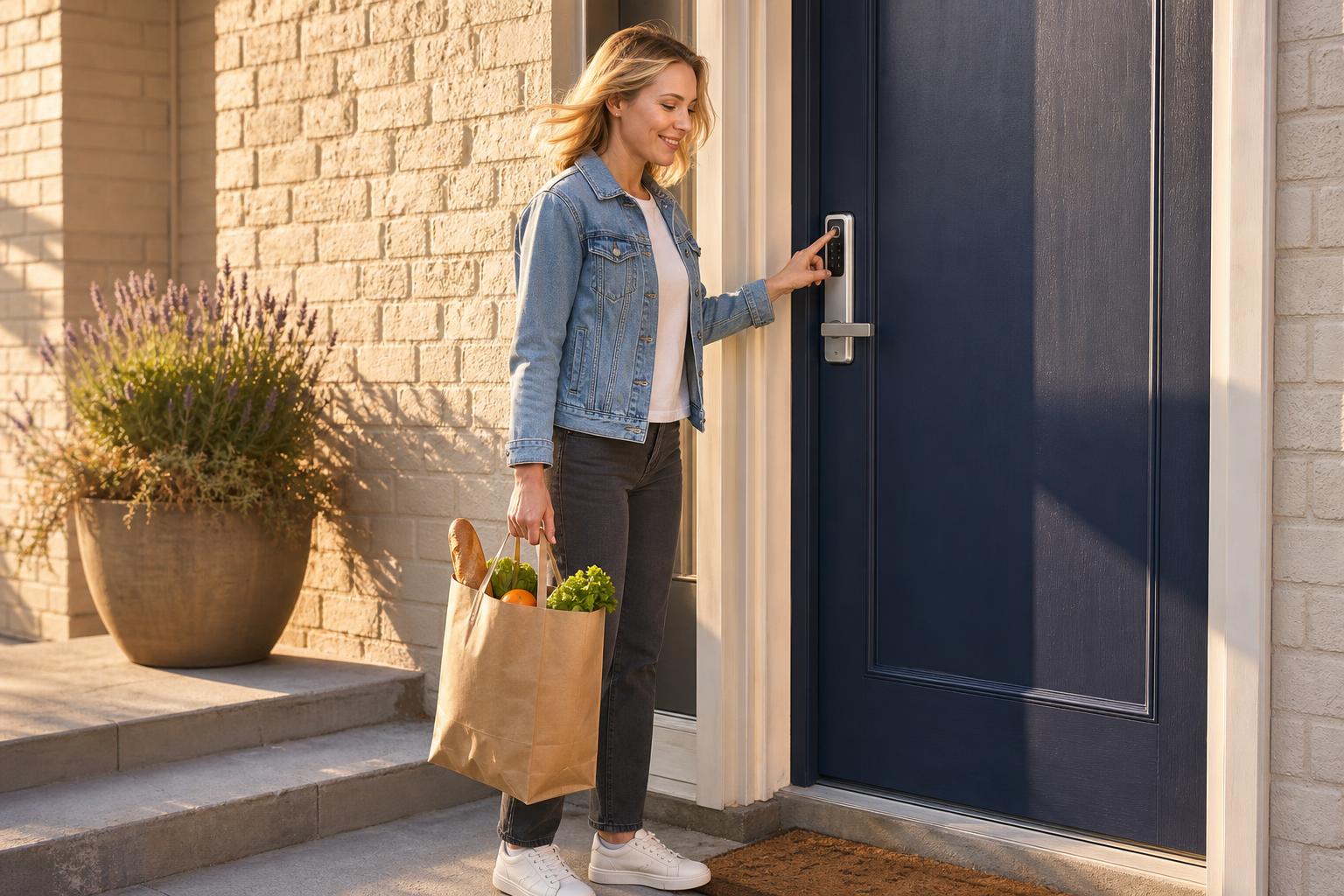
For many homeowners, the primary goal is simple: unlock the door without a key. You're usually standing right in front of the door when you need access. A Bluetooth door lock excels in this scenario. It's dependable, doesn't rely on your sometimes-spotty internet, and offers exceptional battery life.
This is perfect for the family that wants a "set it and forget it" solution. You install it, pair it with your family's phones, and enjoy the convenience of keyless entry for up to a year or more before thinking about the batteries. It’s a straightforward upgrade that removes a daily hassle.
The Hybrid Approach: Getting Remote Access from a Bluetooth Lock
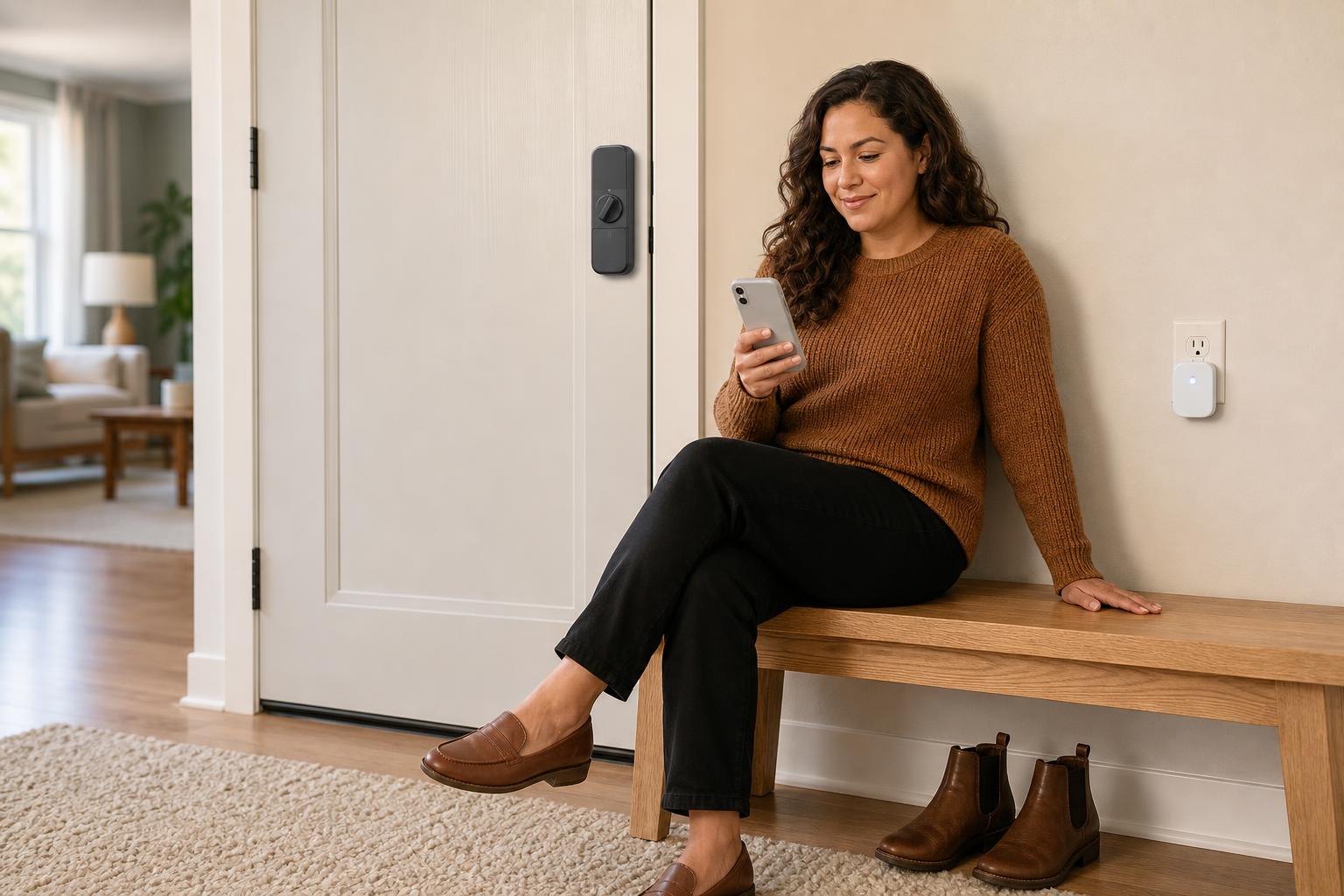
What if you like Bluetooth's long battery life but still want occasional remote access? You can have both. Many Bluetooth locks can be "upgraded" with a small device called a WiFi bridge or hub. This device plugs into an outlet near your lock and connects it to your home's WiFi network.
This setup gives you the best of both worlds: the lock itself still uses power-sipping Bluetooth to operate, preserving battery life, while the bridge handles the internet connection. It’s a key part of how to let someone in remotely without constantly draining the battery.
Addressing Top Concerns: Security, Battery, and Offline Access
It's natural to have questions when trusting new technology with your home's security. The three biggest concerns we hear are about hacking risks, battery drain, and what happens if the internet goes down. Let's tackle these head-on with realistic answers.
Are Smart Locks Secure? A Realistic Look at Hacking Risks
Both lock types use advanced encryption (often AES 128-bit or 256-bit), the same standard used in online banking. While no connected device is theoretically immune to hacking, the risk profile is different. Bluetooth's main vulnerability is a "man-in-the-middle" attack, but this requires a hacker to be in close physical proximity.
While a 2016 report highlighted some Bluetooth lock vulnerabilities (as reported at DEF CON 2016), security protocols have improved significantly since then. Reputable manufacturers constantly issue firmware updates to patch threats, a standard security practice for connected devices (as detailed by industry experts). Honestly, experts agree that a person is far more likely to try and kick a door in than attempt a complex digital hack.
The Battery Life Battle: Fact-Checking WiFi Power Consumption
There's no getting around it: a direct WiFi connection uses more power. A lock that is constantly connected to your network will drain its batteries faster than one that only uses power when your phone is nearby. The question is, how much faster?
A comprehensive 2025 test by Wirecutter provided some hard numbers. Across 15 models, WiFi locks averaged 5.2 months of battery life. In the same test, Bluetooth locks paired with a hub averaged 9.8 months. This confirms that if your top priority is avoiding battery changes, Bluetooth holds a clear edge. For a deeper analysis, explore our complete smart lock battery life comparison.
What Happens When the Internet Goes Down?
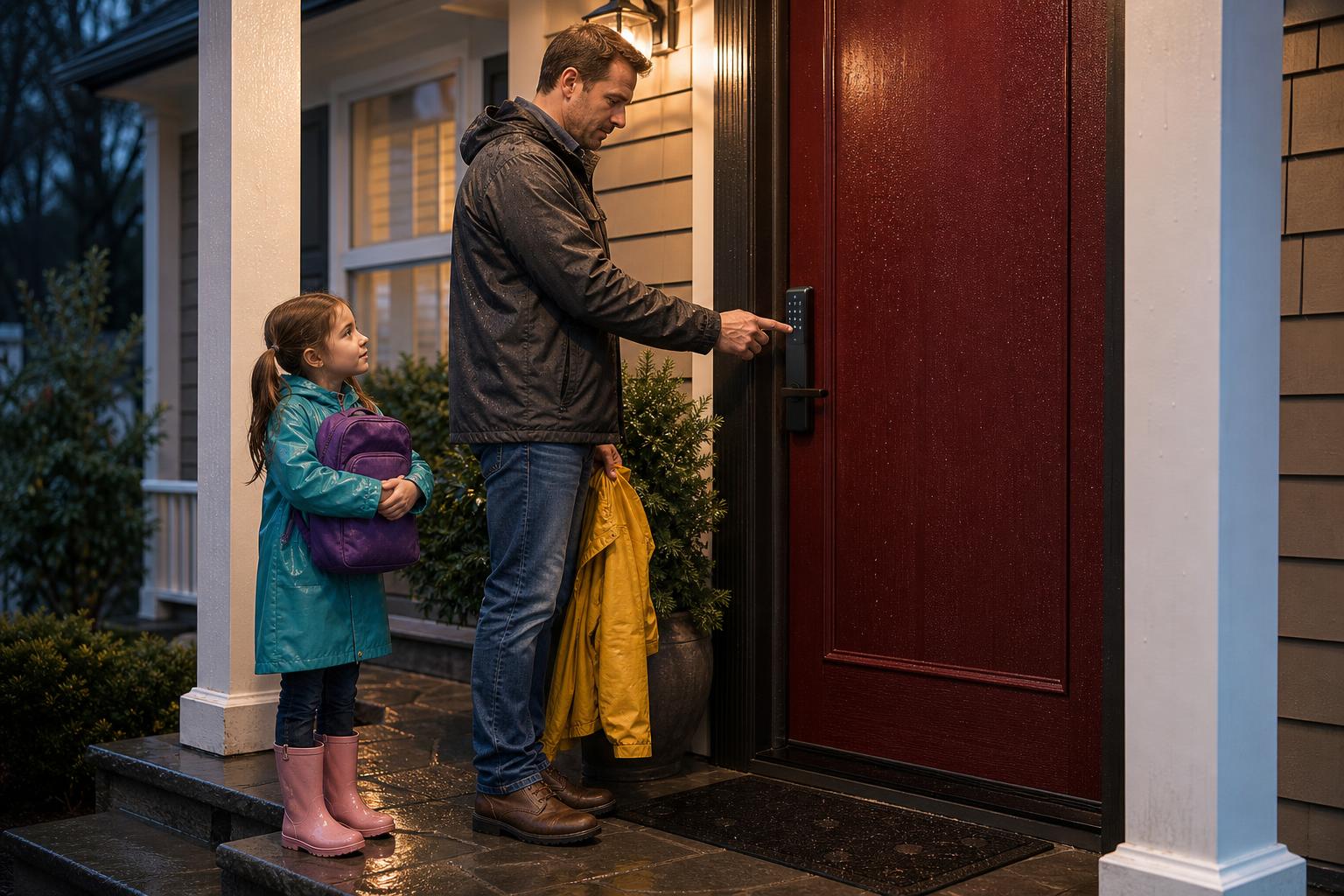
You will never be locked out of your home because of an internet outage. A Bluetooth lock doesn't need the internet to work in the first place, as it connects directly to your phone. And every well-designed smart lock, including WiFi models, has multiple offline backup methods.
These failsafes ensure you always have access. You can use the physical keypad to enter a PIN code, use a fingerprint scanner if your lock has one, or simply use the included physical key. You can find more details about installation and backup features in our help center.
FAQ: Your WiFi vs. Bluetooth Smart Lock Questions Answered
Still have a few questions? Here are quick answers to some of the most common queries we see when people are debating WiFi smart lock vs Bluetooth smart lock options.
What is the effective range of a Bluetooth smart lock?
The reliable indoor range for most Bluetooth locks is between 30 and 50 feet (about 10-15 meters). This can be affected by physical obstacles like thick walls or metal doors, so the connection is strongest when you have a clear line of sight.
Do I always need a hub for a Bluetooth lock to get remote access?
Yes. Bluetooth technology is for short-range communication only. To control your Bluetooth lock from afar, you must have a WiFi bridge or hub. This device acts as a translator, relaying commands from the internet to your lock via Bluetooth.
Is there a significant cost difference between WiFi and Bluetooth locks?
Initially, Bluetooth locks are often less expensive than their WiFi counterparts. However, if you need remote access, you must factor in the additional cost of a WiFi bridge ($30-$60). Once you add that cost, the total price is often comparable to an all-in-one WiFi lock.
Which type integrates better with smart home systems like Alexa or Google Assistant?
WiFi locks typically offer a smoother, out-of-the-box integration. Since they are already on your WiFi network, connecting them to voice assistants like Alexa or Google Assistant is usually a direct process. Bluetooth locks require a WiFi bridge to receive commands from these cloud-based smart home systems.
Can I upgrade a Bluetooth lock to have WiFi capabilities later?
Yes, for most models. The most common way to do this is by purchasing the manufacturer's compatible WiFi bridge. This allows you to start with a simpler Bluetooth setup and add remote capabilities later if your needs change.
In the WiFi smart lock vs Bluetooth smart lock debate, which is more future-proof?
Both technologies have a strong future. WiFi is central to the fully-connected smart home, making it a natural fit for integrated systems. At the same time, Bluetooth Low Energy is a fundamental technology for countless Internet of Things (IoT) devices, prized for its efficiency. Neither is going away anytime soon.
The Verdict: Making the Smart Choice for Your Home
So, in the WiFi smart lock vs Bluetooth smart lock showdown, who wins? The answer is: you do. The best choice is the one that aligns perfectly with your lifestyle and priorities.
Here's the bottom line. If you're an Airbnb host, manage rental properties, or simply demand the ability to control your lock from anywhere, a built-in remote WiFi lock is your best investment. For homeowners who prioritize long battery life, reliability, and straightforward keyless entry at the door, a Bluetooth lock is an outstanding and cost-effective choice.
Whichever path you choose, the most important step is selecting a lock that is secure, reliable, and easy to install. Explore the SAWHERO smart lock collection to find solutions designed for the real-world needs of modern homes and properties.


