

Key Features That Define the Best Keyless Entry Door Lock for Home
To choose the best keyless entry door lock for home, you first need to understand what separates a great lock from a good one. It's not just about ditching your keys; it's about gaining a new level of control and peace of mind. A top-tier lock should offer a blend of flexible access, reliable connectivity, and robust security features that work when you need them most.
From app-controlled features that let you grant access from miles away to the physical hardware protecting your door, every detail matters. We'll break down the essentials, giving you a clear framework to evaluate your options like a pro.
Beyond the Code: Unpacking All Your Entry Options
The most visible feature of any keyless lock is how you get in. Modern locks offer multiple methods to suit different needs. Keypads are a popular choice, and many include an anti-peep feature that lets you enter random digits before or after your actual code to thwart onlookers.
Biometrics, like the fingerprint scanners found on the Ultraloq U-Bolt Pro, offer incredibly fast, one-touch access. For ultimate convenience, app control over Bluetooth or Wi-Fi is standard. Some models, like the Schlage Encode Plus, even support Apple Home Key, letting you unlock your door with a simple tap of your iPhone or Apple Watch, which users have called a "game changer." And for total peace of mind, a physical key backup is always a crucial fallback.
Decoding Connectivity: Wi-Fi, Bluetooth, or Z-Wave?
How your lock communicates with your phone and smart home is a critical decision. Built-in Wi-Fi is the most direct, connecting to your home router without needing extra hardware for remote access. The downside is that it can be power-hungry, leading to more frequent battery changes. If you're weighing the pros and cons, understanding the core differences between WiFi vs. Bluetooth smart lock technologies is a great place to start.
Bluetooth is a low-energy alternative that's great for battery life but only works when your phone is nearby. If you want remote access, you'll often need a separate Wi-Fi bridge. Z-Wave and Zigbee are smart home protocols that use a central hub. They are known for being extremely reliable and power-efficient, making them a favorite for smart home enthusiasts who already have a hub system.
Security Essentials: What Happens When Things Go Wrong
A smart lock's primary job is security. Features like auto-lock, which automatically secures your door after a set period, are essential for eliminating that "Did I forget to lock the door?" anxiety. Some advanced locks, like the SAWHERO A1, even include a duress code that discreetly sends an alert to a trusted contact.
But what about power failure? The best locks are prepared. Look for models with a USB-C or 9V battery terminal on the exterior. This allows you to provide temporary power with a battery pack to get inside if the internal batteries die unexpectedly. A concealed mechanical keyway is the ultimate failsafe.
2024's Top-Rated Keyless Locks: A Head-to-Head Comparison
The smart lock market is experiencing significant growth, driven by rising consumer demand for security and convenience. According to one market report from Grand View Research, the residential segment is a major driver of this expansion. With a clear understanding of the key features, let's see how the top contenders stack up.
We've analyzed expert reviews and real user feedback from communities like Reddit to compare the most frequently recommended models. Each has unique strengths and is best suited for a different type of user. This comparison focuses on the models that consistently earn high marks for reliability and user experience, helping you see beyond the marketing to find a lock that truly fits your life.
Decision Matrix: Finding Your Perfect Match
This table provides a quick overview of the leading keyless locks, highlighting what makes each one stand out and who it's best for. Use it to narrow down your options based on your priorities, whether that's smart home integration, entry methods, or design.
| Feature | Schlage Encode Plus | Yale Assure Lock 2 | Ultraloq U-Bolt Pro | Level Lock+ |
|---|---|---|---|---|
| Best For | Apple Ecosystem Users | Smart Home Flexibility | All-in-One Versatility | Maintaining Aesthetics |
| Standout Feature | Apple Home Key Tap-to-Unlock | Modular Connectivity (Wi-Fi, Matter) | 6-in-1 Entry (incl. Fingerprint) | Completely Invisible Design |
| Connectivity | Built-in Wi-Fi | Module-based (Wi-Fi/Z-Wave/etc.) | Built-in Wi-Fi + Bluetooth | Bluetooth |
| Reported User Pain Point | Humidity performance issues | Wi-Fi connectivity on mesh networks | Fingerprint reliability in cold | Auto-unlock responsiveness |
In-Depth Look: Pros and Cons from Real Users
Drilling down, real-world experiences add color to the specs. Apple users consistently praise the Schlage Encode Plus for its Home Key integration, calling it a life-changing convenience. However, some have noted occasional issues in very humid climates, a point often echoed in video reviews that test real-world daily use.
The Yale Assure Lock 2 wins points for its modular design, which lets you adapt it to your smart home setup. But some owners report Wi-Fi connectivity can be tricky with certain mesh network routers. For better battery life, users often recommend the Z-Wave module over the Wi-Fi one. The Ultraloq U-Bolt Pro is loved for its 6-in-1 entry, but its fingerprint reader can be less reliable in cold weather. Meanwhile, the Level Lock+ gets rave reviews for its invisible design, though some users find its auto-unlock feature can be inconsistent.
Putting It to the Test: Is a Keypad Front Door Lock Right for Your Lifestyle?
Technical features are one thing, but the real value of a home keyless deadbolt is how it solves everyday problems. The best lock for you is one that seamlessly integrates into your daily routines. Let's explore a few scenarios to see how these locks perform in the real world.
For Families with Kids and Service Providers
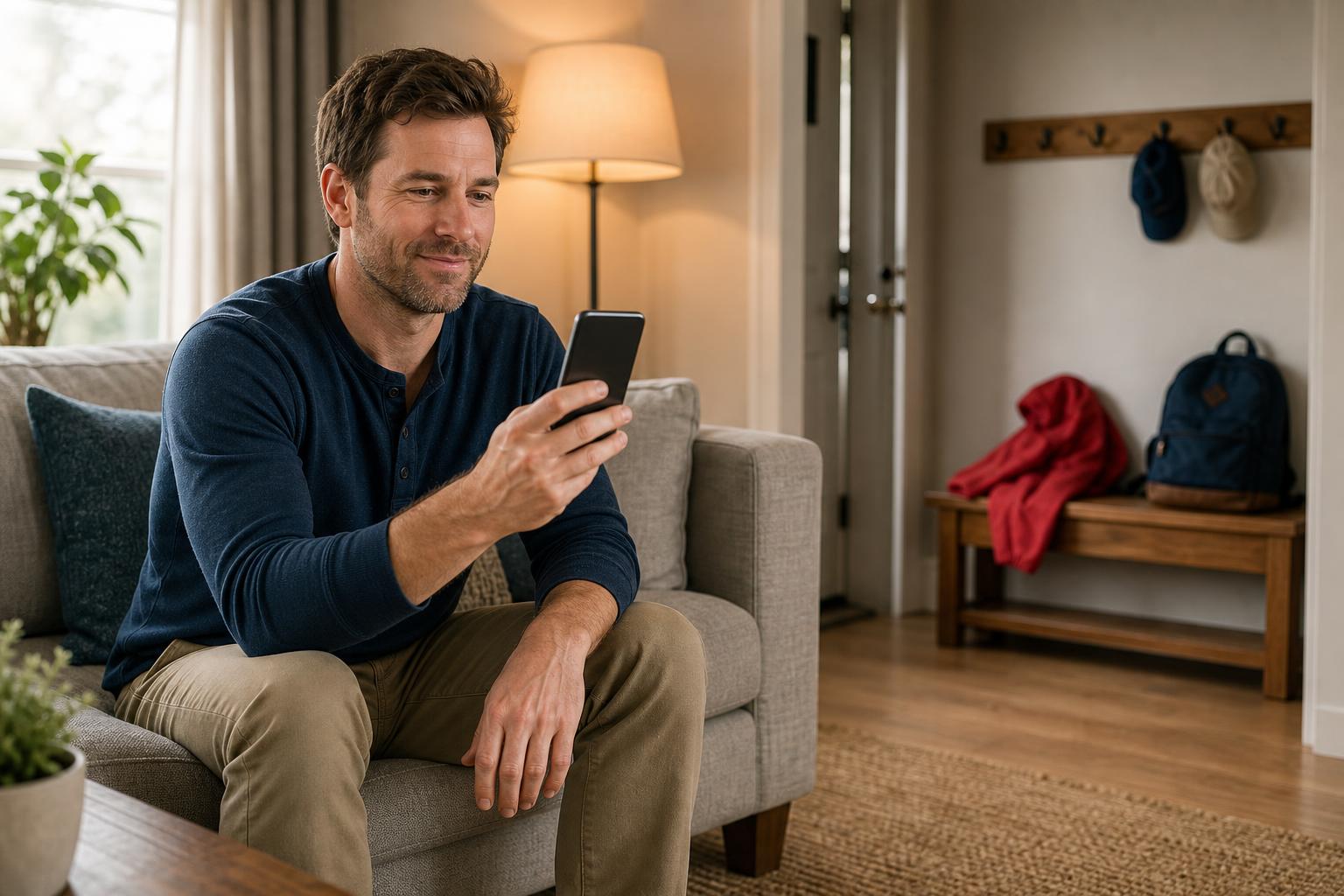
Imagine your kids getting home from school. Instead of worrying about them losing a house key, you can assign them a simple, memorable code. You'll get a notification on your phone the moment they use it, so you know they're home safe. No more rushing to make copies of keys.
The same goes for trusted service providers. You can create a temporary code for the dog walker or cleaning service that only works during their scheduled hours. Once the job is done, you can delete the code instantly from your app. It's total control without the hassle of coordinating key handoffs.
For Airbnb Hosts and Rental Property Managers
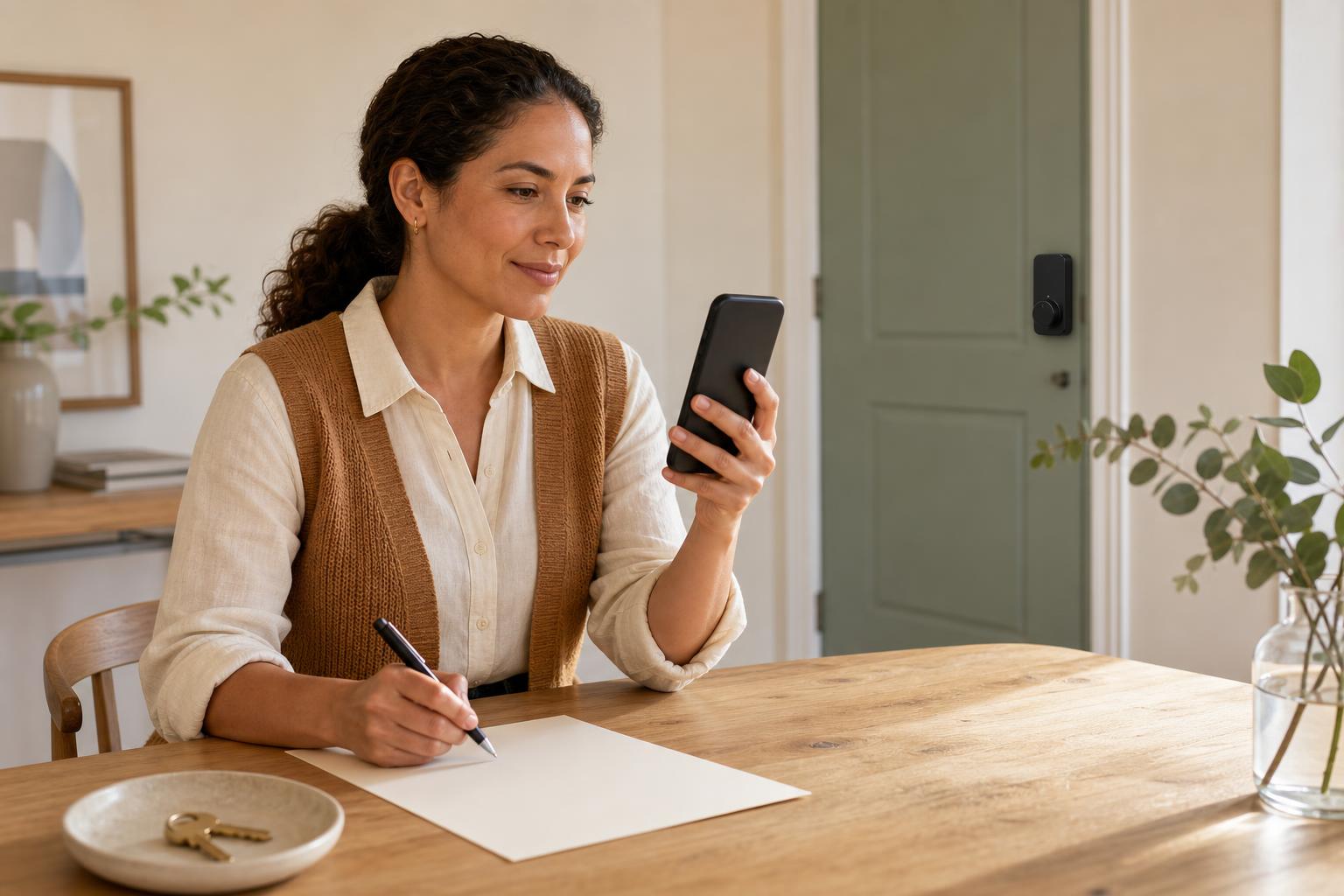
For anyone managing a rental property, a keypad front door lock is a must-have. You can generate a unique access code for each guest and send it to them before they arrive, enabling a smooth, contactless check-in process. The code can be programmed to activate at check-in time and expire automatically at checkout.
This eliminates the risk of guests copying keys or failing to return them. Plus, you can check the lock's activity log from your phone to confirm when guests have checked out or when cleaning crews have entered. It adds a layer of security and efficiency that both you and your guests will appreciate.
For the Peace of Mind Seeker
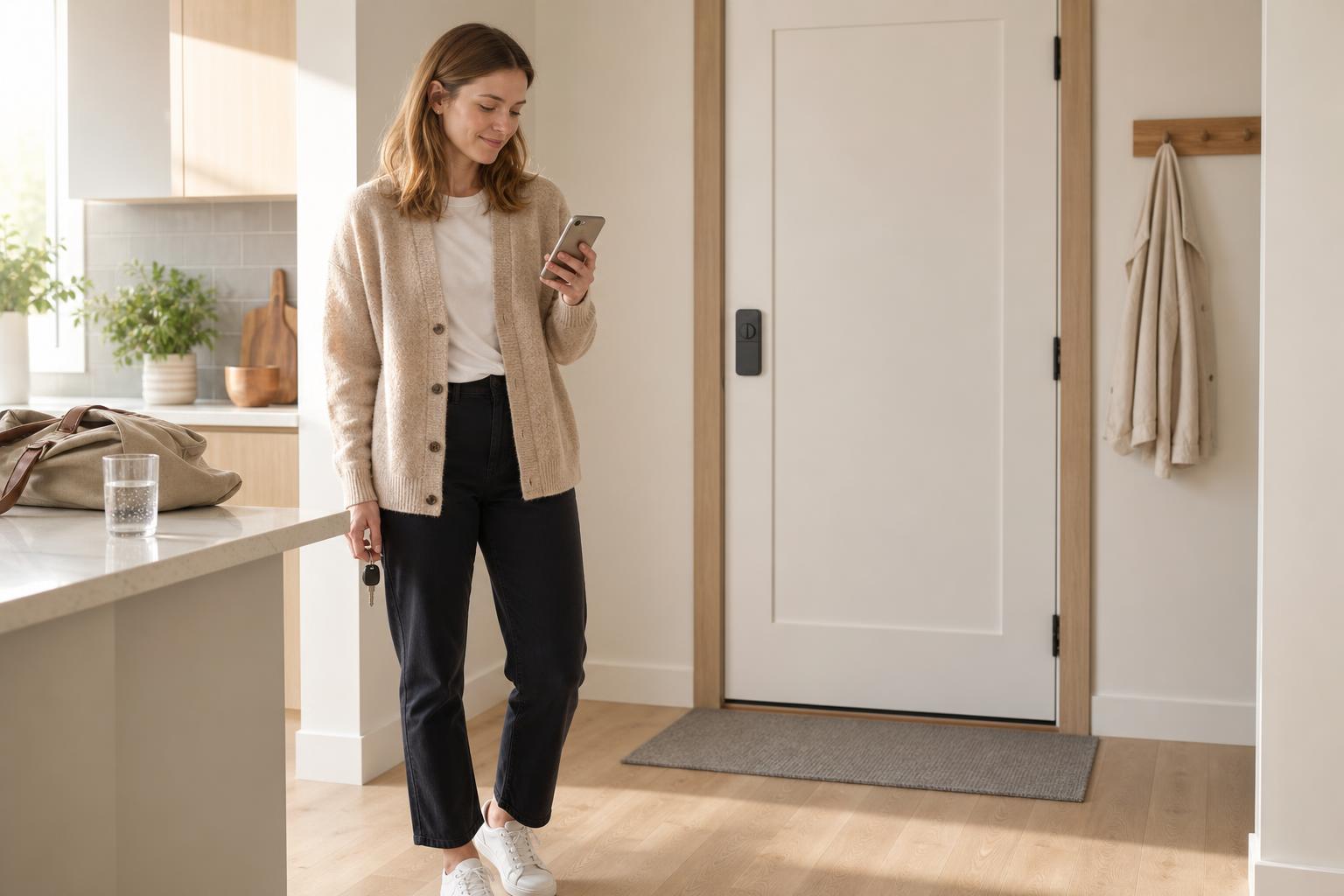
We've all had that moment of panic: you're halfway to work and suddenly wonder, "Did I lock the front door?" An app controlled home lock with an auto-lock feature makes that anxiety a thing of the past. You can set your door to lock automatically anywhere from 30 seconds to several minutes after it's closed.
Even better, if you're ever in doubt, you can just open the app and check the door's status from anywhere. If it's unlocked, you can lock it with a single tap. This simple feature provides an incredible sense of security and frees you from ever having to turn the car around to double-check again.
Answering Your Top Questions About Keyless Entry Locks
Switching to a keyless system can bring up a few questions. Here are direct answers to some of the most common concerns homeowners have when considering a home keyless deadbolt.
What happens if the battery on my keyless lock dies?
Don't worry, you won't be locked out. Most locks give you plenty of warning with app notifications or a blinking light. If the batteries do die completely, nearly all models have a backup plan. Some have a 9V battery terminal on the bottom for emergency power, while others use a USB-C port. And every good smart lock includes a traditional key as a final failsafe.
Are keypad front door locks secure and can they be hacked?
Reputable brands use high-level encryption, like AES 128-bit or 256-bit, to protect their wireless signals. Features like anti-peep keypads also prevent shoulder-surfing. While any connected device has a theoretical risk of being hacked, it's far more difficult than a physical break-in. It's often easier for a burglar to break a window than to hack a high-quality smart lock.
Do I need a smart home hub to use an app controlled home lock?
It depends on the lock. Models with built-in Wi-Fi, like the Schlage Encode Plus, connect directly to your home's network and don't require a hub for remote access. Locks that use Z-Wave or Zigbee do require a compatible smart home hub (like a Ring Alarm or SmartThings hub) to connect to the internet.
How difficult is it to install a keyless deadbolt myself?
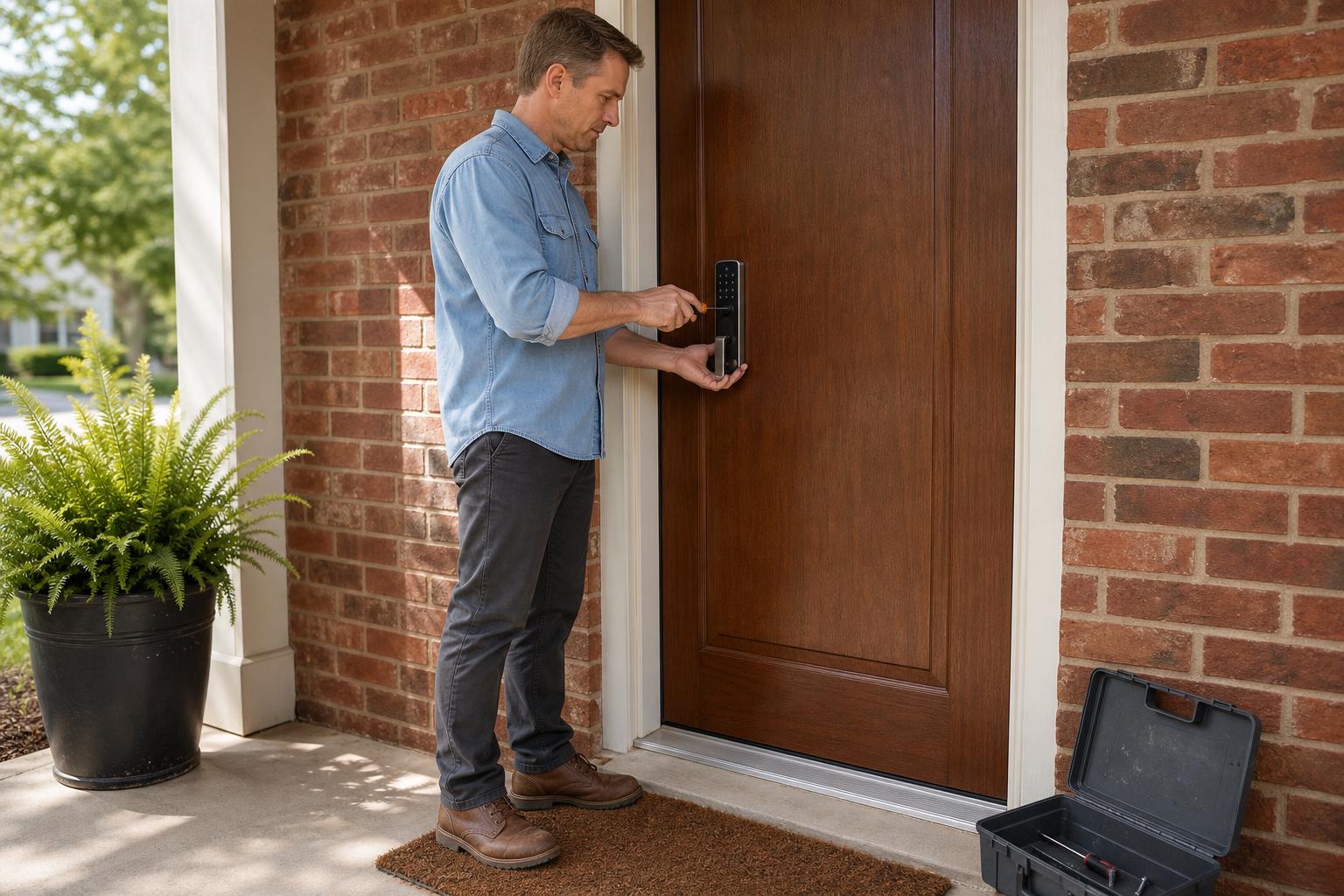
Most modern keyless locks are designed for easy DIY installation. If you're replacing an existing deadbolt, you typically only need a Phillips head screwdriver and about 30 minutes. Manufacturers provide detailed instructions, and many offer video tutorials. For more help, you can also check out our detailed installation guides.
Will my smart lock work during a power or Wi-Fi outage?
Yes. Your lock is powered by internal batteries, so a power outage won't affect it. If your Wi-Fi goes down, you'll lose remote access and the ability to get notifications. However, all local entry methods—like the keypad, fingerprint scanner, and Bluetooth app control—will continue to function normally.
Can keyless locks withstand extreme weather like rain or cold?
Most outdoor-facing smart locks come with an IP rating that certifies their resistance to dust and water. They are built to handle typical weather conditions. However, user reviews suggest that extreme cold can sometimes affect the reliability of fingerprint scanners and may drain batteries faster than usual. It's wise to check user feedback for your specific climate.
The Final Verdict: How to Choose the Right Lock for Your Front Door
Ultimately, there is no single best keyless entry door lock for every home. The right choice is the one that best fits your specific needs and lifestyle. To make your final decision, come back to three core questions: Which smart home ecosystem do you use? What is your preferred way to unlock the door? And how comfortable are you with installation and maintenance?
By focusing on how a lock will solve your daily challenges—whether that's managing rental access, letting the kids in, or just getting peace of mind—you'll find the perfect match. A great keyless lock should make your life simpler and more secure without adding complexity.
Ready to upgrade your home's security and convenience? Explore reliable keyless entry solutions that offer a full range of features without hidden fees or complications.


